Mastering the Computer Cursor
Mouse Basics
Meet the Mouse
A computer mouse is a handheld tool that lets you point to, select, and interact with items on your screen. It's one of the primary ways to communicate with your computer. Most mice are designed to fit comfortably under your hand.
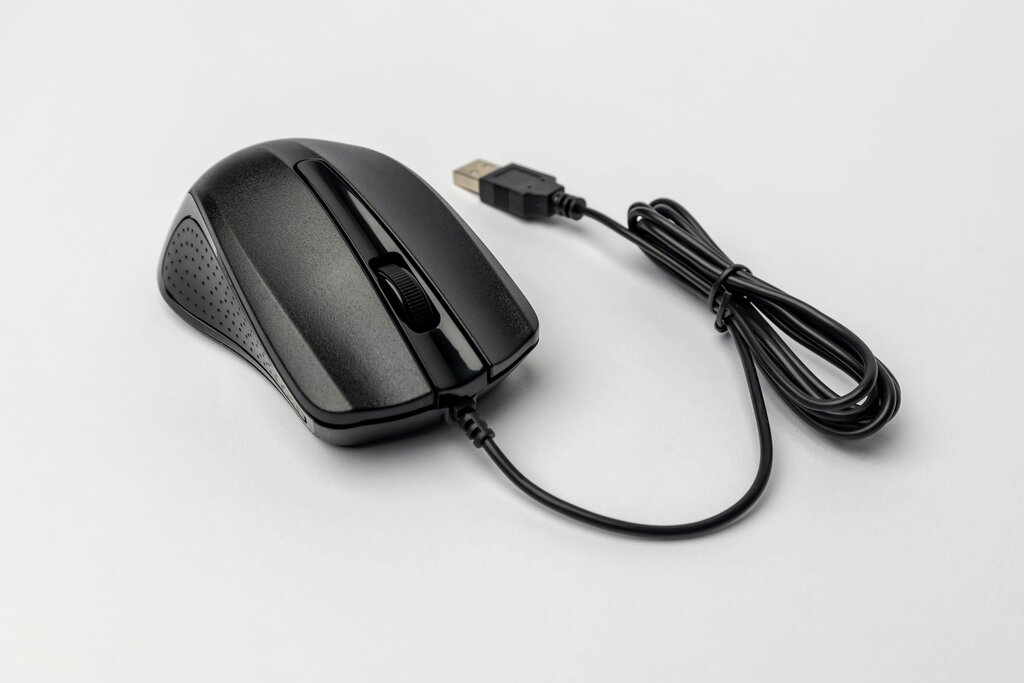
Let's break down its main parts. You'll see two primary buttons, one on the left and one on the right. Between them, there's often a small wheel you can spin with your finger, called the scroll wheel. The entire device rests on your desk or a mousepad and detects when you move it.
Pointing and Clicking
When you slide the mouse across your desk, you'll see a small arrow or pointer move in the same direction on your screen. This is the cursor. It shows you where you're pointing. By moving the mouse, you guide the cursor to different parts of the screen, hovering over icons, text, and buttons.

The most common action is the left-click. When you press and release the left button, you are "clicking." This is how you select things. Want to open a program? Click its icon. Need to press a digital button? Click it. Clicking is the fundamental way to tell the computer what you want to do.
Left-clicking is your main tool for selecting and interacting with items on the screen.
The right button works differently. A right-click usually opens a special menu with extra options related to what you clicked on. For example, right-clicking on a file might bring up a menu with choices like "Copy," "Rename," or "Delete."
Scrolling Through Content
The scroll wheel is for navigation. When you're looking at a long webpage or document, you can't see all of it at once. By rolling the scroll wheel with your finger, you can move the page up or down without having to move the cursor.
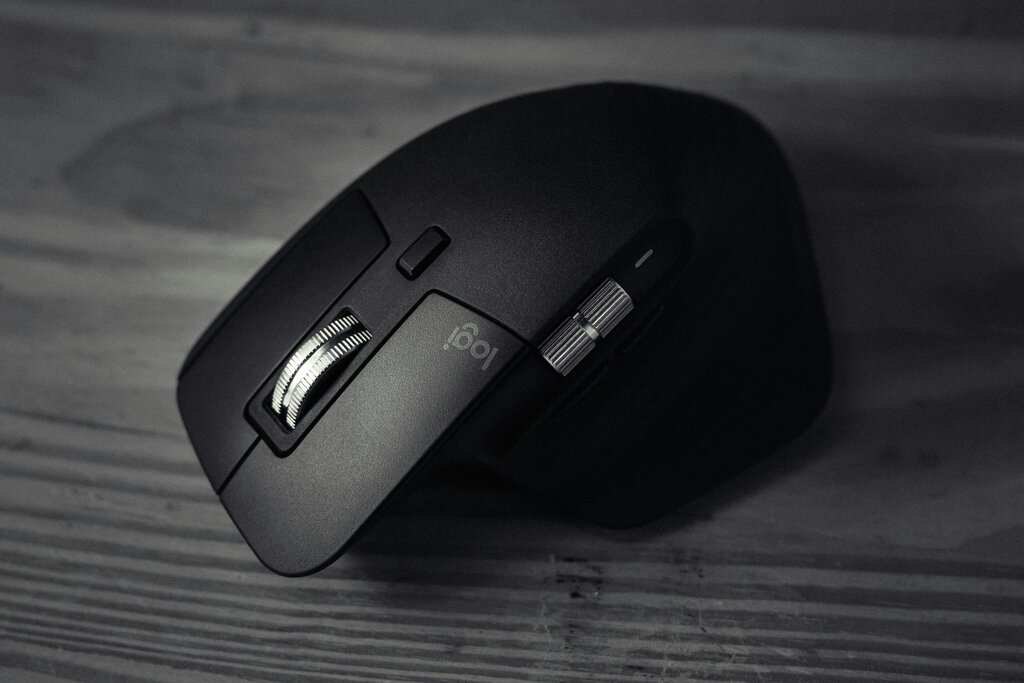
Rolling the wheel away from you typically scrolls down, while rolling it toward you scrolls up. This simple tool makes it easy to read long articles or browse websites. Some scroll wheels can also be pressed down like a button, which often provides another function, like opening a link in a new tab.
What is the primary function of a computer mouse?
Which action is most commonly used to select an icon or press a button on your screen?