Mastering the C Programming Language
Introduction to C
A Quick History of C
The C programming language was born in the early 1970s at Bell Labs, created by a computer scientist named Dennis Ritchie. It wasn't built from scratch; it was an evolution of a previous language called 'B'. The main goal was to create a practical language for a very specific, complex project: writing the Unix operating system. C turned out to be so effective that it quickly spread beyond Bell Labs.
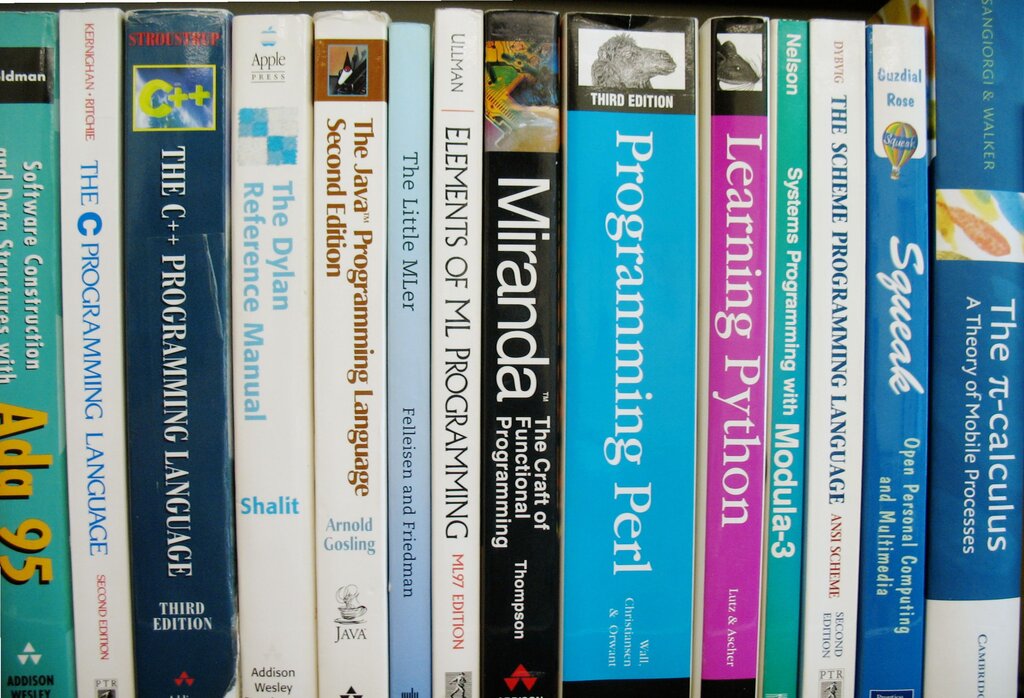
C's influence is hard to overstate. It became a blueprint for many other popular languages. If you've ever heard of C++, Java, C#, or Python, you're looking at languages that borrowed heavily from C's ideas and structure. Learning C is like learning the Latin of programming languages; it helps you understand the roots of modern software development.
What Makes C Special?
C is often called a "middle-level" language. This doesn't mean it's average. It means C bridges the gap between high-level languages (which are very human-readable, like Python) and low-level languages (like assembly, which speaks directly to the computer's hardware).
This middle ground gives C some powerful characteristics:
-
Speed and Efficiency: C code compiles into very fast machine code because it's so close to the hardware. This is why it's used for performance-critical tasks, like in operating systems, game engines, and embedded systems (the tiny computers inside your car or microwave).
-
Memory Control: C gives the programmer direct control over the computer's memory. This is a double-edged sword: it allows for highly optimized programs, but it also means the programmer is responsible for managing memory correctly.
-
Portability: A program written in C can be compiled and run on different types of computers with minimal changes. The same C code can work on a Windows PC, a Mac, or a Linux server.
C gives programmers a unique combination of power, speed, and direct control over the computer's hardware.
Your First C Program
Before you can write code, you need a C development environment. This consists of two main tools:
- A text editor to write your source code. This can be a simple program like Notepad or a more advanced one like VS Code or Sublime Text.
- A C compiler to translate your human-readable source code into machine-readable code that the computer can execute. A very common compiler is GCC (GNU Compiler Collection), which is free and available for most operating systems.
Many developers use an Integrated Development Environment (IDE) like Code::Blocks or Visual Studio. An IDE bundles a text editor, compiler, and other helpful tools into a single application, which can make the process much smoother.
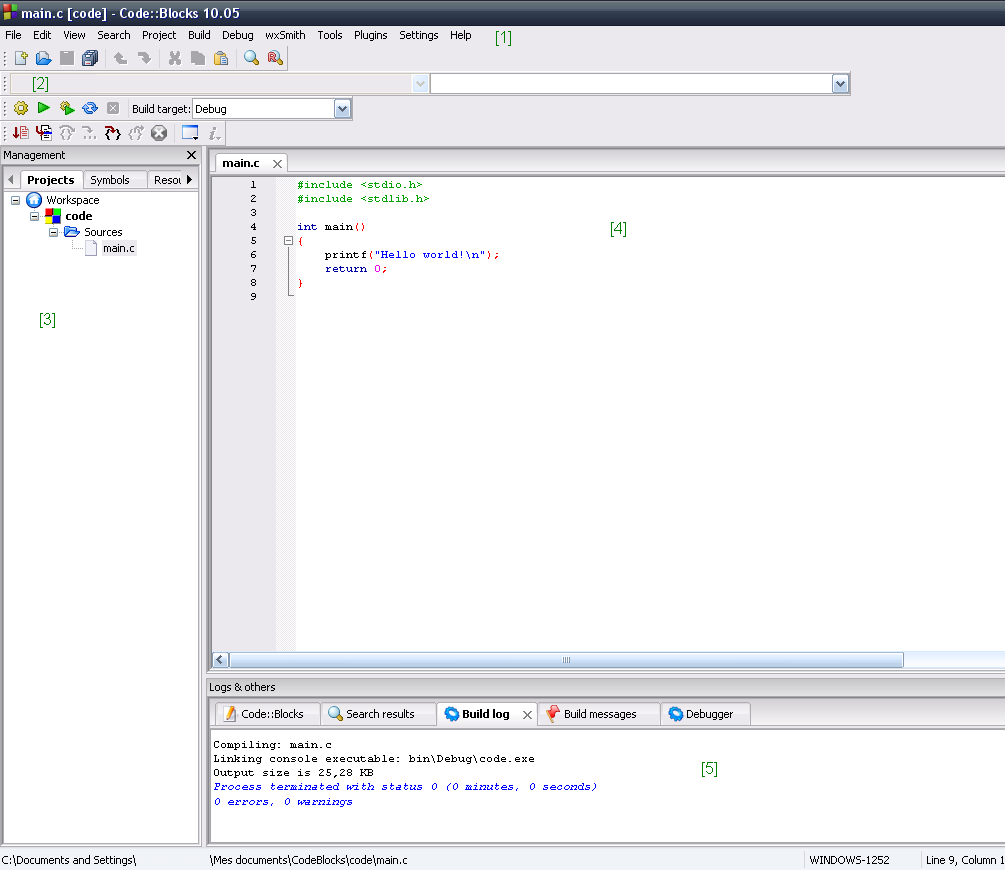
Let's look at the traditional first program for any language: "Hello, World!". This simple program just prints the text "Hello, World!" to the screen.
#include <stdio.h>

// This is the main function where the program starts.
int main() {
    // Print the text to the screen.
    printf("Hello, World!\n");

    // Tell the operating system the program finished successfully.
    return 0;
}
Let's break this down piece by piece:
-
#include <stdio.h>: This line is a preprocessor directive. It tells the compiler to include the "standard input-output" library. This library contains functions we need, likeprintf()for printing text. -
int main(): This is the main function. Every C program must have amainfunction. It's the starting point of your program; execution always begins here. -
printf("Hello, World!\n");: This is the line that does the work. It calls theprintffunction to print the text inside the quotation marks. The\nis a special character that means "new line," so the cursor moves to the next line after printing. -
return 0;: This line ends themainfunction. It sends a value of 0 back to the operating system, which is a standard way of saying "the program ran without any errors."
Compiling and Running
Once you've saved your code in a file (let's call it hello.c), you can't just "run" it. You first need to compile it.
If you're using a command line with the GCC compiler, the process looks like this:
- Compile: Open a terminal or command prompt, navigate to the directory where you saved your file, and type the following command:
gcc hello.c -o hello
This command tells GCC to take the source file hello.c and create an executable file named hello (the -o stands for output).
- Run: If there are no errors, you will now have a new executable file. To run it, you just type its name:
./hello
The computer will then execute the compiled code, and you will see Hello, World! printed in your terminal. If you're using an IDE, there is usually a "Build" or "Run" button that handles both of these steps for you automatically.
Time to check your understanding.
Who created the C programming language, and for what initial, major project?
Why is C referred to as a "middle-level" language?
Congratulations on taking your first step into C programming! You've learned about its origins, its core strengths, and how to bring a simple program to life.