Mastering Replit AI Builder
Introduction to Replit AI Builder
Build Apps by Talking to an AI
Traditionally, creating a software application required deep knowledge of programming languages, tools, and servers. You had to write every line of code yourself. Replit's AI Builder changes that. It's a platform where you can describe the app you want to build in plain English, and an AI will generate the code for you.
Think of it as having a conversation with a skilled software engineer who instantly turns your ideas into a functional application.
This all happens within the Replit environment, which is a complete, cloud-based workspace that runs in your web browser. There's no software to install or configure. You can start building from any computer, tablet, or even your phone, and your projects are always saved and accessible.
How It Works
The AI Builder simplifies app creation by handling the most complex parts of the process. It's built on three core features that work together seamlessly.
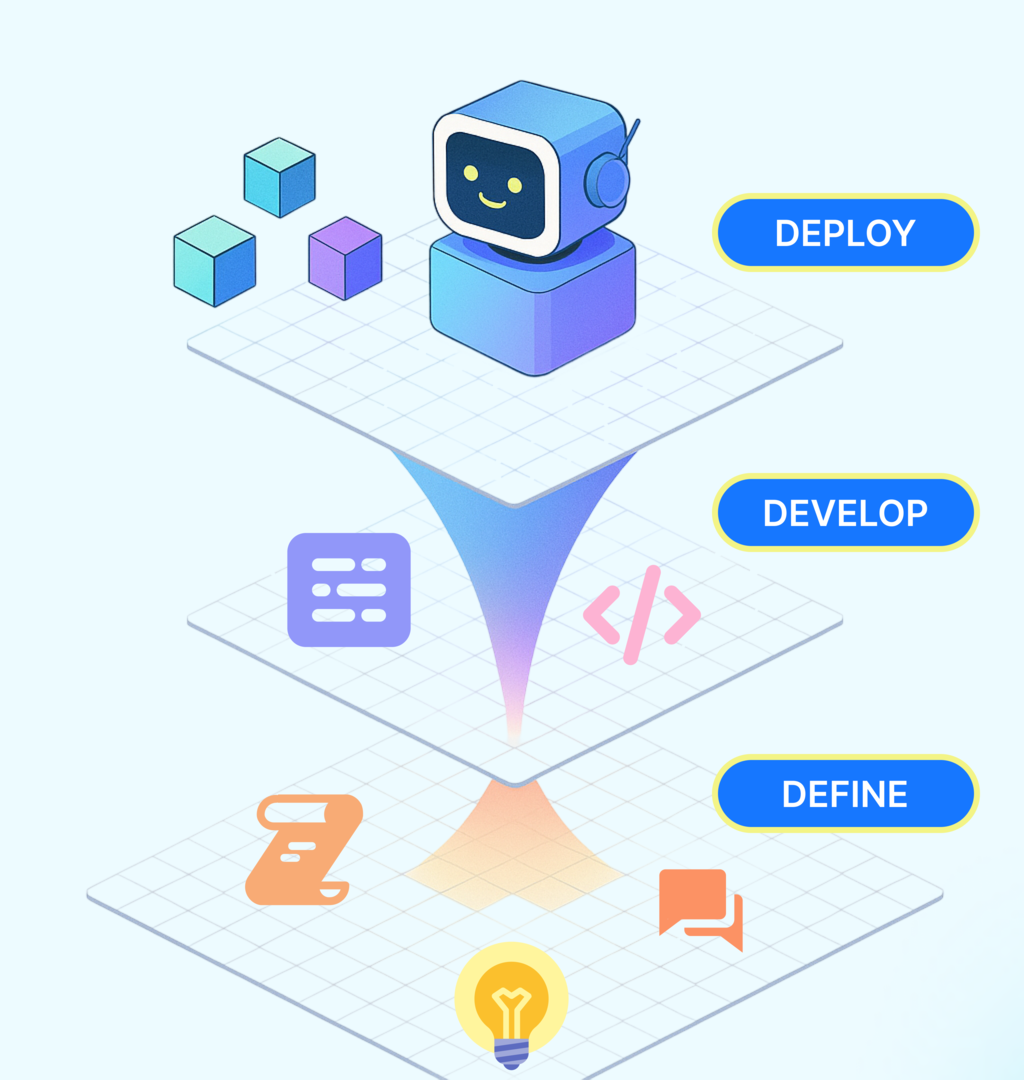
AI-Driven Code Generation: This is the main engine. You provide a prompt describing your app—for example, "a to-do list where I can add and remove tasks"—and the AI writes the necessary HTML, CSS, and JavaScript or Python code. It builds the structure, style, and logic of your application based on your words.
Integrated Databases: Most apps need to store information, like user profiles, saved items, or game scores. The AI Builder automatically sets up and connects a database for you. You don't need to worry about database management; you can just tell the AI, "save the user's high score," and it handles the rest.
One-Click Deployment: Once your app is ready, making it live on the internet is as simple as clicking a button. The AI Builder takes care of all the server configuration and hosting. Your project gets a unique URL that you can share with anyone, instantly.
Work Together in Real Time
The Replit environment is also built for collaboration. You can invite others into your project and work on it at the same time. Everyone can see each other's cursors and type in real time, much like a Google Doc. This makes it easy to build with a team, get help from a friend, or teach someone how to code. You can work together to refine prompts for the AI, edit the generated code, and test the final application.
What is the primary way you instruct Replit's AI Builder to create an application?
If your application needs to store user data, how does the AI Builder handle the database?
This combination of AI assistance, a cloud-based workspace, and collaborative tools makes building software more accessible than ever before.