Mastering Remote Meetings
Understanding Remote Meetings
What Are Remote Meetings?
A remote meeting is a get-together where participants aren't in the same physical room. Instead, they connect using technology. Think video calls, audio conferences, or even just a shared chat window. For a long time, these were a niche part of business, but now they're a cornerstone of how work gets done.
More than just a backup plan, remote meetings are the primary way many teams collaborate. They allow companies to hire talent from anywhere in the world and give employees the flexibility to work from home. When you can connect with colleagues across different cities and time zones with a single click, distance becomes less of an obstacle.

The Good and The Bad
Virtual meetings come with clear advantages. The most obvious is flexibility. You can join from your home office, a coffee shop, or even a different country. This saves a huge amount of time and money that would otherwise be spent on travel. It also opens the door to greater inclusivity, allowing people with different accessibility needs or caregiving responsibilities to participate fully.
Another key benefit is the ability to record sessions. If someone can't make it or you need to review a key decision, you can just play back the recording. This creates a valuable archive of information.
Remote meetings connect talent across the globe, saving time and money while offering unprecedented flexibility.
Of course, it's not all perfect. Remote meetings introduce their own set of hurdles that in-person gatherings don't have.
However, remote meetings can also pose some challenges, such as technical issues, distractions, lack of engagement, and unclear expectations.
Technical glitches are a common frustration. A poor internet connection, a microphone that won't work, or software that needs updating can bring a meeting to a halt. Distractions are another big one. It's easy for participants to get sidetracked by emails, pets, or household chores.
Finally, there's the human element. It can be harder to read body language and build personal rapport through a screen. This can lead to miscommunication or a feeling of disconnection, sometimes called "Zoom fatigue."
Tools of the Trade
A wide variety of platforms exist to host remote meetings, each with a slightly different focus. Most share a core set of features: video and audio streaming, screen sharing, and text-based chat. Some are standalone apps, while others are integrated into larger collaboration suites.
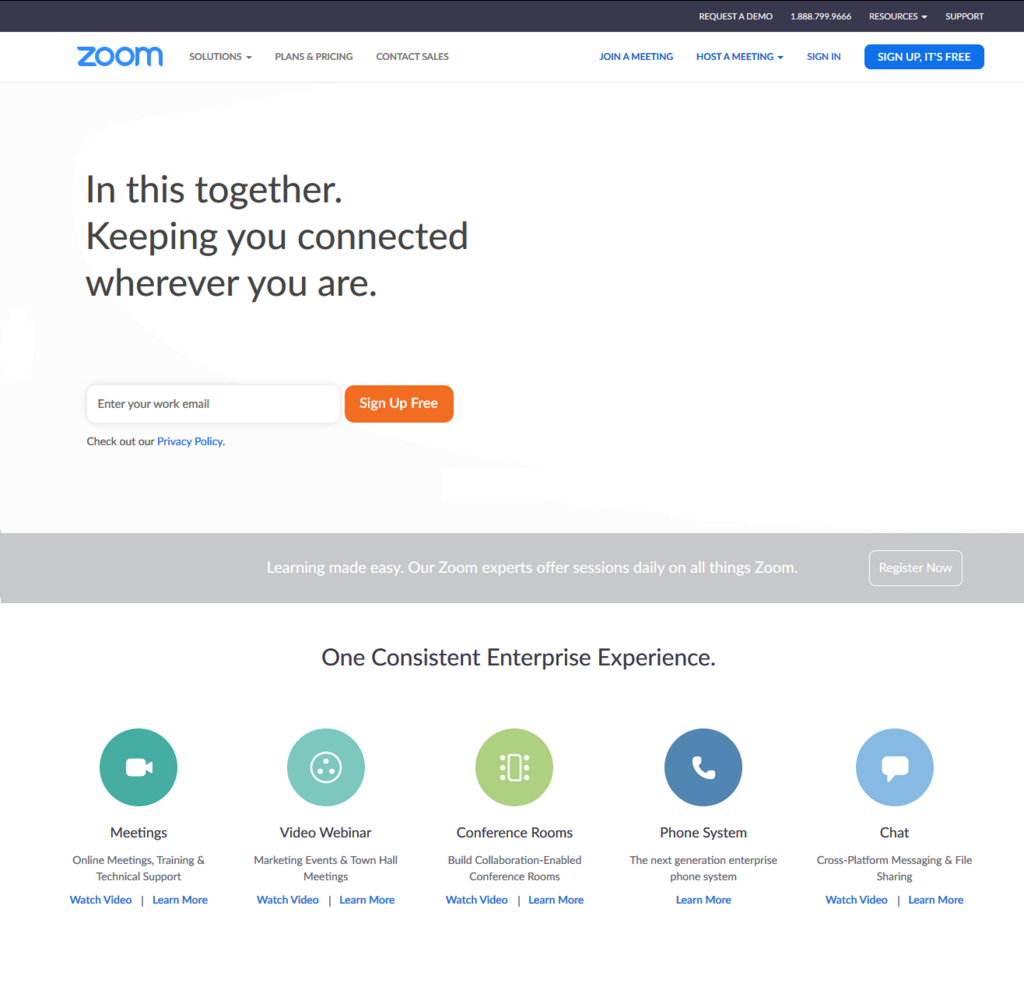
You'll likely encounter tools like Zoom, Google Meet, and Microsoft Teams. They are all designed for live, synchronous meetings where everyone gathers at the same time. Others, like Slack, are built for ongoing team communication but also include features for quick video or audio huddles.
Here's a quick look at what some of the major players offer.
| Platform | Best For | Key Features |
|---|---|---|
| Zoom | Large meetings & webinars | Breakout rooms, polling, robust recording |
| Google Meet | Teams in the Google ecosystem | Integration with Calendar & Gmail, live captions |
| Microsoft Teams | Organizations using Microsoft 365 | Deep integration with Office apps, persistent chat |
| Slack | Quick, informal team check-ins | Huddles, channel-based organization, app integrations |
Choosing the right tool often depends on your team's size, existing software, and the specific goals of your meeting. The key is understanding that these platforms are just a means to an end. An effective remote meeting depends less on the specific app and more on how you plan and run it.
What is the primary way many modern teams collaborate, according to the text?
Which of the following is identified as a major advantage of virtual meetings?