Mastering Pythonic Development
Control Flow Patterns
Beyond Basic Loops
You're already familiar with using for and while loops to repeat tasks. But Python offers more nuanced tools to control exactly how and when these loops terminate. Let's explore a few patterns that can make your code cleaner, more efficient, and easier to read.
The Unbroken Loop
Both for and while loops in Python can have an else clause. This might seem strange at first, but it's incredibly useful. The else block executes only if the loop completes its entire sequence without being interrupted by a break statement.
Think of it as a success condition. If the loop finishes its job naturally, the else block runs. If it's forced to stop early, the else block is skipped. This is perfect for search operations where you need to do something only if the target isn't found.
For example, let's check if a number is prime. We can loop through potential divisors. If we find one, we break because the number isn't prime. If the loop finishes without a break, we know it's prime, and the else clause is our signal. The design of this feature is often attributed to Guido van Rossum's early influences.
def is_prime(num):
    if num < 2:
        return False
    # Loop through potential factors
    for i in range(2, int(num**0.5) + 1):
        if num % i == 0:
            print(f"{num} is not a prime number.")
            break # Exit the loop early
    else:
        # This block only runs if the loop completes without a 'break'
        print(f"{num} is a prime number.")

is_prime(13)
# Output: 13 is a prime number.

is_prime(12)
# Output: 12 is not a prime number.```
The Walrus Operator
Introduced in Python 3.8, the assignment expression operator := lets you assign a value to a variable as part of a larger expression. It's nicknamed the because := looks a bit like a walrus on its side.
Its main purpose is to simplify code where you need to compute a value and then immediately check it in a condition, like a while loop or if statement. It helps avoid redundant calculations or extra lines of code.
Consider a common pattern where you process items from a list until you hit a specific value. The walrus operator can make the loop condition much more compact.
items = ["apple", "banana", "stop", "cherry"]

# --- Old way ---
it = iter(items)
item = next(it, 'stop')
while item != 'stop':
    print(f"Processing {item}")
    item = next(it, 'stop')

print("\n-- With the walrus operator --")
# --- New way ---
it = iter(items)
while (item := next(it, 'stop')) != 'stop':
    print(f"Processing {item}")
The parentheses around the assignment expression
(item := ...)are often required to separate it from the rest of the statement.
Flattening Your Logic
Deeply nested if-else statements can be difficult to follow. This is sometimes called "arrow code" because the indentation forms a triangle shape. A great way to simplify this is by using and early returns.
A guard clause is a conditional check at the beginning of a function that exits early if a condition isn't met. This flattens the logic by handling edge cases or invalid inputs upfront, leaving the main body of the function clean and un-indented.
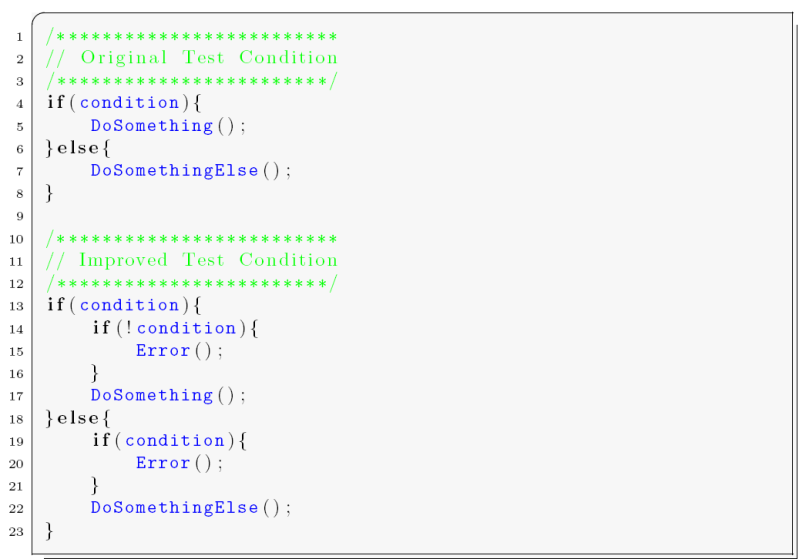
Let's refactor a function that validates a user's permissions.
# --- Nested Logic (Arrow Code) ---
def has_access_nested(user):
    if user:
        if user['is_active']:
            if user['role'] == 'admin':
                return True
            else:
                return False
        else:
            return False
    else:
        return False

# --- Flatter Logic with Guard Clauses ---
def has_access_flat(user):
    if not user or not user['is_active']:
        return False # Early exit

    if user['role'] != 'admin':
        return False # Early exit

    # Main logic is now simple
    return True

user_admin = {'is_active': True, 'role': 'admin'}
user_inactive = {'is_active': False, 'role': 'admin'}

print(has_access_nested(user_admin))   # True
print(has_access_flat(user_admin))     # True

print(has_access_nested(user_inactive))# False
print(has_access_flat(user_inactive))  # False```
Finally, for simple assignments based on a condition, you can replace a full if-else block with a single line using a conditional expression, also known as a ternary operator.
# Standard if-else block
score = 75
if score >= 60:
    result = 'pass'
else:
    result = 'fail'

# Using a conditional expression
result_ternary = 'pass' if score >= 60 else 'fail'

print(result)
print(result_ternary)
# Both will print 'pass'```
In a Python for or while loop, under what condition does the associated else block execute?
What is the common nickname for the assignment expression operator := introduced in Python 3.8?
Mastering these patterns will help you write Python code that is not only functional but also elegant and maintainable.