Mastering PowerPoint Presentation Types
Introduction to PowerPoint Presentations
What's a Presentation For?
A presentation is a tool for communication. Think of it as a structured conversation where you guide an audience through an idea. Whether you're in a classroom, a boardroom, or a conference hall, the goal is the same: to share information clearly and effectively.
PowerPoint and other similar tools give you a visual aid to support your message. They help organize your thoughts and give your audience something to look at besides you. But the slides themselves aren't the main event. You are. The presentation is the story you tell, and the slides are just your props.
A presentation isn't about reading slides aloud. It's about connecting with your audience and delivering a message that sticks.
The Building Blocks
Every presentation is built from a few core components. The most basic of these is the slide.
Slide
noun
A single page of a presentation. It serves as a canvas for displaying information.
Slides are where you combine different elements to get your point across. These elements typically include:
- Text: This is your primary way to convey information in writing. It can be titles, bullet points, or short descriptions. The key is to keep it brief. Use text for key phrases, not long paragraphs.
- Images: A picture can often explain a concept faster than words can. Photos, charts, and diagrams make your presentation more engaging and easier to understand.
- Multimedia: This category includes audio clips and videos. Used sparingly, they can add a dynamic layer to your presentation and break up the monotony of static slides.
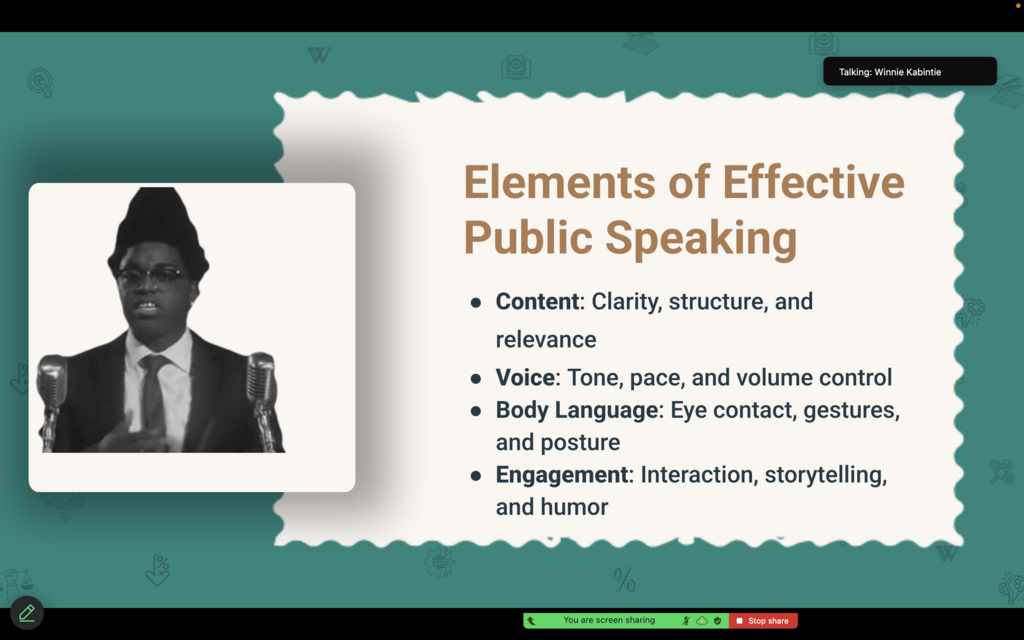
These building blocks work together to create a cohesive narrative. Your job as the presenter is to arrange them in a way that tells a clear and compelling story.
Know Your Audience
Before you create a single slide, the most important thing you can do is think about your audience. Who are you talking to? What do they care about? Presenting is like telling a joke: if you don't know your audience, it's not going to land.
A presentation for a group of experts will look very different from one for total beginners. A pitch to potential investors requires a different tone than a project update for your team.
Understanding your audience is the cornerstone of an effective presentation.
To get a handle on your audience, ask yourself a few simple questions:
- Who are they? Are they students, colleagues, clients, or the general public?
- What do they already know? Avoid boring them with basics they've already mastered or confusing them with jargon they've never heard.
- What do they need to know? Focus your message on the information that is most valuable and relevant to them.
- Why are they here? People are giving you their time. Make it worth their while by answering the unspoken question in every audience member's mind: "What's in this for me?"
Understanding your audience shapes every decision you'll make, from the content you include to the way you design your slides. Now, let's test what you've learned about these fundamentals.
What is the primary goal of a presentation?
In a presentation, the slides are the main event and the speaker is secondary.
With these basics in mind, you have a solid foundation for building presentations that inform, persuade, and engage.