Mastering Photo Editing Workflows
RAW Workflow Advantages
Unlocking Your Photo's Full Potential
Every time you press the shutter button, your camera's sensor captures an enormous amount of light and color information. What happens next depends on the file format you choose: JPEG or RAW.
Think of a JPEG as a printed photograph. It’s processed, compressed, and ready to share. Convenient, yes, but much of the original image data is discarded to keep the file size small. A RAW file, on the other hand, is like a digital negative. It holds all the unprocessed, uncompressed data from the sensor, giving you maximum flexibility in post-processing.
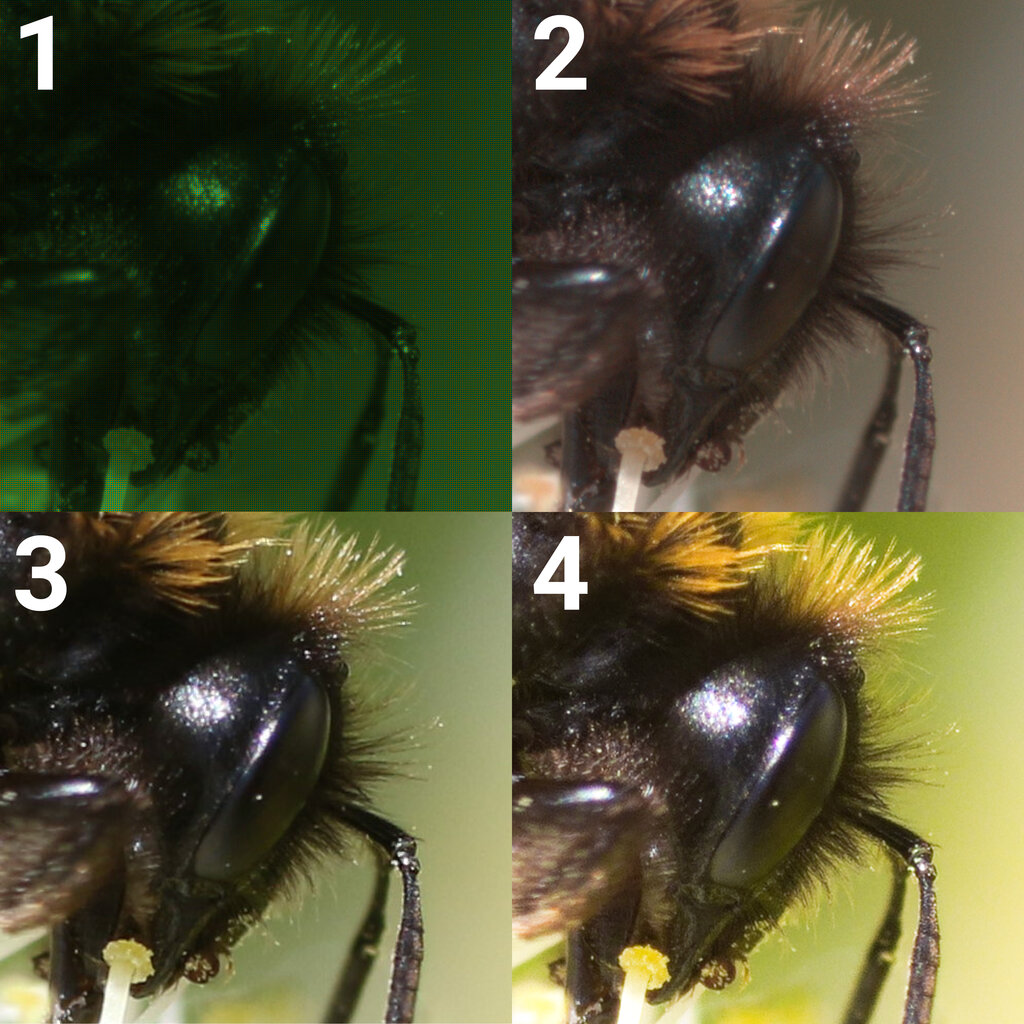
The Power of More Data
The main difference between RAW and JPEG comes down to bit depth. This determines how many tones are available for each color. A typical JPEG is an 8-bit file, meaning it can record 256 different shades for each of the red, green, and blue color channels. This gives you about 16.7 million possible colors.
A 12-bit RAW file, however, captures 4,096 shades per channel, resulting in over 68 billion colors. A 14-bit RAW file? A staggering 4.4 trillion. This extra color information gives you much smoother tonal transitions and gradients, preventing an effect known as "banding" where you can see distinct steps between colors.
If you use your camera for more professional level photography — photos you edit in Photoshop or other photo editing software — you’ll want to turn on 'RAW copies.'
Wider Dynamic Range
Dynamic range is the range of light, from the darkest shadows to the brightest highlights, that a camera sensor can capture. Because a RAW file contains so much more data, it has a significantly wider dynamic range than a JPEG. This is your safety net for tricky lighting.
Imagine shooting a sunset. A JPEG might 'clip' the highlights, turning the brightest parts of the sky into a solid white block with no detail. It might also 'crush' the blacks, making the shadows a pure, detail-free black. A retains that information, allowing you to recover blown-out highlights and lift details from the shadows during editing.
With a RAW file, you have far more control over exposure, white balance, and color after the shot has been taken.
This extra latitude gives you enormous creative control. You can adjust the exposure and color temperature with far greater precision and without degrading the image quality, which often happens when you try to make big changes to a JPEG.
Non-Destructive Editing
Perhaps the most significant advantage of a RAW workflow is that it’s non-destructive. When you edit a JPEG, you are directly changing the pixels of the image. Each time you save it, it gets re-compressed, and you lose a little more quality. It's like making a photocopy of a photocopy.
With a RAW file, the original data is never altered. Instead, your edits are saved as a set of instructions in a separate file, often called a (like an XMP file), or within a catalog in your editing software. This means you can always go back to the original, unedited image at any time. The software that handles this process is known as a .
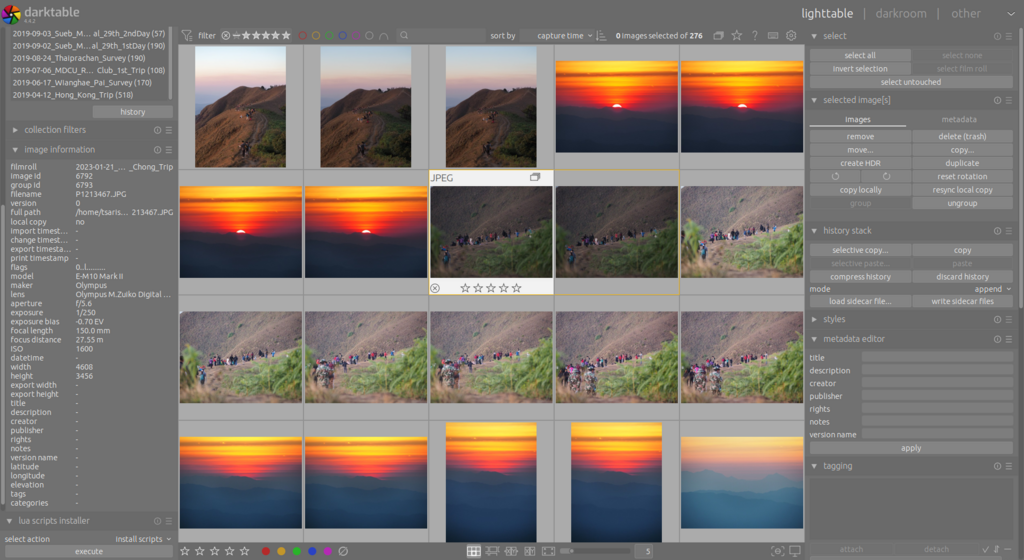
This non-destructive process is fundamental to professional photography. It allows for experimentation and refinement without ever risking the original data.
| Feature | JPEG | RAW |
|---|---|---|
| File Size | Small | Large (3-4x JPEG) |
| Bit Depth | 8-bit | 12, 14, or 16-bit |
| Dynamic Range | Limited | High |
| Editing Flexibility | Low | Very High |
| Best For | Sharing, web use | Professional editing, archiving |
Ultimately, the choice depends on your needs. For everyday snaps shared on social media, JPEG is perfectly fine. But for any image you care about, where you want the highest possible quality and complete creative control, RAW is the only way to go.