Mastering Pendo for Product Insights
Introduction to Pendo
Seeing Your Product Through Users' Eyes
Companies spend countless hours building software, apps, and websites. But once a product is launched, a huge question remains: are people actually using it the way it was designed? It's easy to make assumptions about which features are popular or where users get stuck. Without data, these are just guesses.
This is where a tool like Pendo comes in. Pendo is a product experience platform that helps you understand exactly how people interact with your software. Think of it as a set of tools that lets you watch, guide, and listen to your users directly inside your application. The goal is to replace guesswork with real insights, helping you build a better product.
The Pendo Toolkit
Pendo isn't just one single tool; it's a suite of features that work together. The platform is built on a small piece of code that you add to your website or application. Once installed, it starts collecting data and allows you to interact with your users without needing to write more code. Let's break down its three main components.
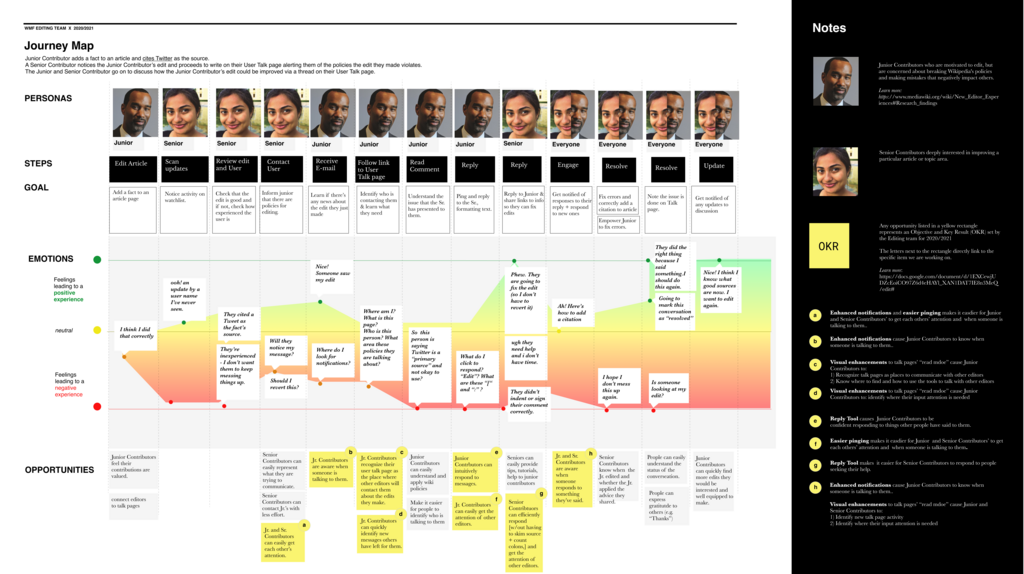
1. Analytics: What are users doing? Pendo's analytics tools track user behavior automatically. Every click, every page view, and every feature interaction is captured. This gives you a clear picture of what's happening inside your product.
You can answer questions like:
- Which features are the most popular?
- Which ones are being ignored?
- Where do users get stuck or drop off in a process, like signing up?
This data helps you focus your efforts on improving the parts of your product that matter most to users.
Analytics show you the 'what' and 'where' of user behavior, revealing the true user journey.
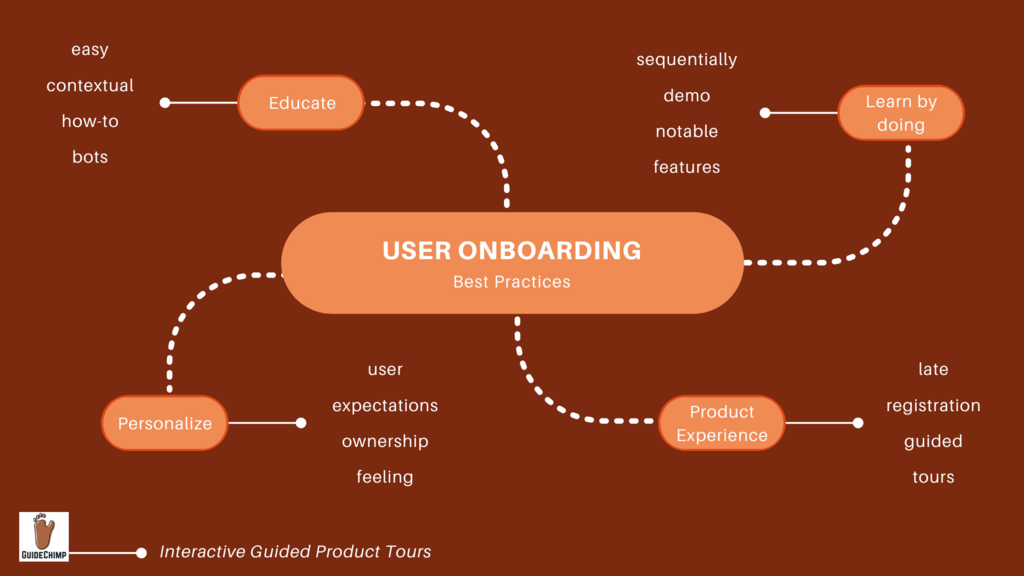
2. Guides: How can you help them? Once you know what users are doing, you can guide them toward success. Pendo's Guides allow you to create in-app messages, walkthroughs, and tooltips that appear to users right when they need them.
For example, you could create a guide to:
- Announce a new feature with a small pop-up.
- Show a new user how to complete a key task with a step-by-step tour.
- Provide a helpful hint when they hover over a complex button.
These guides are created with a visual editor, so you don't need a developer to launch them. It’s a powerful way to improve user onboarding and drive adoption of key features.
3. Feedback: What are users thinking? Analytics tell you what users do, but not why. Pendo's feedback tools help you collect qualitative insights directly from your users. You can create polls and surveys that appear inside your app to ask users what they think.
This lets you gather feature requests, measure customer satisfaction, and understand the reasoning behind their behavior. Combining this feedback with the quantitative data from analytics gives you a complete picture of the user experience.
Putting It All Together
The power of Pendo comes from combining these three components. You can use analytics to identify a feature that isn't being used, then deploy a guide to teach users how it works. Afterward, you can use a poll to ask if the guide was helpful.
By integrating directly into an application, Pendo provides a continuous loop of insight, guidance, and feedback. This helps teams make smarter decisions and build products that people truly want to use.
What is the primary goal of the Pendo platform?
A product team uses Pendo Analytics and discovers that a critical new feature is being ignored by most users. What is the most logical next step they could take using another Pendo component?
Understanding these core functions is the first step to leveraging a platform like Pendo to its full potential.