Mastering Password Managers
Understanding Password Security
Your First Line of Defense
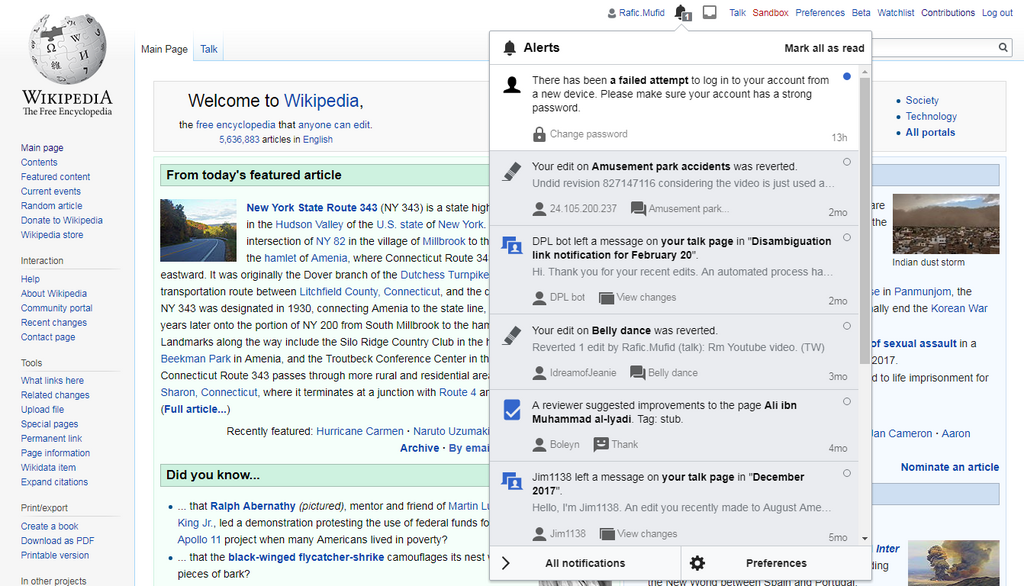
Your online accounts hold a lot of personal information, from your private messages to your financial details. Passwords are the keys that lock this information away. If someone gets your key, they can walk right in. This is why having a strong, unique password for every account is one of the most important steps you can take to protect yourself online.
Data breaches happen constantly. When a company you have an account with gets hacked, criminals often get their hands on a list of usernames and passwords. If you use that same password for other services, like your email or bank account, those accounts are now at risk, too. A weak password is like leaving your front door unlocked.
What Makes a Password Strong?
A strong password has three key ingredients: length, complexity, and uniqueness.
- Length: The longer, the better. Each character you add makes a password exponentially harder to crack. Aim for at least 12 characters, but more is always better.
- Complexity: Use a mix of uppercase letters, lowercase letters, numbers, and symbols (like !, @, or #).
- Uniqueness: Never reuse passwords across different websites. A breach on one site shouldn't compromise your other accounts.
Avoid using common words, sequential numbers like "12345," or personal information that's easy to guess, such as your birthday, pet's name, or anniversary.
Remembering dozens of long, complex, and unique passwords sounds impossible, right? This is where passphrases come in. A passphrase is a sequence of words that's easy for you to remember but difficult for a computer to guess. For example, a phrase like TealTurtleDancesAtMidnight is much stronger and more memorable than something like P@ssw0rd1!.
A Smarter Way to Manage Keys
The best way to handle all these unique, strong passwords is to use a password manager. Think of it as a secure digital vault that creates, stores, and even fills in your passwords for you. You only need to remember one strong password, the master password, to unlock your vault.
Password Manager
noun
A software application designed to store and manage online credentials. Password managers store passwords in an encrypted database, locked behind a single master password.
These tools can generate incredibly strong, random passwords for every new account you create. Since you don't have to remember them, they can be as long and complex as you want. When you need to log in, the password manager fills in the details automatically. It's both more convenient and far more secure than trying to juggle everything in your head.
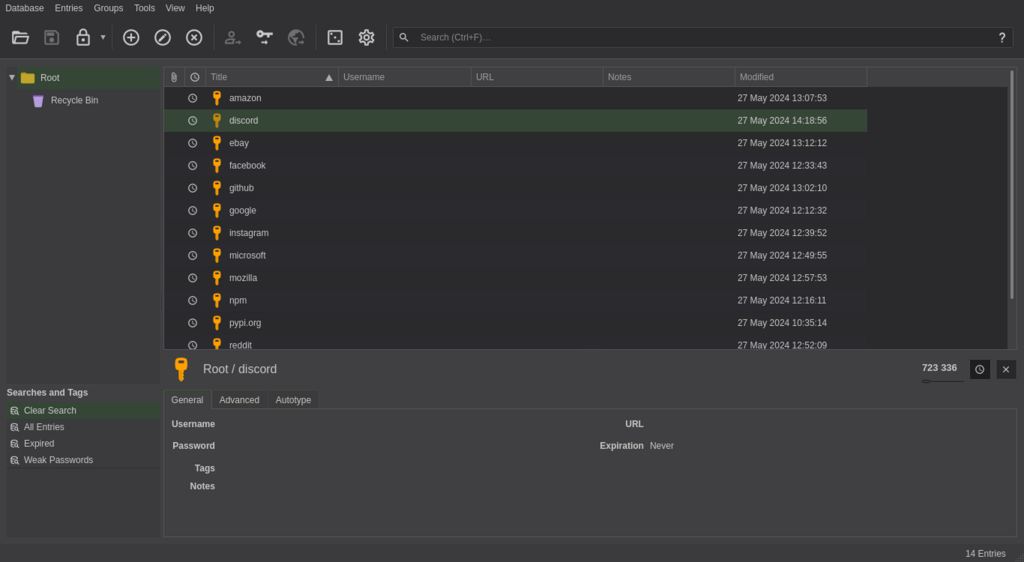
A password manager makes logging in easier since you don't need to remember your password, and more secure, as you're able to use long, random, and unique passwords across all your accounts.
Adding Another Lock
Even the strongest password can be stolen. That's why another layer of security, called multi-factor authentication (MFA), is so important. MFA requires you to provide two or more pieces of evidence to prove you are who you say you are. It's often called two-factor authentication, or 2FA.
This second factor is usually something you have, like your phone. After entering your password, a site might ask for a temporary code sent to you via text message or generated by an authenticator app. Even if a hacker steals your password, they can't get into your account without also having physical access to your phone.
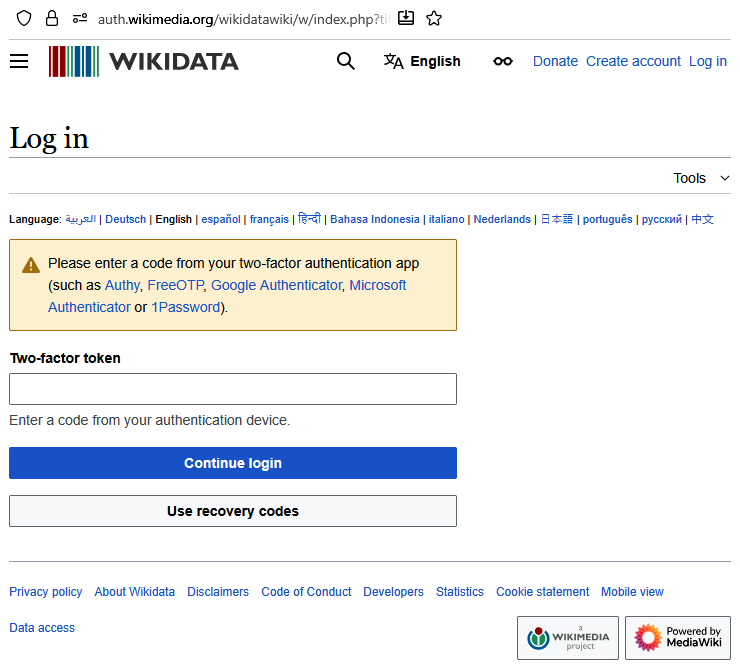
Enabling MFA wherever it's available is one of the single most effective things you can do to secure your online life. It turns a stolen password from a major crisis into a minor inconvenience.
Ready to check your understanding?
Why is it risky to reuse the same password for multiple online accounts?
According to security best practices, what are the three key ingredients of a strong password?
By using strong passwords, a password manager, and multi-factor authentication, you create a powerful defense system for your digital life.