Mastering Password Managers
Understanding Password Managers
Your Digital Keychain
Trying to remember dozens of unique, complex passwords is an impossible task. Writing them down on a sticky note is a security risk. Reusing the same password everywhere is even worse. This is the problem password managers were built to solve.
A password manager is like a digital vault: it stores, encrypts, and autofills passwords safely.
Think of it as a secure notebook that only you can open. Instead of remembering every single password for every account, you only need to remember one: the master password to unlock your vault. The manager handles the rest. It generates long, random, and unique passwords for each of your accounts, stores them securely, and automatically fills them in when you need to log in. This dramatically boosts your online security by eliminating the dangerous habit of password reuse.
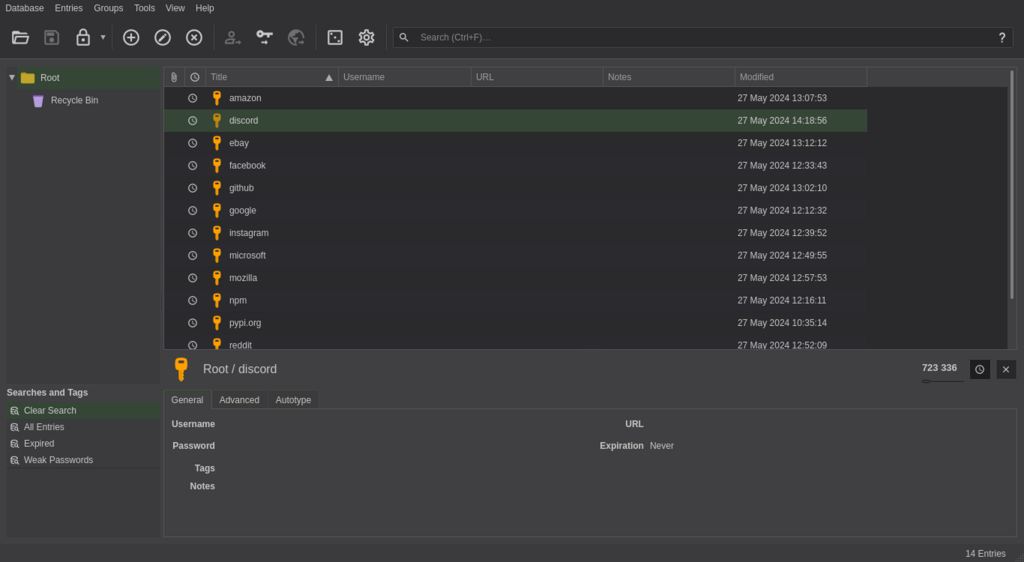
When you need to create a new account, the password manager can generate a strong, random password for you on the spot. You won't even need to know what it is. The next time you visit that site, the manager will recognize it and offer to fill in your credentials for you.
Types of Managers
Password managers come in a few different flavors, each with its own set of trade-offs between convenience and security. The three main types are browser-based, desktop-based, and cloud-based.
Each type offers a different balance. Let's break them down.
| Manager Type | How It Works | Best For | Downside |
|---|---|---|---|
| Browser-Based | Built directly into your web browser (like Chrome or Safari). | Ultimate convenience and ease of use. | Passwords are only available in that specific browser and may be less secure if someone gains access to your computer. |
| Cloud-Based | A third-party service (like Bitwarden or 1Password) that stores your encrypted vault online. | Accessing your passwords across all your devices (phone, laptop, tablet). | You're placing trust in the security of a third-party company, and many require a subscription fee. |
| Desktop-Based | An application you install on your computer (like KeePassXC). Your password vault is a local file. | Users who want maximum control and don't want their data stored on someone else's servers. | Syncing passwords between devices is often a manual process and can be more complicated to set up. |
Most people find that cloud-based password managers offer the best combination of security and convenience. They make it seamless to log in whether you're on your laptop or your phone. Browser-based managers are a great starting point, but they lack the flexibility of cloud solutions. Desktop apps are powerful but can be less user-friendly for beginners.
A Foundation of Security
Using a password manager is one of the single most effective steps you can take to protect your digital life. The biggest threat to most people's accounts isn't a sophisticated hacker breaking through complex encryption; it's using a weak or reused password that was exposed in a data breach on a completely different website.
A password manager solves the password reuse problem. By giving every account a unique, strong password, you build a firewall between your digital identities. If one account is compromised, the damage is contained.
Adopting this tool fundamentally changes your security posture from reactive to proactive. You no longer have to worry about creating or remembering passwords. You just have to protect your one master password, making it much easier to focus on keeping that single point of entry secure.
Time to check your understanding.
What is the primary problem password managers are designed to solve?
According to the text, what is the biggest security threat that using a password manager helps to mitigate?
By making strong passwords easy, password managers provide the foundation you need to stay safe online.