Mastering Parametric Design in FreeCAD
Strategic Workbench Selection
The Core Choice: Part vs. Part Design
As a beginner in FreeCAD, you likely used the Part and Part Design workbenches without much thought, grabbing whichever tool seemed right. At the intermediate level, this choice becomes strategic. Understanding the fundamental philosophies behind these two workbenches is crucial for building complex, stable, and editable models. The decision you make at the start of a project will define your entire workflow.
Working Inside the Body
The Part Design workbench is built around a single, powerful concept: the Body. Think of a Body as a container that holds one single, continuous solid. Your entire process happens inside this container, following a strict, linear history. You start with a base feature, usually a Pad or Revolution from a sketch, and then add or remove material sequentially.
Each new feature, like a Pocket or Fillet, is a step that modifies the result of the previous step. This creates an ordered, feature-based history tree.
This linear workflow has a critical rule, often called the 'Golden Rule' of Part Design: every feature within a Body must be physically connected to the rest of the solid. You cannot have two separate, floating shapes inside the same Body. Trying to do so will result in an error. This constraint ensures the model remains a single, coherent part.
The final visible state of your model is determined by the Tip of the feature tree. The Tip is the last feature in the sequence, and it's what FreeCAD renders in the 3D view. You can change the Tip by selecting an earlier feature in the tree and activating it. This is like rewinding your design process, allowing you to insert new features into the middle of your workflow, with all subsequent steps automatically updating.
Parametric tools offer designers the ability to create “parent” components, edit any features of the parent, and have changes cascade into “child” components.
Building with Boolean Logic
The Part workbench operates on a different principle: Constructive Solid Geometry (CSG). Instead of working inside a container, you create independent geometric primitives (cubes, cylinders, spheres) or shapes from sketches. You then combine them using Boolean operations: Cut, Fuse (Union), or Common (Intersection).
The crucial difference is that every Boolean operation in the Part workbench creates a new, separate object in the model tree. If you fuse a cube and a cylinder, the original cube and cylinder remain in the tree (though hidden), and a third object, the fusion, is created. This gives you immense flexibility. You can build multiple, disconnected solids and combine them later, or use one part to cut another without them needing to be in the same 'Body'.
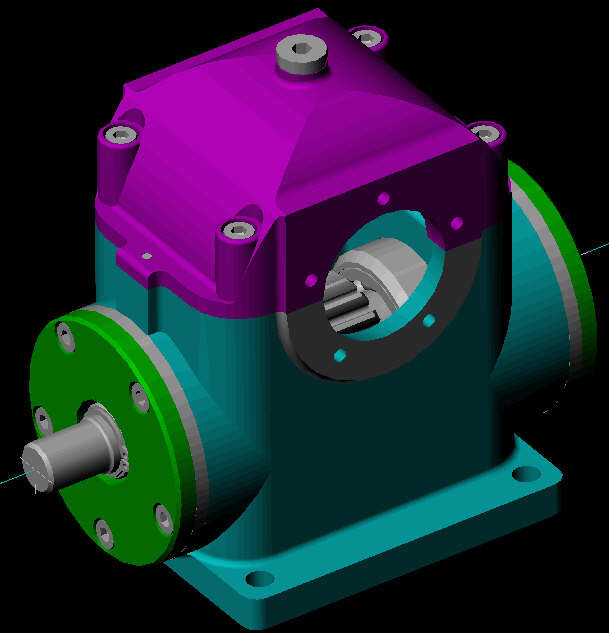
This object-oriented approach is powerful for creating assemblies or models where multiple distinct parts interact. However, the history is not as cleanly linear as in Part Design. Editing a model can mean tracing back through a tree of separate objects and operations, which can be less intuitive than editing a single Body's feature list.
Making the Right Choice
So, when should you use each workbench? The decision comes down to the nature of your project.
| Workbench | Best For | Key Characteristic |
|---|---|---|
| Part Design | Single, continuous parts (e.g., a bracket, a casing, a gear) | Linear, feature-based history inside a single Body. |
| Part | Assemblies, multi-part models, or complex shapes from multiple solids | Non-linear, Boolean operations creating new, independent objects. |
Many advanced workflows involve using both. A common strategy is to design individual components using the Part Design workbench, each in its own Body. Then, you can use the tools in the Part workbench (or the A2plus workbench) to position and interact with these separate Bodies, treating them like distinct objects to form a final assembly.
Understanding this core distinction moves you beyond simply making shapes and into the realm of true parametric design. You can now structure your models intentionally, making them more robust, easier to edit, and better suited for their final purpose.
What is the core principle of the FreeCAD Part Design workbench?
In the Part Design workbench, you have created a base plate and want to add four posts, one at each corner. Why will you receive an error if you try to create the first post as a separate, non-touching cylinder within the same Body?