Mastering Network Testing Tools
Network Troubleshooting Basics
What is Network Troubleshooting?
Network troubleshooting is the process of finding and fixing problems in a computer network. Think of it like being a detective. When something goes wrong, like a website not loading or a file transfer failing, a network technician has to look for clues, identify the suspect—the root cause of the problem—and resolve the issue.
It isn't just random guesswork. It’s a logical, step-by-step process that helps keep our digital world running smoothly. Without it, the internet services we rely on for work, communication, and entertainment would be constantly unreliable.
The goal is simple: get the network back to working as it should, as quickly as possible.
For any business, a healthy network is critical. When the network goes down, everything can grind to a halt. Imagine an online store during a holiday sale. If its website becomes inaccessible, it loses sales every minute. In an office, a network outage means employees can't access shared files, send emails, or use essential software. This downtime translates directly into lost productivity and revenue. Effective troubleshooting minimizes this damage by restoring service quickly, making it a cornerstone of business resilience.
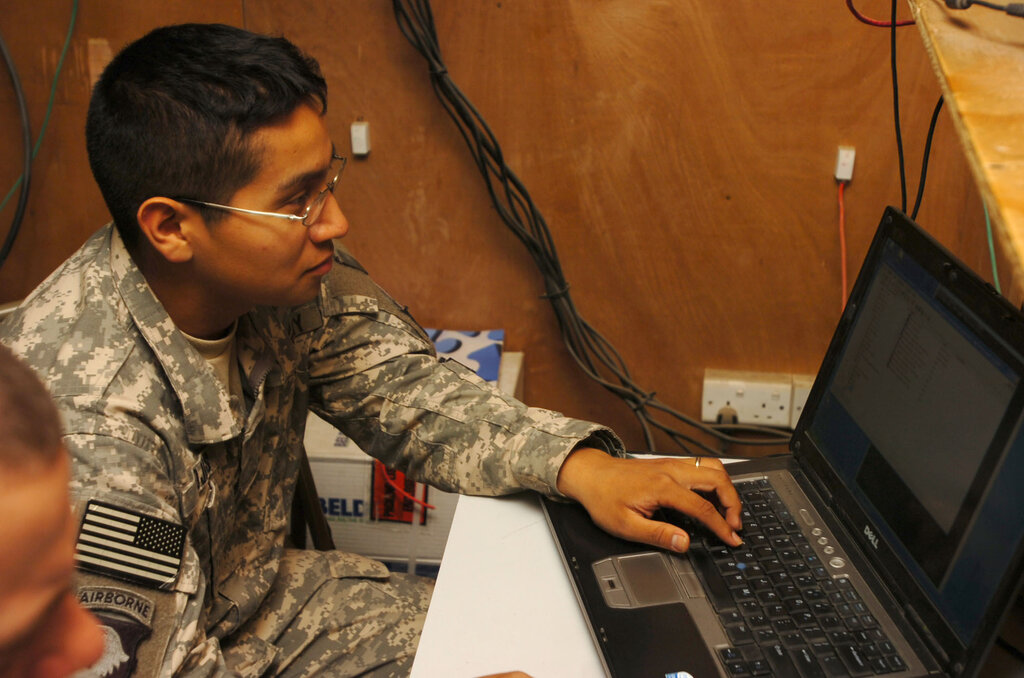
Common Network Mysteries
Network problems come in a few common flavors. While the causes can be complex, the symptoms are usually familiar to all of us.
Connectivity Problems: This is the most basic issue. A user or device simply can't connect to the network or the internet. It's the digital equivalent of a dead phone line.
Performance Degradation: The network is working, but it's slow. Video calls are choppy, websites take forever to load, and downloads crawl. This is often like a highway during rush hour. There are too many cars (data packets) trying to use the same road, causing a traffic jam.
Security Breaches: This is the most serious type of network issue. It happens when an unauthorized person or program gains access to the network. Their goal might be to steal sensitive information, disrupt services, or cause damage. A security breach is like a burglar breaking into an office building.
The Key Players in Your Network
To troubleshoot a network, you need to know its key components. These are the physical devices that direct, control, and protect the flow of data.
Here's a breakdown of the most common hardware.
Router
noun
A device that directs data traffic between different networks. It acts like a traffic controller for the internet, ensuring that information gets from its source to its destination across the globe.
Your home Wi-Fi device is a router. It connects all the devices in your home (your local network) to the wider internet (another network).
Switch
noun
A device that connects multiple devices together on a single computer network. It allows devices like computers, printers, and servers on the same local network to communicate with each other.
While a router connects different networks, a switch works within a single network. Think of it as the mailroom for one office building, making sure letters get to the right desks.
Firewall
noun
A network security system that monitors and controls incoming and outgoing network traffic based on predetermined security rules. It establishes a barrier between a trusted internal network and an untrusted external network, like the internet.
A firewall acts as a security guard, checking every piece of data that tries to enter or leave the network and blocking anything that looks dangerous. It’s a first line of defense against cyberattacks.
What is the primary goal of network troubleshooting?
A business notices that its website is inaccessible and internal file sharing has stopped working. This kind of network outage can directly lead to...
Understanding these basic components and common issues is the first step in diagnosing any network problem. It provides a foundation for figuring out what could be going wrong and where to start looking for a solution.