Mastering LangGraph for Multi-Agent Systems
LangGraph Basics
Beyond Linear Chains
While simple, linear chains of Large Language Model (LLM) calls are useful, many real-world applications require more complex logic. They need to loop, make decisions, and manage information over multiple steps. This is where LangGraph comes in.
LangGraph is a library for building stateful, multi-actor applications with LLMs, used to create agent and multi-agent workflows.
Think of it as a way to design your AI's thought process as a flowchart. Instead of a straight line, you can create paths that branch, circle back, and execute tasks in a specific order based on intermediate results. This graph-based structure gives you fine-grained control over the application's flow, making it perfect for building sophisticated AI agents.
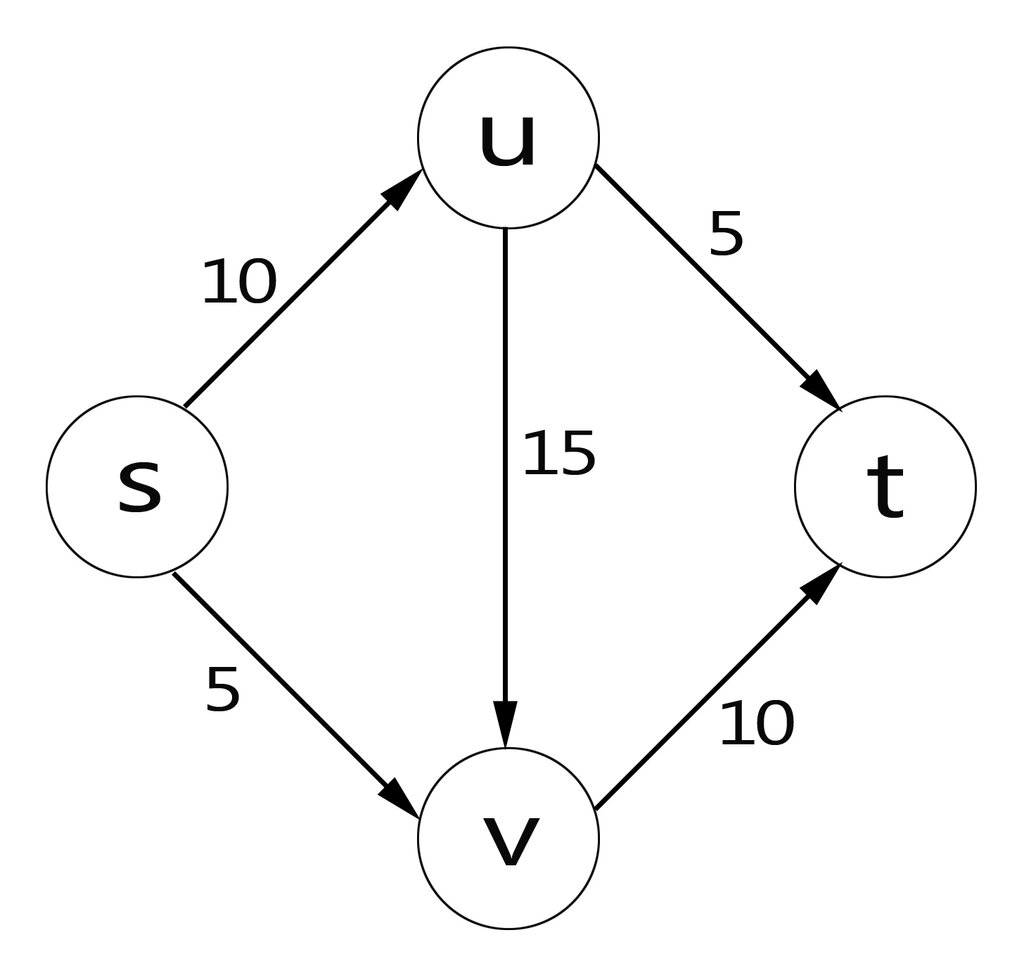
The Building Blocks
Every LangGraph application is built from a few core components: a graph, nodes, and edges. The most important concept tying them together is the state.
State
noun
A central object, typically a Python class or dictionary, that holds all the information relevant to the current run of the graph. It's passed from node to node, and each node can read from or write to it.
The state is the memory of your application. It ensures that context isn't lost as the application moves from one step to the next.
Now let's look at the other parts.
| Component | Role |
|---|---|
| Nodes | The workers. Each node is a function or a runnable object that performs an action, like calling an LLM, querying a database, or running a tool. It takes the current state as input and returns an update for the state. |
| Edges | The pathways. Edges connect the nodes, defining the flow of logic. An edge dictates which node should run next. Some edges are conditional, creating branches in your graph based on the current state. |
Setting Up Your First Graph
To start building, you'll need a Python environment with LangChain and LangGraph installed. You can typically get set up with a simple pip command:
pip install langchain langgraph langchain_openai
The core class you'll work with is StateGraph. This class is where you define the structure of your graph. The process generally follows these steps:
- Define a State Schema: Create a class or
TypedDictthat defines the fields your state object will contain. - Create a
StateGraphInstance: Instantiate the graph with your state schema. - Define Nodes: Write your Python functions that will act as the nodes.
- Add Nodes: Register each node function with the graph, giving it a unique name.
- Add Edges: Define the connections between the nodes. You'll specify a starting point (entry point) and rules for how to travel from one node to the next.
from typing import TypedDict, Annotated
from langgraph.graph import StateGraph, END

# 1. Define the state schema
class AgentState(TypedDict):
    input: str
    result: str

# 2. Instantiate the graph
workflow = StateGraph(AgentState)

# 3. Define some nodes (as simple functions)
def first_step(state):
    print("---EXECUTING FIRST STEP---")
    # This node could call an LLM, for example
    return {"result": "some data"}

def second_step(state):
    print("---EXECUTING SECOND STEP---")
    # This node could use a tool with the data
    return {"result": state["result"] + " and more data"}

# 4. Add nodes to the graph
workflow.add_node("step1", first_step)
workflow.add_node("step2", second_step)

# 5. Add edges to define the flow
workflow.set_entry_point("step1")
workflow.add_edge("step1", "step2")
workflow.add_edge("step2", END) # END is a special keyword

# Compile the graph into a runnable object
app = workflow.compile()
This example creates a simple, two-step linear graph. But the real power comes from adding conditional edges, which allow you to create cycles and branches, turning your simple workflow into a dynamic, intelligent agent.
With these foundational concepts of state, nodes, and edges, you have the tools to start mapping out more complex AI behaviors. The key is to think of your agent's workflow not as a script, but as a state machine that moves through a graph of possibilities.
What is the primary advantage of using LangGraph over a simple, linear chain of LLM calls?
In the context of LangGraph, what is the 'state'?