Mastering Java Streams
Introduction to Java Streams
What Are Java Streams?
Introduced in Java 8, streams provide a new way to work with sequences of data. Think of a stream not as a data structure that stores elements, but as a pipeline through which data flows and can be processed. Instead of manually iterating over a collection with a loop, you can use a stream to describe what you want to do, not how to do it.
Streams allow you to process data in a declarative way, similar to how you might write a SQL query.
Let's compare. Imagine you have a list of numbers and you want to count how many are greater than 10. Using a traditional for loop, your code would look like this:
List<Integer> numbers = Arrays.asList(5, 12, 8, 21, 3, 15);
int count = 0;
for (Integer number : numbers) {
    if (number > 10) {
        count++;
    }
}
System.out.println(count); // Output: 3
Now, here’s how you would accomplish the same task using a stream:
List<Integer> numbers = Arrays.asList(5, 12, 8, 21, 3, 15);
long count = numbers.stream()
                    .filter(number -> number > 10)
                    .count();
System.out.println(count); // Output: 3
The stream version is more concise and readable. It clearly states the intent: get a stream from the list, filter it to keep numbers greater than 10, and then count the result.
Streams vs Collections
It's easy to confuse streams with collections like List or Set, but they serve different purposes. A collection is a data structure that stores its elements in memory. You can add to it, remove from it, and access elements multiple times.
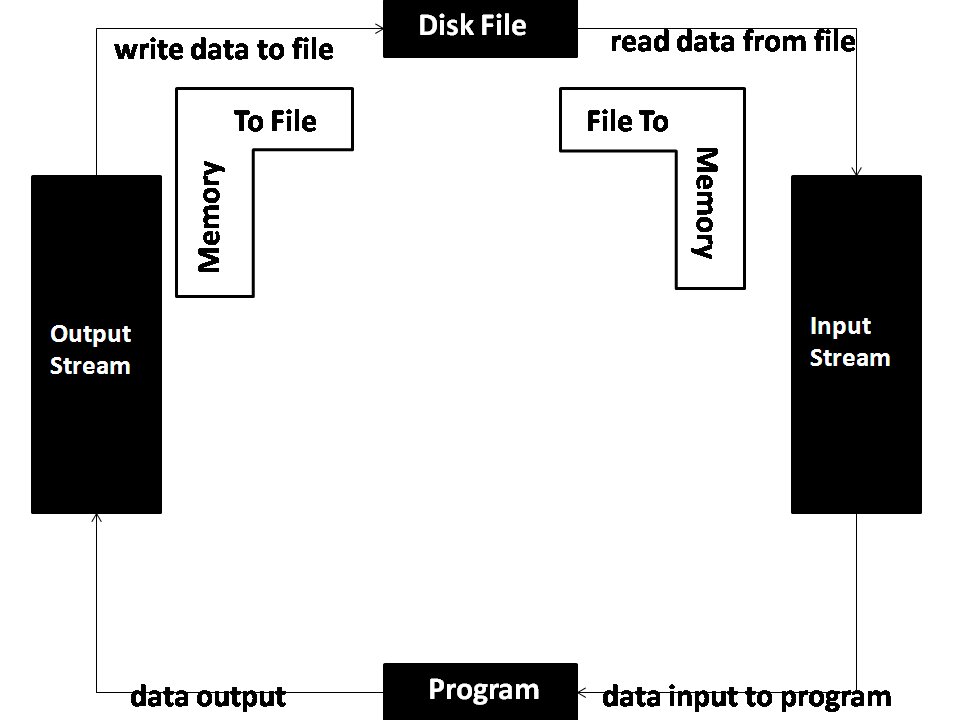
A stream, on the other hand, doesn't store anything. It carries values from a source through a processing pipeline. Here are the key differences:
- No Storage: A stream is not a data structure. It computes elements on demand.
- Single Use: Once a stream has been used, it's considered "consumed" and cannot be used again.
- Lazy Evaluation: Intermediate operations on a stream are not performed until a final, terminal operation is invoked. This means the work is only done when a result is actually needed.
The Stream Pipeline
Every stream operation follows a three-stage pipeline. Think of it like an assembly line for your data.
1. Source
A stream pipeline begins with a source. This is where the elements come from. The most common source is a collection, like a List or a Set, but streams can also be created from arrays, files, or generator functions.
2. Intermediate Operations Next, the stream goes through one or more intermediate operations. Each of these operations transforms the stream into another stream. Examples include:
filter(): Excludes elements that don't match a condition.map(): Transforms each element into another value (e.g., turning a string into its length).sorted(): Sorts the elements.
Intermediate operations are always lazy. They don't do any work until the final step is called.
3. Terminal Operation
Finally, a stream pipeline must end with a terminal operation. This is the step that kicks off all the previous lazy operations and produces a final result. A terminal operation might return a value (like count() or collect()) or produce a side effect (like forEach()). After the terminal operation is complete, the stream cannot be used again.
An intermediate operation is like giving instructions for an assembly line. A terminal operation is like pushing the 'start' button.
This structure allows for efficient processing. For example, if you filter a list and then ask for just the first element, the stream will stop processing as soon as that first element is found, without needlessly checking the rest of the data.
Which statement best describes the primary difference between a Java Stream and a Java Collection (like a List)?
What is the result of attempting to perform a second operation on a stream after a terminal operation like count() has already been called?
Now that you understand the basic components, you're ready to start building your own stream pipelines.