Mastering Java Streams
Introduction to Java Streams
What Are Java Streams?
Before Java 8, if you had a list of items and wanted to perform some action on them, you'd probably use a for loop. It works, but it can get clunky. Java 8 introduced a more elegant way to handle sequences of data: the Stream API.
Java Streams API introduced in Java 8 provides a powerful way to process sequences of elements in a functional style.
Think of a stream as a conveyor belt. You have a source of items (like a list of parts), and you place them on the belt one by one. As they move along, various stations can inspect or modify them. The key idea is that the stream itself doesn't store the items; it just transports them from a source through a pipeline of operations.
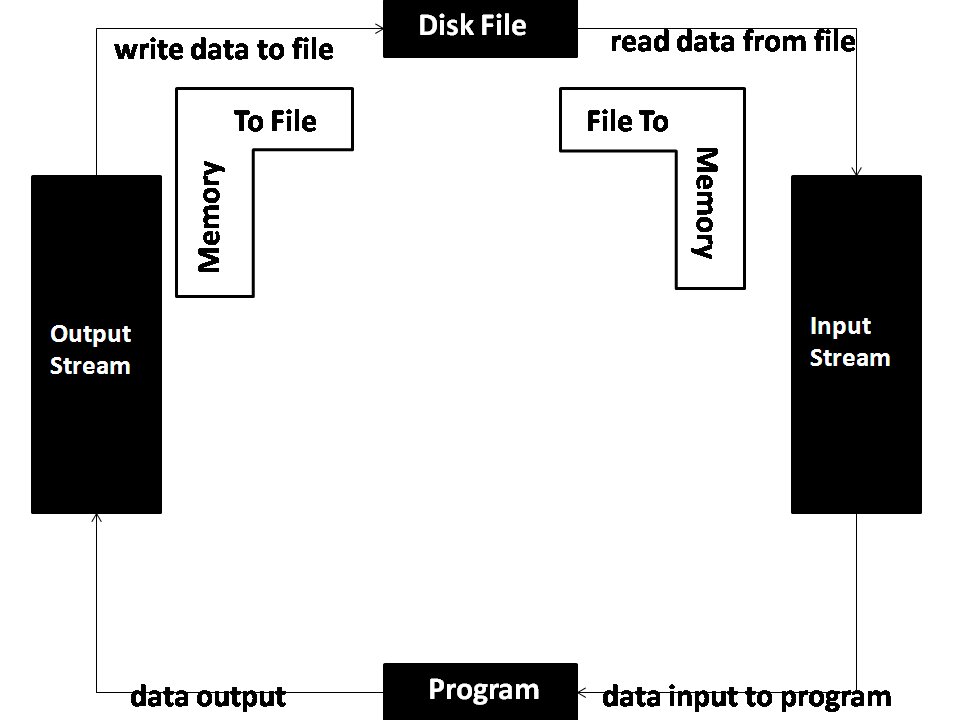
A stream is a sequence of elements that supports various methods which can be pipelined to produce the desired result. It's a way to work with collections of objects in a functional style, making your code more readable and concise.
Streams vs. Collections
It's easy to confuse streams with collections like ArrayList or HashSet, but they serve different purposes. A collection is a data structure that stores all its elements in memory. You can add items, remove them, and access them by their index. You can iterate over a collection as many times as you want.
A stream, on the other hand, doesn't store anything. It pulls elements from a source, processes them, and that's it. Once a stream has been 'consumed,' you can't use it again. You have to create a new one from the source.
| Feature | Collection | Stream |
|---|---|---|
| Data Storage | Stores elements in memory | Does not store elements |
| Usage | Can be traversed multiple times | Can only be traversed once |
| Computation | Eager (all elements computed upfront) | Lazy (elements computed on demand) |
| Source | Is the source of data | Consumes data from a source |
Another key difference is that streams are computed lazily. This means that if you set up a pipeline of operations on a stream, no work is actually done until you ask for a final result. This can lead to significant performance optimizations, as the stream might not even have to process all the elements from the source to get you what you need.
Creating a Stream
You can create a stream from several different sources. The most common way is from an existing collection, but you can also make one from an array or even generate one from scratch.
Let's look at a few common ways to get a stream up and running.
To create a stream from a List or any other Collection, you simply call the .stream() method on it.
import java.util.Arrays;
import java.util.List;
import java.util.stream.Stream;

// Create a List of strings
List<String> items = Arrays.asList("apple", "banana", "cherry");

// Get a stream from the list
Stream<String> itemStream = items.stream();
You can also create a stream from an array using the Arrays.stream() method.
import java.util.Arrays;
import java.util.stream.Stream;

String[] itemArray = {"apple", "banana", "cherry"};

// Get a stream from the array
Stream<String> itemArrayStream = Arrays.stream(itemArray);
If you just have a few elements and don't want to create a collection first, you can use Stream.of().
import java.util.stream.Stream;

// Create a stream directly from elements
Stream<String> directStream = Stream.of("apple", "banana", "cherry");
Once you have a stream, you can start chaining operations to it. We'll cover what those operations are and how to use them to transform and process your data next.