Mastering Instagram
Instagram Basics
Getting Started with Instagram
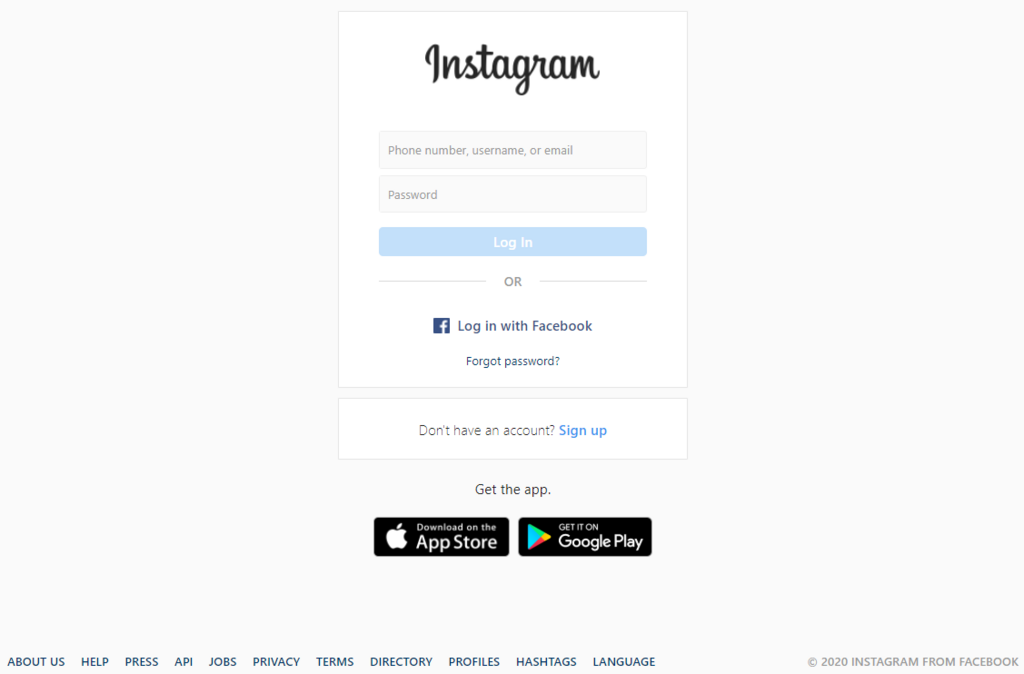
Instagram is a social network built around sharing photos and videos. It's a place to connect with friends, follow interests, and discover new things through visual content. The first step is to create an account.
You can sign up through the app, which you can download from your phone's app store. You'll need an email address or a phone number to create your account. You'll also be asked to create a username and password.
Crafting Your Profile
Your profile is your home base on Instagram. It's the first thing people see when they look you up, so it’s worth spending a few minutes to get it right. A complete profile tells people who you are and what they can expect from your posts.
There are four key parts to your profile:
- Profile Picture: Choose a clear, high-quality photo. If it's a personal account, a picture of your face works best. For a brand, use your logo.
- Username: This is your unique handle, like
@yourname. It's how people will tag and find you. Make it memorable and easy to spell. - Name: This is your display name and can be your actual name or the name of your business. It appears in bold at the top of your profile.
- Bio: You have 150 characters to describe yourself or your brand. You can also add a link to your website here, which is the only place on your main profile where you can post a clickable link.
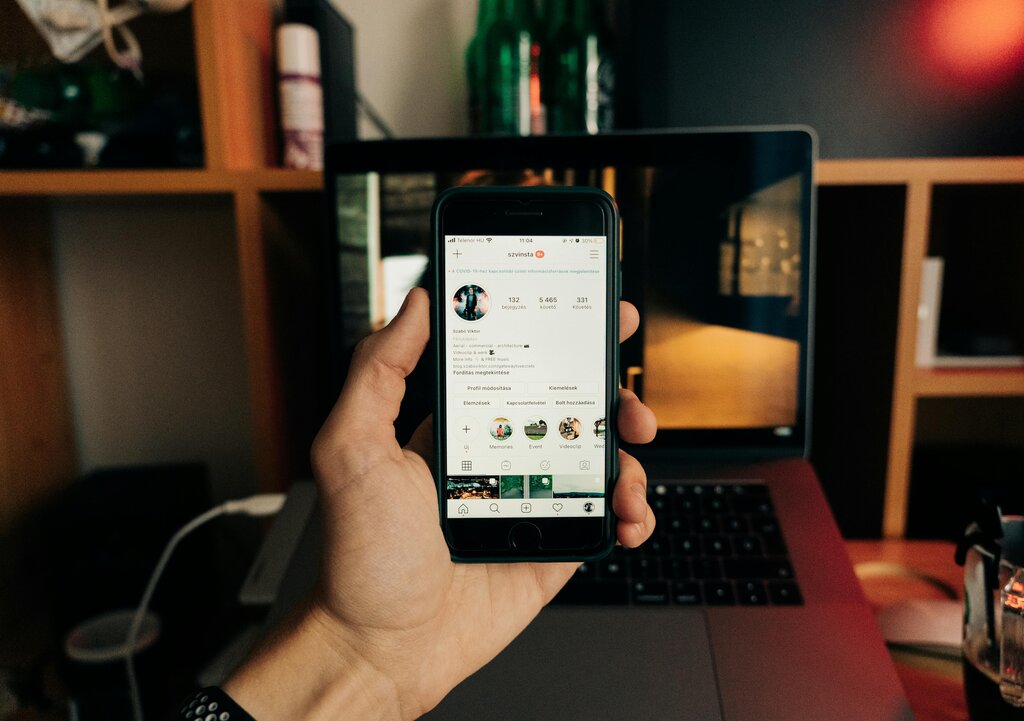
Think of your profile as your digital storefront. Make it easy for people to instantly understand who you are and what you're about.
Navigating the App
When you open Instagram, you'll see a navigation bar at the bottom with five main icons. Understanding what each one does will help you move around the app easily.
Your Home Feed shows the latest posts from accounts you follow. The Explore tab is where you can discover new accounts and content based on your interests. The plus icon in the center is for creating and sharing your own posts. The Reels tab is dedicated to short, looping videos. Finally, the icon on the far right, which shows your profile picture, takes you to your own profile page.
Sharing and Interacting
The core of Instagram is sharing content and interacting with others. To share a photo or video, tap the plus icon in the navigation bar. You can select an image from your phone's library or take a new one with the camera. After selecting your media, you can write a caption, tag people, and add a location before posting.
Interacting with other users' content is just as important. When you see a post you like, you can:
- Follow: Tap the "Follow" button on someone's profile to see their future posts in your Home Feed.
- Like: Double-tap a photo or video, or tap the heart icon below it, to show you like it.
- Comment: Tap the speech bubble icon to leave a comment.
- Share: Tap the paper airplane icon to send the post to a friend through a direct message.
Engaging with others helps you connect with people who share your interests and makes the experience more rewarding. It's how a social network becomes a community.
What is required to create a new Instagram account?
Where is the only place on your main profile page that you can add a clickable link to an external website?
With these basics, you're ready to start exploring and sharing on Instagram. The best way to learn is by doing, so start by finding a few friends or brands to follow and share your first post.