Mastering Inbox Zero with Email Automation
Understanding Inbox Zero
What is Inbox Zero?
The idea of an empty email inbox might sound like a fantasy. For most people, the inbox is a chaotic to-do list that other people can add to. But there's a method to escape the clutter: Inbox Zero.
It’s not just about obsessively deleting emails until the count hits zero. It’s a system for processing your email efficiently so it no longer serves as a source of stress or distraction. The goal is to make quick, decisive actions on every message that arrives.
Inbox Zero is "a thing" created by Merlin Mann, founder of 43 Folders, that insists it is not about the amount of messages in your Outlook inbox or Gmail account, but rather how much of your brain is in that inbox.
Think of it this way: you wouldn't let physical mail pile up on your doorstep for weeks. You'd sort it, toss the junk, and handle what's important. Inbox Zero applies that same logic to your digital mailbox. The main principle is to turn off notifications and set aside specific times to process your inbox in batches. During these sessions, every email is handled with one of a few simple actions: Delete, Delegate, Respond, Defer, or Do.
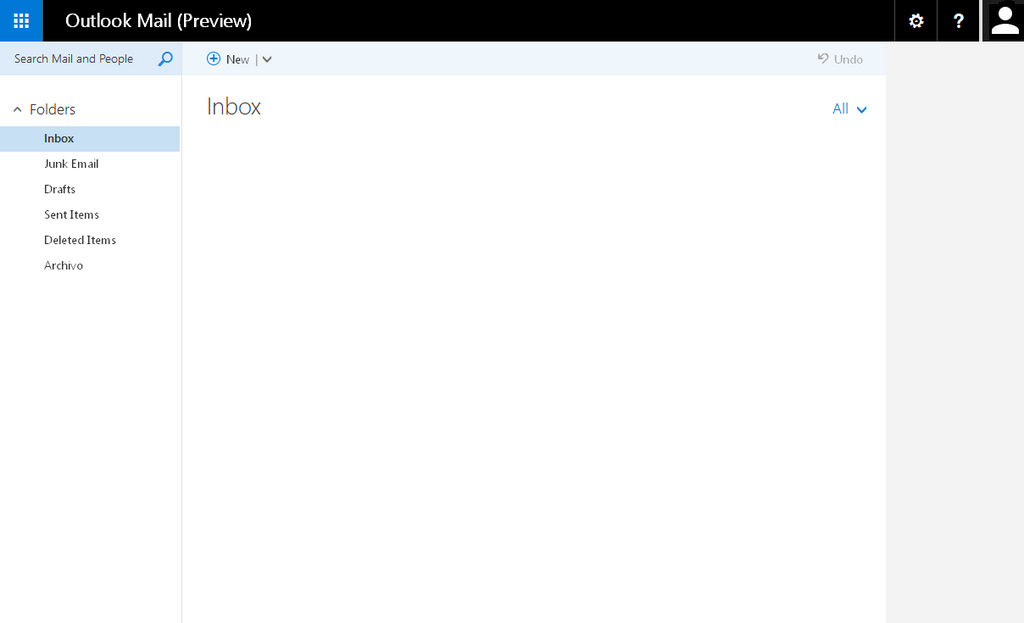
The Payoff
Why go through the trouble? Reaching Inbox Zero offers some serious benefits for your focus and mental well-being.
First, it reduces stress. An overflowing inbox is a constant visual reminder of unfinished tasks and unanswered requests. Clearing it out provides a sense of control and accomplishment. Second, it boosts productivity. When your inbox isn't a jumbled mess, you can find important information faster and spend less time managing email. This frees up mental energy for more critical work.
Finally, it helps you be more responsive and reliable. With a clear system, you're less likely to miss important messages or forget to follow up on tasks. You're no longer reacting to every new email but proactively managing your communications.

Common Hurdles
Of course, achieving Inbox Zero isn't without its challenges. It requires changing old habits, which is never easy. Many people face similar obstacles when they first try to implement the system.
| Challenge | Description |
|---|---|
| Email Volume | The sheer number of incoming emails feels impossible to keep up with. |
| Fear of Missing Out | Worrying that deleting or archiving an email means you'll miss something important. |
| No System | Emails are read and left in the inbox with no clear plan for what to do next. |
| Using Inbox as a To-Do List | Important emails that require action get buried under new, less important messages. |
Recognizing these challenges is the first step toward overcoming them. By setting up a simple, consistent process, you can tackle each of these hurdles and start taking back control of your inbox.