Mastering IAAP ADS Certification
Introduction to Web Accessibility
What is Web Accessibility?
Web accessibility means designing websites, tools, and technologies so that people with disabilities can use them. It ensures everyone can perceive, understand, navigate, and interact with the web, and also contribute to it.
When we talk about disabilities, we often think of permanent conditions, like someone who is blind or has a motor impairment. But accessibility also helps people with temporary disabilities, like a broken arm, or situational limitations, such as trying to watch a video in a loud environment. A well-designed, accessible site works better for everyone.
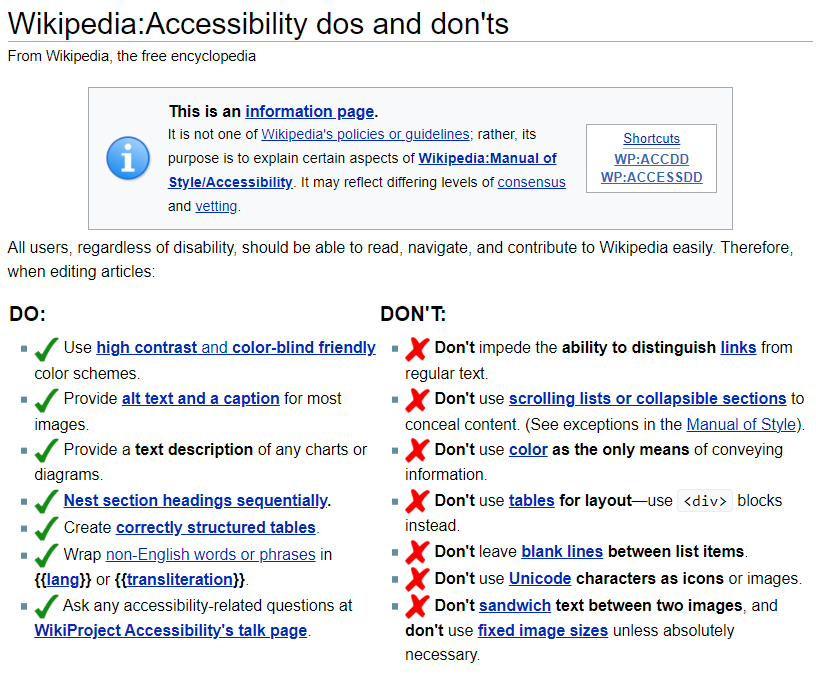
The goal is to remove barriers that might prevent someone from accessing or interacting with a website. Just as a physical building needs ramps and lifts alongside stairs, a website needs features that accommodate different ways of accessing information.
The Guiding Principles: WCAG
To create a shared standard for web accessibility, the World Wide Web Consortium (W3C) developed the Web Content Accessibility Guidelines, or WCAG. These guidelines are the benchmark for accessibility worldwide. They aren't just a long checklist; they're organised around four core principles.
WCAG
noun
An acronym for Web Content Accessibility Guidelines. It is a set of technical standards that, if followed, will make a website's content more accessible to a wider range of people with disabilities.
These principles are often remembered by the acronym POUR:
| Principle | Meaning | Example |
|---|---|---|
| Perceivable | Information and user interface components must be presentable to users in ways they can perceive. | Providing text alternatives (alt text) for images so screen readers can describe them. |
| Operable | User interface components and navigation must be operable. | Making sure a website can be navigated using only a keyboard, for those who cannot use a mouse. |
| Understandable | Information and the operation of the user interface must be understandable. | Using clear language and providing consistent, predictable navigation across the site. |
| Robust | Content must be robust enough that it can be interpreted reliably by a wide variety of user agents, including assistive technologies. | Using clean HTML that follows standards so it works correctly on different browsers and with screen readers. |
Following these principles helps ensure that technology doesn't leave people behind.
Legal and Ethical Reasons
Making the web accessible isn't just a good idea; it's often a legal requirement. Many countries have laws that mandate digital accessibility for government and private sector websites. These laws, such as the Americans with Disabilities Act (ADA) in the United States and the European Accessibility Act, are in place to prevent discrimination against people with disabilities.
Beyond the law, there's a strong ethical case for accessibility. The web is a fundamental part of modern life. It's how we access education, healthcare, employment, and social connection. Denying someone access to these resources because a website isn't built inclusively is a form of exclusion.
Designing for accessibility benefits everyone, not just those with disabilities.
Thinking about accessibility from the start of a project makes this process much smoother and more effective.
Good Design is Accessible Design
The practices that improve accessibility often improve the experience for all users. This concept is sometimes called universal design. For example:
- Video captions help people with hearing impairments, but they also help anyone watching a video in a noisy place or with the sound off.
- High-contrast text is essential for people with low vision, but it makes reading easier for everyone, especially on mobile devices in bright sunlight.
- Clear and simple language helps people with cognitive disabilities, but it also benefits non-native speakers and anyone who is tired or distracted.
When you design for accessibility, you create a more usable product for every user, leading to higher satisfaction and engagement.
By prioritising accessibility, you aren't just serving a niche audience. You're building a better, more robust product for everyone who uses it.
Time to test what you've learned.
What is the primary goal of web accessibility?
The Web Content Accessibility Guidelines (WCAG) are organised around the acronym POUR. What does the 'P' stand for?
Building an inclusive web is a collective effort, and understanding these fundamental principles is the first step.