Mastering HubSpot CRM
Introduction to HubSpot CRM
Your Business's Central Hub
Think of all the places your business interacts with people: emails, phone calls, website forms, social media. Keeping track of every conversation can feel like a juggling act. A Customer Relationship Management (CRM) system brings all that information together into one organized place. HubSpot's CRM is designed to be this central hub for your business.
A CRM should act as the central hub for all customer information, including contact details, communication history, preferences, past purchases, and service requests.
Instead of scattered notes and overflowing inboxes, a CRM gives you a complete picture of every customer's journey with your company. This unified view helps your marketing, sales, and service teams work together smoothly, ensuring everyone has the context they need to create a great customer experience.
Managing Your Contacts
The foundation of any CRM is its contacts database. In HubSpot, every person you interact with gets their own contact record. This isn't just a digital address book; it's a dynamic profile that grows with your relationship.
Each contact record can store standard information like name, email, and phone number. But you can also add custom details, called 'properties', to track information specific to your business, such as their interests, the products they've purchased, or their preferred communication method. HubSpot automatically logs interactions like emails and meetings, so you always have a complete history at your fingertips.
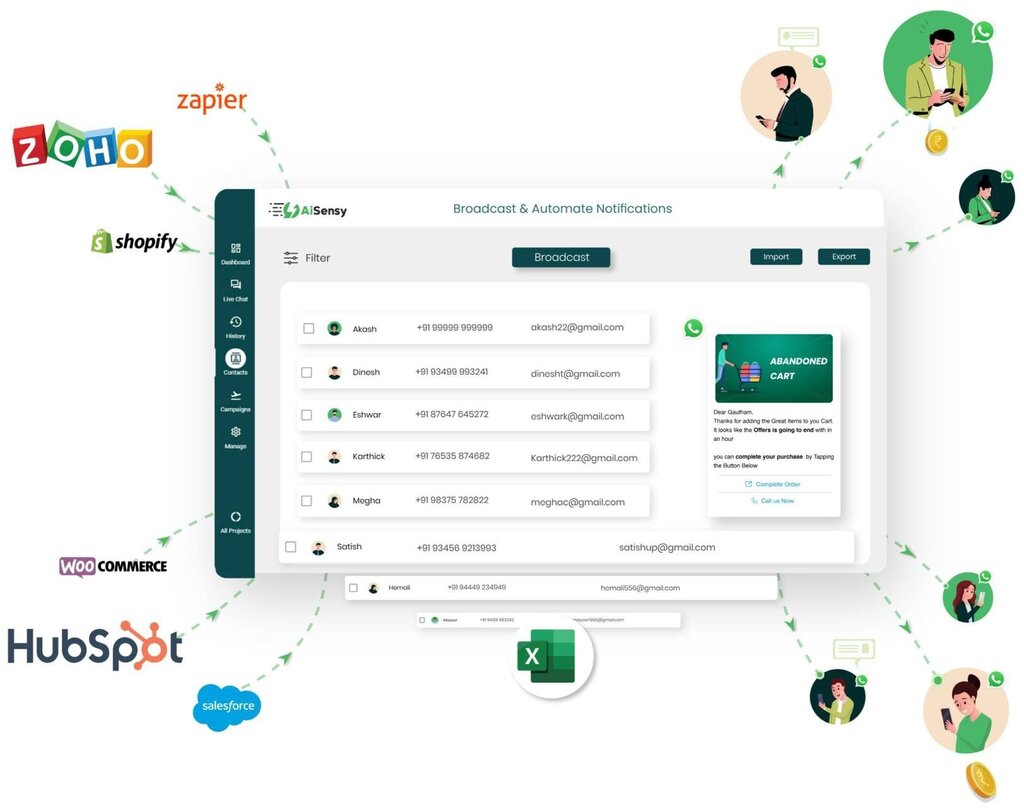
Getting contacts into HubSpot is straightforward. You can add them one by one, import a spreadsheet of existing contacts, or set up forms on your website that automatically create new contact records when someone fills them out.
Tracking Deals in Your Pipeline
Beyond managing who your customers are, HubSpot helps you track potential sales opportunities. This is done through a sales pipeline, which is a visual representation of your sales process. Think of it as a series of stages a potential customer moves through on their way to making a purchase.
A typical pipeline might have stages like 'Appointment Scheduled', 'Qualified to Buy', 'Presentation Given', and 'Contract Sent'. Each potential sale is represented by a 'deal' card. As you complete the necessary steps, you can simply drag and drop the deal from one stage to the next.
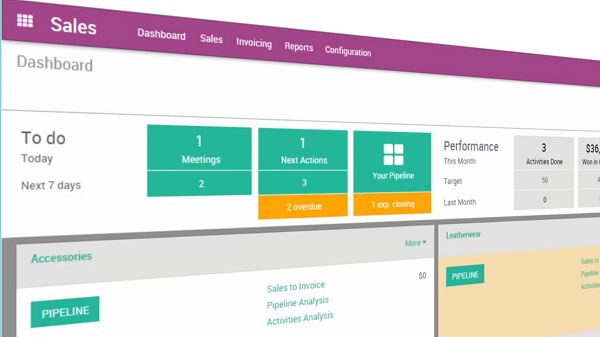
This visual approach gives you an instant overview of all your open opportunities. You can quickly see how many deals are in each stage, identify potential bottlenecks, and understand where your team should focus its efforts. The pipeline is fully customizable, so you can tailor the stages to match your unique sales process.
HubSpot's pipeline transforms how businesses manage their sales processes with a simple, visual drag-and-drop interface.
Staying on Top of Tasks
With so many contacts and deals to manage, staying organized is key. HubSpot includes task and activity tracking to make sure nothing falls through the cracks. You can create tasks for yourself or assign them to other team members.
Every task can be associated with a specific contact, company, or deal. For example, you might create a task to 'Follow up with Jane Doe about the proposal' and set a due date. The system will then remind you when the task is due. This ensures timely follow-ups and keeps the sales process moving forward.
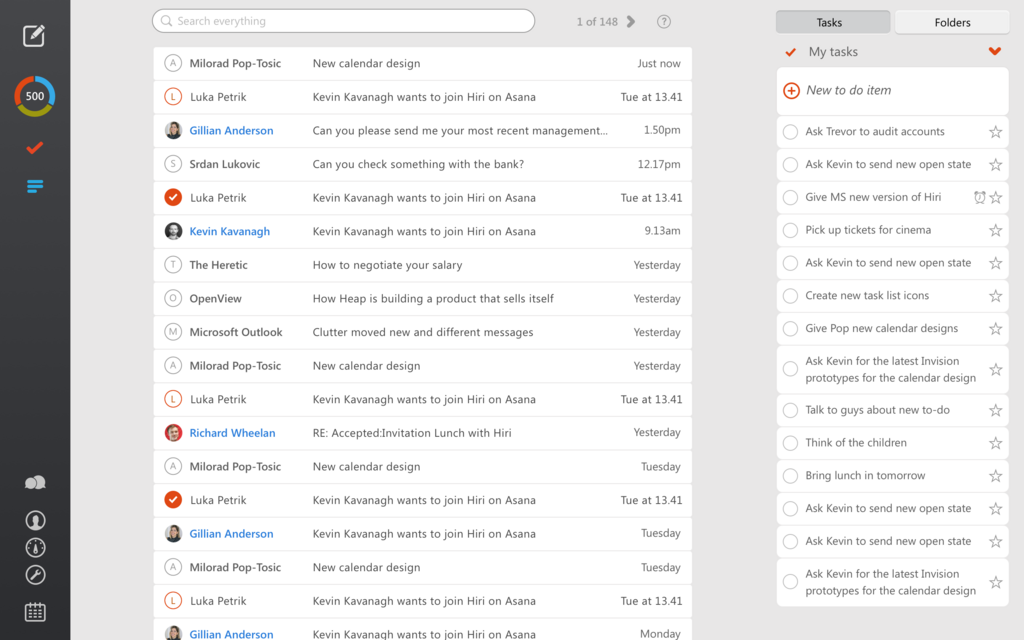
HubSpot also logs activities automatically. When you send an email or make a call through the platform, it's recorded on the contact's timeline. This creates a chronological history of every touchpoint, giving anyone on your team immediate context on the relationship.
HubSpot sales tools allow sales teams to easily manage tasks, track emails, make calls, and book meetings.
By keeping your to-do list inside your CRM, you connect your daily activities directly to your business goals. It bridges the gap between what you need to do and why you're doing it.
Ready to test your knowledge? This quiz will cover the core functions of HubSpot CRM we've just discussed.
What is the primary purpose of a Customer Relationship Management (CRM) system like HubSpot?
In a HubSpot contact record, what is a 'property'?
Understanding these foundational elements of HubSpot CRM sets you up to manage customer relationships more effectively and build a strong base for business growth.