Mastering GST Return Filing and Reconciliation
Portal Navigation and Setup
Your GST Dashboard
Once you log in to the GST portal, you're greeted by the main dashboard. Think of this as your mission control for all GST compliance. It provides a snapshot of your filing status, ledger balances, and quick links to essential services. The layout is designed for efficiency, putting the most common tasks front and center.
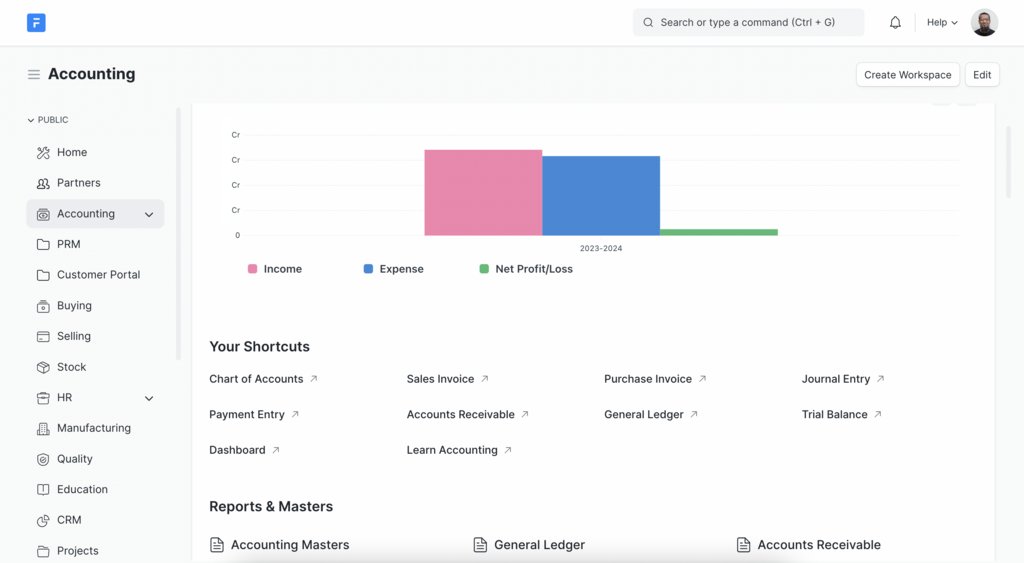
The top menu bar is your primary navigation tool. You'll find tabs like 'Services', 'Registration', and 'e-Way Bill'. The 'Services' tab is where you'll spend most of your time. It houses sub-menus for 'Returns', 'Payments', and 'User Services'. The main body of the page usually displays your 'Return Filing' calendar and a summary of your cash and credit ledgers. Every registered taxpayer is assigned a unique 15-digit GSTIN which is prominently displayed on the dashboard.
Setting Your Filing Rhythm
Your business's turnover determines how often you need to file returns. The portal allows you to choose between a monthly frequency or the , which stands for Quarterly Return Monthly Payment. This choice isn't just a preference; it's dictated by your aggregate annual turnover.
If your aggregate turnover in the preceding financial year was up to ₹5 crore, you are eligible for the QRMP scheme. If it exceeds this limit, you must file monthly returns.
To check or change your filing frequency, navigate to Services > Returns > Opt-in for Quarterly Return. The portal will display your eligibility and current selection. You can change your preference within the first month of any quarter for the remainder of that financial year. Making the right choice here is crucial for managing your compliance workload effectively.
Understanding Your Ledgers
The GST portal maintains three critical electronic ledgers for every taxpayer. These are digital records of your tax liabilities, credits, and payments. You can access them under Services > Ledgers.
| Ledger Name | Purpose |
|---|---|
| Electronic Liability Register | Displays your total GST liability for a given tax period. |
| Electronic Credit Ledger | Shows the Input Tax Credit (ITC) you have available to offset your liability. |
| Electronic Cash Ledger | Reflects all cash deposits made towards tax, interest, or penalties. |
Regularly reviewing these ledgers is a fundamental compliance check. The Electronic Liability Register (Form GST PMT-01) gives you a clear picture of what you owe. The Electronic Credit Ledger (Form GST PMT-02) shows what you can claim as ITC, and the Electronic Cash Ledger (Form GST PMT-05) confirms the actual cash payments you've made. Verifying these balances before filing a return helps prevent errors and ensures your records match the government's.
Key Downloads and Reports
The portal doesn't just receive data; it also provides valuable system-generated summaries. These reports are essential for reconciling your own books of accounts with the data available on the portal. Two of the most important downloads are Forms GSTR-2A and GSTR-2B.
GSTR-2A is a dynamic statement that updates as your suppliers file their GSTR-1. GSTR-2B is a static statement for a specific period that becomes available after the GSTR-1 filing deadline. You should use GSTR-2B to determine your eligible Input Tax Credit for the month.
You can access these by navigating to Services > Returns > Returns Dashboard, selecting the financial year and period, and then clicking 'View' or 'Download' for GSTR-2A/2B. Comparing the data in these forms with your purchase register is a non-negotiable step in accurate tax compliance.
Tip: Perform regular reconciliation between your GSTR-2A and your purchase data in Tally Prime. This will help identify any mismatches early on and ensure that your ITC claims are accurate.
Familiarizing yourself with the portal's layout and features is the first step toward smooth and error-free GST compliance. It turns a potentially confusing process into a manageable routine.
Ready to test your knowledge of the GST portal?
What is the primary factor that determines whether a taxpayer files their returns monthly or opts for the QRMP Scheme?
Which of the following forms represents the Electronic Credit Ledger, showing the balance of available Input Tax Credit (ITC)?