Mastering Gmail Storage
Understanding Gmail Storage
Your Google Storage Universe
When you think about your Gmail account, you probably just think about emails. But the storage space for your inbox is part of a bigger picture. Google gives you a single pool of storage that's shared across three main services: Gmail, Google Drive, and Google Photos.
Think of it like a digital filing cabinet. Every email and attachment you keep in Gmail, every document you save in Google Drive, and every photo you back up to Google Photos goes into this same cabinet. They all draw from the same shared space.
The 15 Gigabyte Starting Line
Every new Google Account starts with a generous amount of free storage.
You get 15 gigabytes (GB) of free storage.
That 15 GB is for everything combined. A simple text email takes up almost no room. But once you start adding attachments like photos, PDFs, and videos, that space can fill up faster than you'd expect. A high-quality photo can be several megabytes (MB), and a short video can be much larger. All of it counts against your total.
What Happens When You're Full?
When your digital filing cabinet runs out of room, things stop working. Since the storage is shared, a full Google Drive can actually break your Gmail.
If your storage is full, you won't be able to send or receive any new emails. Messages sent to you will be bounced back to the sender.
You also won't be able to save new files in Google Drive or upload photos. Your account essentially becomes read-only until you free up space or get more.
Need More Room? Meet Google One
So what do you do when you're approaching your limit? That's where Google One comes in. Google One is a subscription plan that lets you increase your storage size. It's the official way to upgrade your account's capacity.
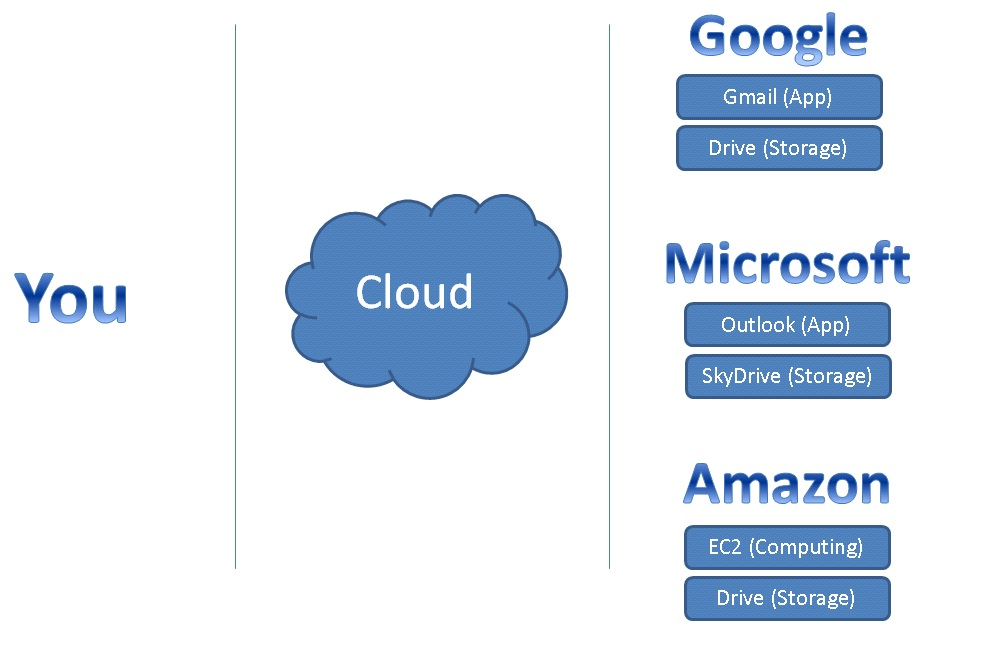
When you buy more storage through Google One, that new, larger limit applies to the same three services: Gmail, Google Drive, and Google Photos. It simply expands your shared pool of space, so you can keep saving everything without interruption.
Understanding how your storage is shared is the first step. Now you know where your space goes and what happens when it runs out.