Mastering GitHub Essentials
Introduction to Version Control
Saving Your Progress
Think about the last time you worked on a big project. Maybe it was a school paper, a piece of code, or a presentation. You probably had files named report_final.docx, then report_final_v2.docx, and maybe even report_REALLY_final_I_swear.docx.
This system is messy and fragile. What happens if you delete a paragraph you later realize you need? How do you combine your changes with a teammate's without accidentally overwriting their work? This is where version control comes in.
Version Control
noun
A system that records changes to a file or set of files over time so that you can recall specific versions later.
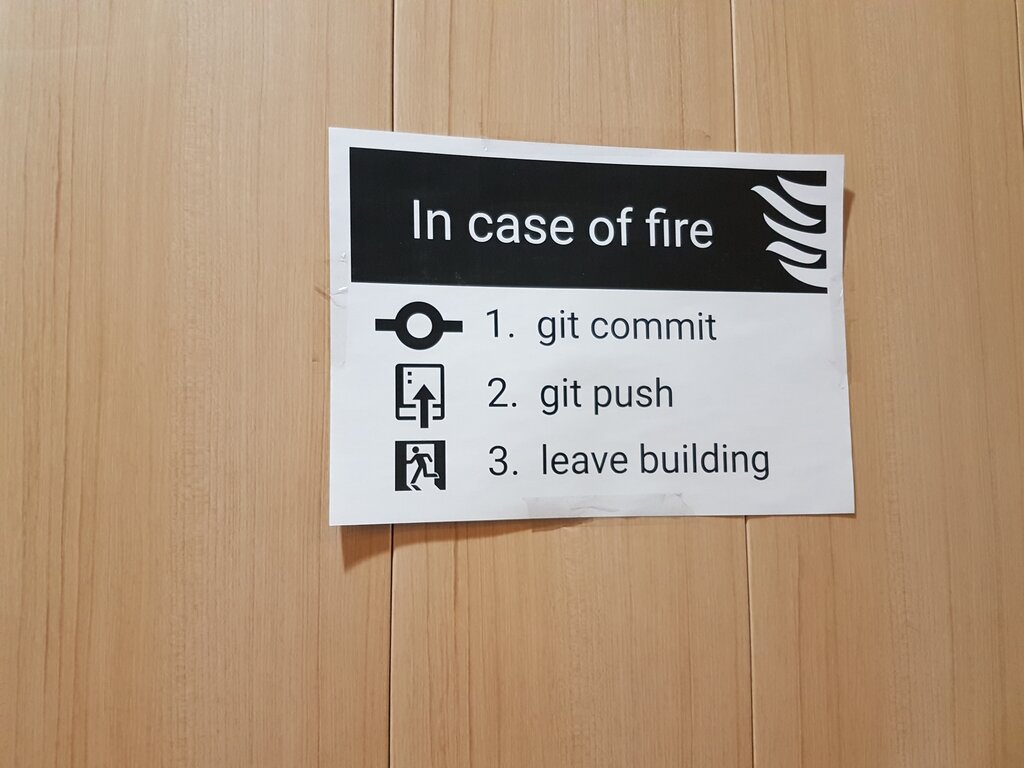
A version control system (VCS) acts like a time machine for your project. Instead of just saving over your file, you save snapshots of it at different points in time. Each snapshot, or "commit," captures the entire project exactly as it was at that moment. If you make a mistake, you can simply rewind to a previous, working version. It's like having unlimited undo power, but for your entire project.
Beyond a Simple Safety Net
The benefits of a VCS go far beyond just fixing mistakes. They are essential for modern teamwork. When multiple people work on the same project, a VCS allows them to work on different parts simultaneously without interfering with each other. The system helps manage and merge everyone's changes into a single, cohesive project.
Furthermore, a VCS keeps a detailed log of every change. You can see exactly who changed what, when they changed it, and why. This history provides valuable context, making it easier to understand how the project has evolved and to track down when a particular bug was introduced.
Version control provides a complete history, enables seamless collaboration, and makes any change reversible.
The Evolution of a Big Idea
Version control systems haven't always worked the same way. They've evolved over time.
Local Version Control This is the simplest form, where a database on your own computer keeps track of file changes. It's better than nothing, but it doesn't help with collaboration at all. If you want to share your work, you're back to emailing files.
Centralized Version Control Systems (CVCS) These systems, like Subversion (SVN) and Perforce, use a single central server that stores all the versioned files. Multiple developers can all access and work on the project from this central server. This was a huge leap forward for collaboration. The major drawback? That central server is a single point of failure. If it goes down, nobody can save their work or collaborate.
Distributed Version Control Systems (DVCS) This is the modern approach, used by systems like Git and Mercurial. With a DVCS, every developer has a full copy of the entire project history on their local machine. You can save snapshots, view history, and create branches without needing an internet connection. If the main server goes down, any of the developer copies can be used to restore it. This model is faster, more flexible, and safer.
Understanding these core ideas is the first step. By tracking changes, enabling collaboration, and providing a clear history, version control systems have become a fundamental tool for anyone creating things, from software to novels.