Mastering Full-Stack Web Development
Introduction to Web Development
The Blueprint of the Web
Every website you visit, from a simple blog to a massive online store, is built on the same foundation. It starts with two core languages: HTML and CSS. Think of them as the skeleton and the style of a webpage. One provides the structure, and the other makes it look good.
Think of HTML as the bricks that you need to build anything for the web.
HTML stands for HyperText Markup Language. It's not a programming language in the traditional sense. Instead, it's a markup language, used to define the structure of your content. You use HTML to tell the web browser what's a heading, what's a paragraph, where an image should go, and which text should be a link.
HTML
noun
HyperText Markup Language, the standard markup language for documents designed to be displayed in a web browser. It defines the meaning and structure of web content.
HTML works using elements, which are often called tags. Most tags come in pairs: an opening tag and a closing tag. For instance, to create a main heading, you'd wrap your text in <h1> and </h1> tags. To make a paragraph, you'd use <p> and </p>.

Here’s a basic example of what an HTML file looks like. This simple structure is the starting point for nearly every page on the internet.
<!DOCTYPE html>
<html>
<head>
    <title>My First Webpage</title>
</head>
<body>

    <h1>This is a Main Heading</h1>
    <p>This is a paragraph of text.</p>
    <p>Here is another paragraph with a <a href="#">link</a>.</p>

</body>
</html>
Adding Style with CSS
A webpage with only HTML is functional, but it's not very appealing. It would be like a house with only a frame and drywall. That's where CSS comes in. CSS, or Cascading Style Sheets, is the language used to describe the presentation of a document written in HTML.
CSS
noun
Cascading Style Sheets, a style sheet language used for describing the presentation of a document written in a markup language like HTML.
With CSS, you can control colors, fonts, spacing, layout, and much more. It lets you take the raw structure you built with HTML and turn it into a beautiful, polished design. CSS works by selecting HTML elements and applying style rules to them. For example, you could select all <p> tags and make their text blue, or select the <h1> tag and give it a larger font size.
Here's how you might add some simple CSS to style our earlier HTML example. This code would typically go in a separate file (like style.css) and be linked from the HTML document.
/* This is a CSS file */
body {
  font-family: Arial, sans-serif;
  background-color: #f0f0f0; /* A light gray background */
}

h1 {
  color: #333366; /* A dark blue color */
  text-align: center;
}

p {
  color: #555555; /* A dark gray for text */
  line-height: 1.6;
}
Together, HTML and CSS form the foundation for building static web pages. A static page is one that displays the same content to every user, exactly as it is stored in its files. It doesn't change unless a developer manually updates the code.
Putting It All Together
The process of building a simple website starts with structuring the content using HTML. You create different files for different pages, like a home page, an about page, and a contact page. You use tags to define all the content on those pages.
Next, you create one or more CSS files to define the visual style. You link these stylesheets to your HTML files. This is a powerful separation. It means you can change the entire look of your website just by editing the CSS, without ever touching the HTML content itself. This makes websites easier to maintain and update.
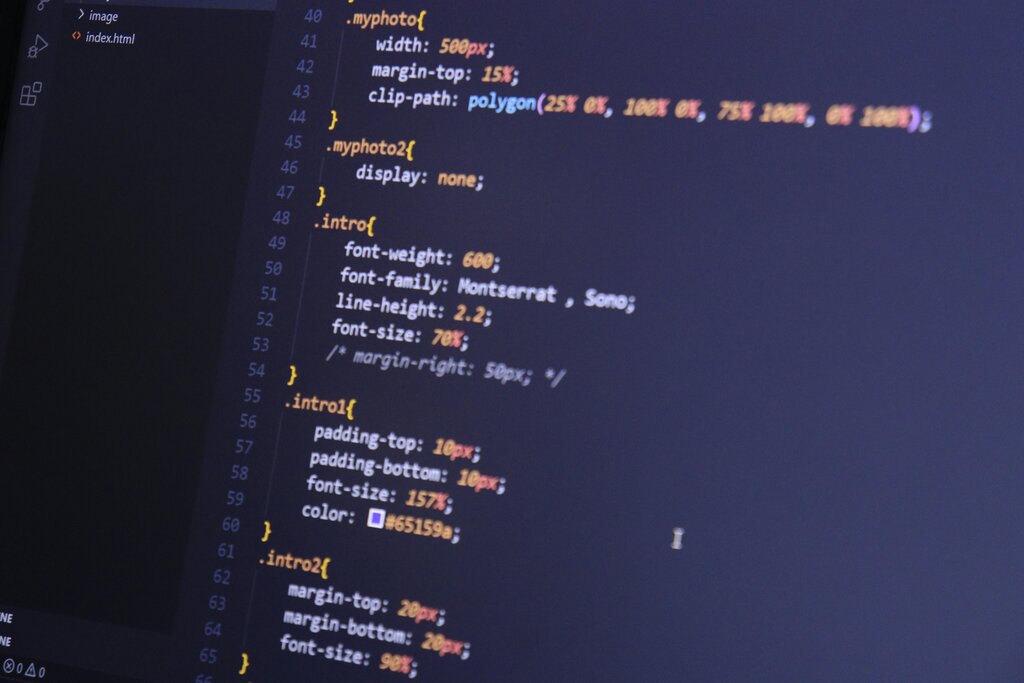
By learning these two languages, you gain the ability to create and style your own static websites from scratch. This is the first and most crucial step in the journey of web development.
Time to check your understanding of these foundational concepts.
What is the primary function of HTML?
True or False: HTML is considered a programming language because it tells the computer how to perform logical operations.
Mastering HTML and CSS provides the essential foundation for creating any website. From here, you can explore adding interactivity with other languages or simply focus on building beautifully designed static sites.