Mastering Fast Typing
Keyboard Layouts
The QWERTY Layout
Take a look at the keyboard in front of you. Whether it's on a laptop or a separate device, the top row of letters likely spells out Q-W-E-R-T-Y. This arrangement is so common it has a name: the QWERTY layout.
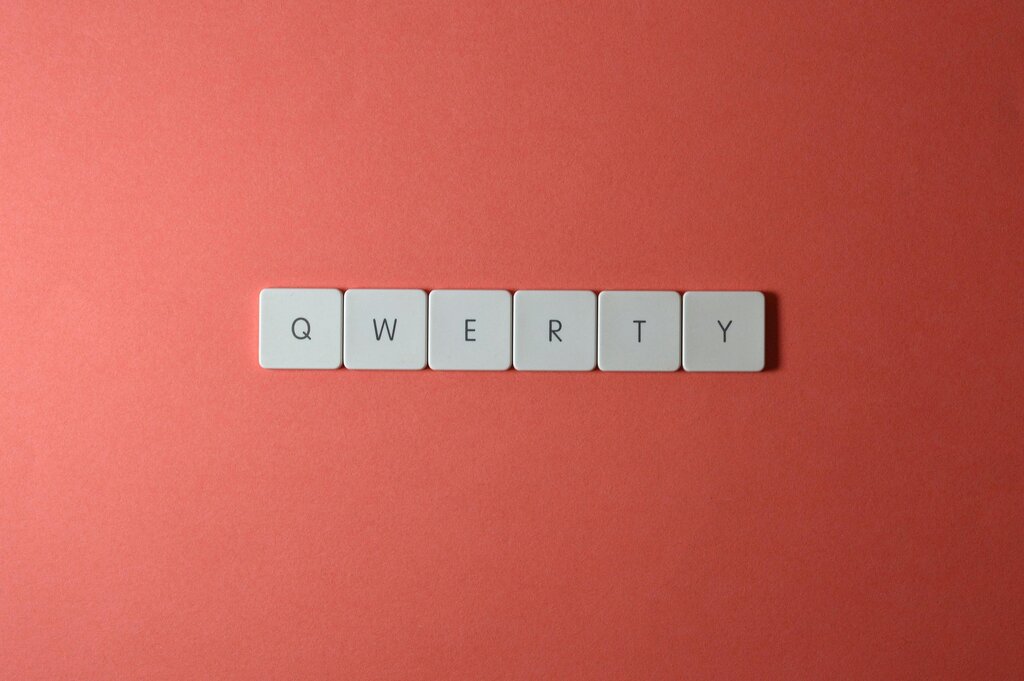
This layout wasn't designed for speed. It was created in the 1870s for mechanical typewriters. The inventor placed common letter pairs far apart to stop the machine's metal arms from getting stuck together. Even though modern computers don't have this problem, the QWERTY layout has stuck around.
While QWERTY is the standard for English, other layouts exist for different languages and preferences. For example, French keyboards often use an AZERTY layout, and some typists prefer the Dvorak layout, which is designed for faster typing by placing the most used letters in the easiest-to-reach spots.
Finding the Home Row
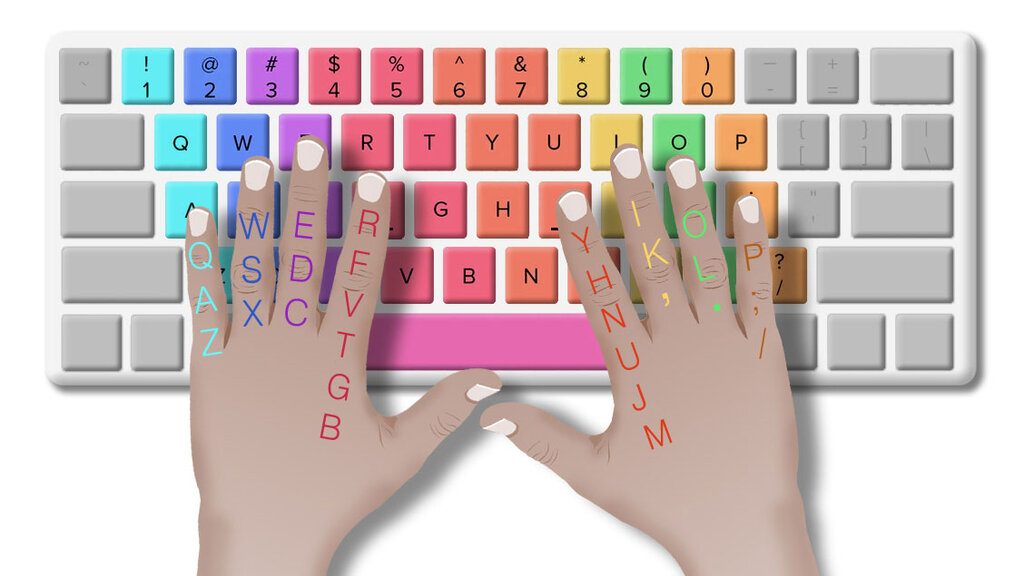
Regardless of the layout, every keyboard has a "home row." This is the middle row of letters where your fingers rest, ready to type. For a QWERTY keyboard, this row contains A, S, D, F for your left hand and J, K, L, ; for your right hand.
The home keys are the foundation of touch typing and help you easily navigate the keyboard.
If you run your fingers over the F and J keys, you'll feel a small bump or ridge on each one. These aren't mistakes. They are tactile markers designed to help you find the home row without looking down at your keyboard. Your index fingers should always rest on these two keys.
More Than Just Letters
Above the number keys, you’ll find a row of keys labeled F1 through F12. These are the function keys. Their purpose isn't fixed; it changes depending on the application you're using. In a web browser, F5 might reload the page, while in a word processor, it might open a "Find and Replace" tool.
Here are a few common uses for them:
| Key | Common Function |
|---|---|
| F1 | Opens the Help screen |
| F2 | Renames a selected file or folder |
| F5 | Refreshes a web page or document |
| F7 | Runs a spell and grammar check |
| F11 | Enters or exits full-screen mode |
Think of them as programmable shortcuts. While you don't need to memorize every function, knowing a few common ones can make your computer use a lot smoother.
Ready to check your understanding?
What was the original reason for the QWERTY keyboard layout?
What is the primary purpose of the small raised bumps on the 'F' and 'J' keys?
Now that you're familiar with the basic landscape of your keyboard, you have the foundation needed to build your typing skills.