Mastering Facebook Ads
Introduction to Facebook Ads
What Are Facebook Ads?
Facebook Ads are paid messages that businesses use to reach people who are most likely to be interested in their products or services. When we say "Facebook Ads," we're really talking about ads across Meta's family of apps. This includes Facebook, Instagram, Messenger, and the Audience Network, which is a network of other apps and websites where your ads can appear.
Think of it this way: instead of putting up a billboard on a random highway, you're placing a smart, digital billboard in front of the exact people you want to talk to.
Unlike a regular post on your page, which is shown to a small fraction of your followers, a paid ad is a powerful tool designed to achieve a specific business goal. This could be anything from getting more website visitors, generating sales, or simply making more people aware of your brand.
Why Bother with Facebook Ads?
The single biggest advantage of advertising on Meta's platforms is the ability to be incredibly specific about who sees your ads. You aren't just shouting into the void and hoping for the best. Instead, you can zero in on your ideal customers.
Facebook enables businesses to target specific demographics, interests, and behaviors, ensuring that their ads are shown to the most relevant audience.
This precision makes your advertising budget go further. You're not wasting money showing ads for steak to a vegetarian. You can define your audience by their age, location, interests, and even their recent online behaviors. The platform also gives you full control over your budget, allowing you to set daily or lifetime spending limits so there are no surprises.
Your Control Center: Ads Manager
Facebook Ads Manager is the all-in-one tool for creating, managing, and tracking your ad campaigns. It might look intimidating at first, but it's logically structured to guide you through the process. Everything you do with your ads will happen here.
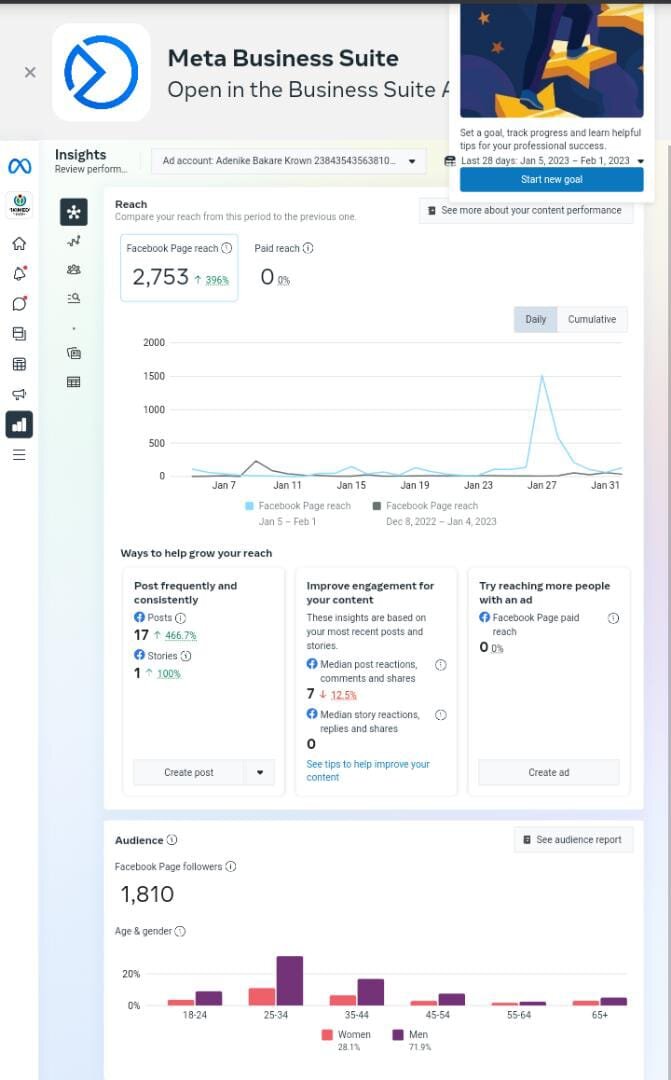
When you open Ads Manager, you'll see a dashboard view of all your campaigns. The interface is organized around a simple hierarchy:
- Campaign: This is the highest level. Here, you choose your overall advertising objective. What do you want to achieve? Examples include driving traffic to your website, increasing brand awareness, or generating leads.
- Ad Set: At this level, you define your audience, budget, schedule, and ad placements (e.g., Facebook Feed, Instagram Stories). You can have multiple ad sets within one campaign.
- Ad: This is the actual creative your audience sees. It includes the image, video, text, and call-to-action button. You can have multiple ads within one ad set to test which performs best.
Understanding this structure is the first step to creating organized and effective ads. You'll set your main goal at the campaign level, decide who to target and how much to spend at the ad set level, and design the ad itself at the ad level.
What is the correct hierarchical structure for creating a Facebook Ad campaign?
At which level of the Facebook Ads Manager hierarchy do you define your target audience, budget, and ad placements?
Now you have a basic understanding of what Facebook ads are, why they're valuable, and how they're structured within Ads Manager.