Mastering Design Systems
Introduction to Design Systems
What Is a Design System?
Think of a set of LEGO bricks. You have different shapes, sizes, and colors, along with a booklet showing how they click together to build anything from a simple car to an elaborate castle. A design system is the digital equivalent of that LEGO set for creating websites and apps.
It’s a collection of reusable components, like buttons, forms, and color palettes, all guided by clear standards. Instead of building every piece of a user interface from scratch each time, teams can use these pre-made, quality-checked parts to assemble new pages and features quickly and consistently.
A design system is a collection of reusable components, guided by clear standards, that can be assembled to build any number of applications.
This isn't just a style guide that dictates colors and fonts. A true design system is a living, breathing entity. It includes not only the visual elements but also the code that makes them work. It's the single source of truth that designers, developers, and product managers can all refer to, ensuring everyone is speaking the same language.
Why Bother with a System?
The main purpose of a design system is to create consistency. Imagine using an app where every button looks different. One is round and blue, another is square and green. Some have icons, others don't. This inconsistency makes the product feel unprofessional and, more importantly, confusing to use.
As a company grows, with more teams working on different parts of a product, it's easy for the user experience to drift. New features might not match the old ones, creating a disjointed and frustrating experience. A design system acts as a central rulebook, ensuring that every part of the product looks and feels like it belongs to the same family.
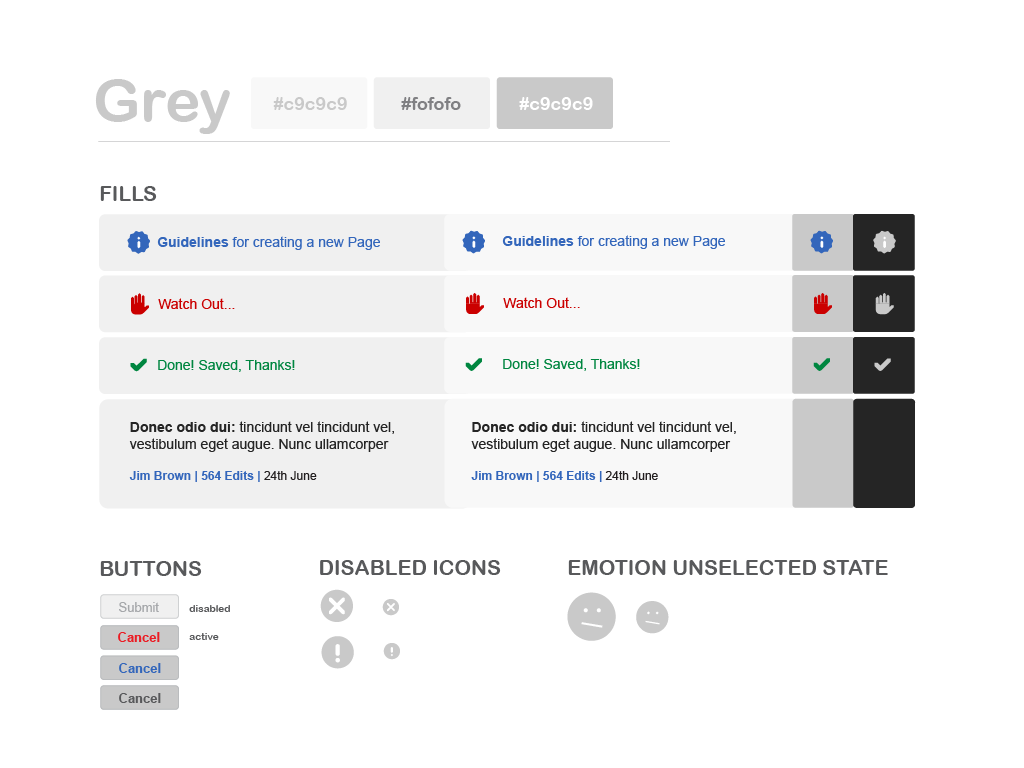
By establishing a shared library of components and patterns, a design system ensures visual and functional coherence across the entire product, no matter how many people are working on it. This creates a more predictable and intuitive experience for the user.
The Benefits of Building Better
Adopting a design system offers huge advantages beyond just a tidy interface. One of the biggest wins is efficiency. When designers and developers have a toolkit of ready-to-use components, they can build and launch new features much faster.
Instead of reinventing the wheel for every new project, teams can focus their energy on solving bigger user problems. This accelerates the development cycle, saving both time and money.
Think of it this way: you wouldn't ask a chef to forge new knives and pans for every meal. You give them a well-stocked kitchen so they can focus on the cooking. A design system is the team's well-stocked kitchen.
Collaboration also improves dramatically. Design systems create a shared vocabulary that bridges the gap between design and development. Designers create mockups using established components, and developers know exactly how those components are built and how they should behave. This alignment reduces miscommunication, endless back-and-forth, and costly mistakes.
A well-thought-out design system acts as a bridge between designers and developers, creating a shared language that eliminates confusion.
Finally, a design system makes products easier to scale and maintain. When you need to update a button's style, you can change it in one central place, and the update will apply everywhere. This makes maintaining a high-quality product much more manageable as it grows in complexity.
What is the best description of a design system?
What is the primary problem that a design system aims to solve in a growing organization?