Mastering Data Scraping
Introduction to Web Scraping
What Is Web Scraping?
The internet is the world's largest library, but most of its books don't have an index. Web scraping is the tool you use to create your own. It’s a technique for automatically collecting large amounts of data from websites.
Imagine you want to copy all the product names and prices from an online store. You could do it manually, copying and pasting each one into a spreadsheet. But that would take forever. A web scraper is a program that does this for you. It visits the website, reads the page, and pulls out the specific information you told it to find, all in a fraction of the time.
Web Scraping
noun
The automated process of extracting information from websites. It involves fetching a web page and then pulling specific data out of its HTML code.
Why Scrape the Web?
Web scraping has countless applications. It's a fundamental skill for anyone who works with data.
Businesses use it for market research, tracking competitor prices, and generating sales leads. A company might scrape e-commerce sites to see how their product pricing stacks up against others. Real estate agents might scrape listings to analyze market trends. Journalists and researchers use it to gather data for stories and studies, from tracking political sentiment on social media to collecting weather data over time.
Essentially, if data is publicly available on a website, it can likely be scraped and organized for analysis.
How Does It Work?
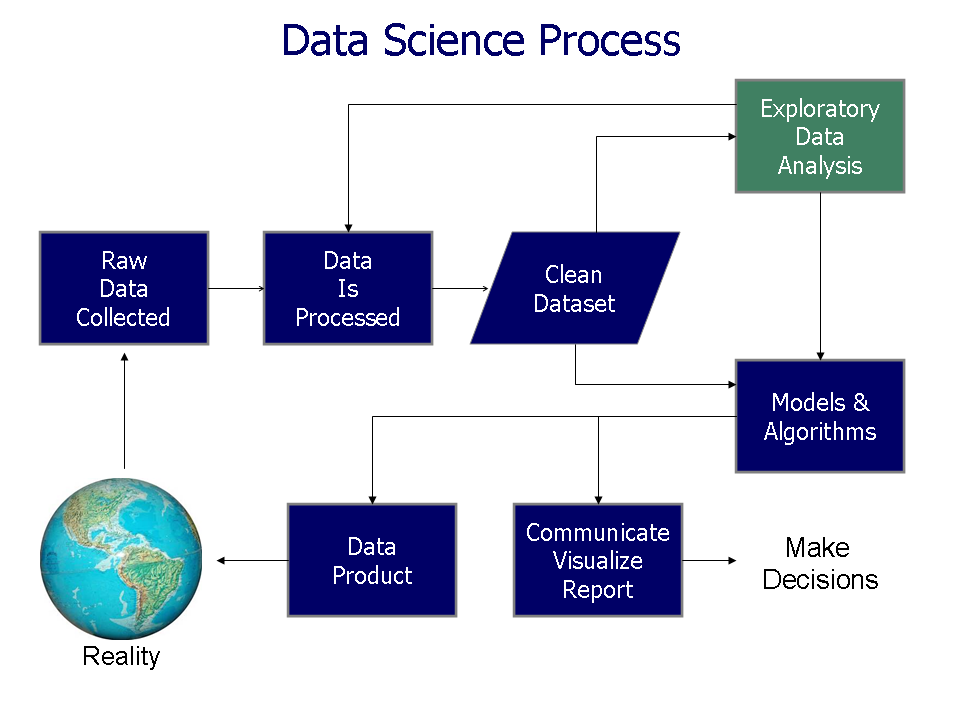
A web scraper works in a simple, three-step cycle. It mimics what you do in a web browser, but it does so programmatically and at a much greater speed.
1. Request: First, the scraper sends a request to the website's server for a specific page, just like your browser does when you type in a URL. The server responds by sending back the page's raw content, which is typically written in HTML.
2. Parse: The scraper then needs to make sense of this raw HTML. This step is called parsing. The scraper sifts through the HTML code, which contains all the text, links, and images on the page, to understand its structure. It's like reading the blueprint of the webpage to find where everything is located.
3. Extract: Finally, the scraper pulls out the specific data it was built to find. This could be anything from the headlines of news articles to the prices of products or the contact information from a directory. Once extracted, this data is saved in a structured format, like a CSV file or a database, making it easy to use.
Playing by the Rules
Just because you can scrape a website doesn't always mean you should. It's crucial to consider the ethical and legal side of web scraping. Think of yourself as a visitor in someone else's house. You want to be polite and respectful.
Most websites have a file called robots.txt that outlines which parts of the site they permit bots to visit. Always check this file first. A website's Terms of Service is another important document to review, as it often states the company's policy on data scraping.
It’s also important to be a “good bot.” This means programming your scraper to pause between requests so you don't overwhelm the website's server and cause it to slow down or crash for other users. Scraping responsibly is key.
| Do | Don't |
|---|---|
Check robots.txt and Terms of Service. | Scrape data that is behind a login or is personal. |
| Space out your requests to avoid overwhelming the server. | Resell scraped data without permission. |
| Identify your bot with a clear User-Agent. | Ignore a website's rules or requests to stop. |
Now, let's review what you've learned about web scraping.
What is the primary purpose of web scraping?
Which of the following correctly lists the three main steps of the web scraping cycle in order?
Understanding these fundamentals prepares you to explore how data can be collected from the vast resources of the web.