Mastering CrewAI Studio for Autonomous Agents
Introduction to CrewAI Studio
Welcome to CrewAI Studio
CrewAI Studio is an interactive workspace designed to help you build and manage teams of autonomous AI agents. Think of it as a control center where you can assemble a digital workforce, assign tasks, and watch them collaborate to get things done. The goal is to make the process of creating sophisticated AI systems more intuitive and accessible, even if you aren't a seasoned programmer.
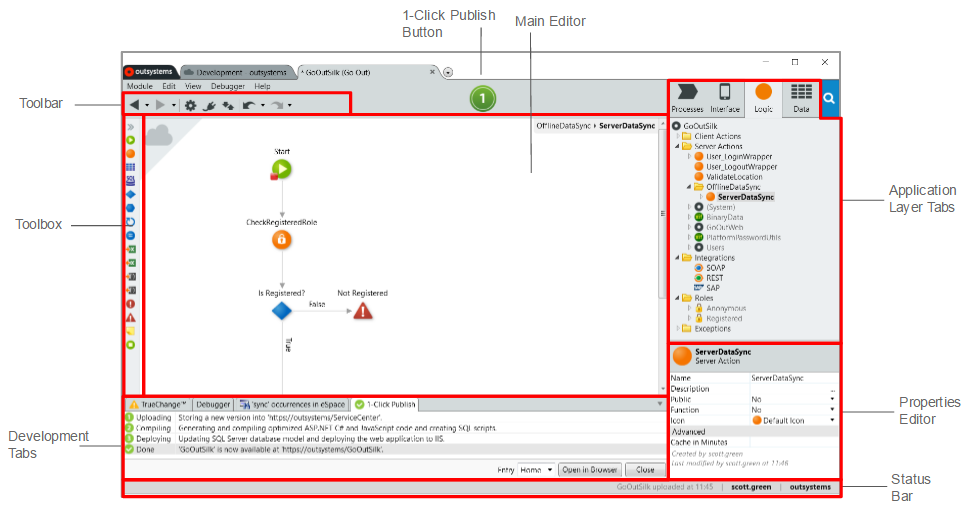
Instead of getting lost in complex code, the Studio provides visual tools and AI assistance to guide you. It's built to streamline the entire process, from dreaming up an agent to deploying a fully functional crew.
Creating Agents with Prompts
One of the most powerful features of CrewAI Studio is prompt-based creation. You don't need to write intricate code to define an agent. Instead, you describe its role, capabilities, and goals in plain English, much like writing a job description for a new hire.
For example, to create a research agent, you might write a prompt like: 'You are a world-class technology researcher. Your goal is to find the three most important recent developments in renewable energy. You must provide links to your sources.'
The AI within the Studio interprets your instructions and configures the agent accordingly. This simple, conversational approach removes a major barrier to entry, allowing you to focus on the strategy of your AI crew rather than the low-level technical details. You can create a writer, a data analyst, or a project manager just by describing what you need.
Visualizing the Workflow
Once you have your agents, you need to tell them how to work together. CrewAI Studio includes a visual workflow editor that lets you map out the entire process. It turns abstract plans into a concrete flowchart that's easy to understand and modify.
In this editor, you can drag and drop agents and tasks, then draw connections between them to define the sequence of operations. For instance, you can specify that the 'Researcher' agent must complete its task of gathering information before the 'Writer' agent begins its task of drafting a report. This visual representation makes it clear how information flows through your system and helps you spot potential bottlenecks or logical errors.
Execution and Debugging
Building a crew is just the first step. You also need to see it in action. CrewAI Studio provides tools to run your workflow and monitor its progress in real time. You can watch as each agent picks up a task, executes it, and passes the result to the next agent in line.
This live feedback is crucial for refinement. You can see exactly what each agent is 'thinking' and doing at every stage.
Of course, things don't always go perfectly on the first try. That's where debugging tools come in. If an agent gets stuck or produces an unexpected result, the Studio helps you investigate. It provides detailed logs and error messages that pinpoint where the breakdown occurred. This allows you to quickly adjust your prompts, reconfigure the workflow, or refine the agents' instructions until your crew performs exactly as intended.
What is the primary purpose of CrewAI Studio?
How are agents primarily defined and configured in CrewAI Studio?