Mastering Core Java Programming
Java Basics
Setting Up Your Workspace
Before you can write Java, you need a couple of tools. The first is the Java Development Kit, or JDK. Think of it as a toolbox for a Java programmer. It contains everything you need to write, compile, and run your code. Compiling is the process of translating the code you write into a language the computer can understand.
The second tool is an Integrated Development Environment, or IDE. An IDE is a software application that makes programming much easier. It's a text editor, a file organizer, and a debugger all in one. It helps by highlighting syntax, autocompleting your code, and pointing out simple errors before you even try to run your program. Popular IDEs for Java include Eclipse, IntelliJ IDEA, and Visual Studio Code with the right extensions.
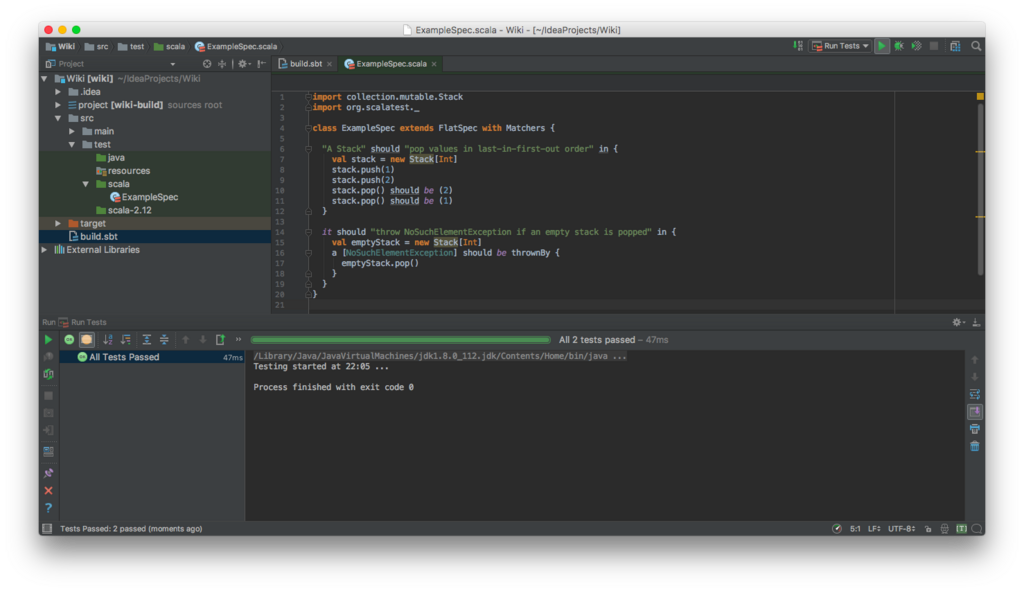
Your First Java Program
Let's start with a classic: the "Hello, World!" program. It’s a simple tradition and a great way to see the basic structure of a Java application.
public class Main {
    public static void main(String[] args) {
        // This line prints text to the screen
        System.out.println("Hello, World!");
    }
}
This might look complicated, but let's break it down.
Every Java application has at least one class. Here, our class is named Main. The public class Main { ... } part is the container for our entire program.
Inside the class, we have a main method. The line public static void main(String[] args) is a special entry point. When you run your program, Java looks for this exact line to know where to start. For now, just know that your code will go inside these curly braces {}.
Finally, System.out.println("Hello, World!"); is the instruction that does the work. It tells the system to print a line of text to the console. Notice it ends with a semicolon ;. In Java, most statements do.
Java is case-sensitive, which means
mainandMainare considered different. Pay close attention to capitalization!
Storing Information
Programs need to store and manage information. We do this using variables. A variable is like a labeled box where you can keep a piece of data. Before you can use a variable, you have to declare it, which means giving it a type and a name.
variable
noun
A storage location in memory, identified by a name, that holds a value.
The variable's type tells Java what kind of data it will hold. This is important because Java handles whole numbers differently than it handles text. Here are the most common basic types:
| Type | Description | Example |
|---|---|---|
int | Whole numbers | 10, -5, 0 |
double | Numbers with a decimal point | 3.14, -0.001 |
boolean | A value that is true or false | true |
char | A single character | 'A', '!' |
String | A sequence of characters (text) | "Hello, Java" |
Here’s how you declare and assign values to variables:
// Declare an integer variable named 'score'
int score;
// Assign a value to it
score = 100;

// You can also declare and assign in one line
double price = 19.99;
boolean isLoggedIn = true;
String username = "Alex";
Making Things Happen
Variables aren't very useful if you can't do anything with them. That’s where operators come in. Operators are symbols that perform operations on variables and values.
The value an operator works on is called an operand. In
5 + 2, the+is the operator and5and2are the operands.
You already know the basic arithmetic operators: addition +, subtraction -, multiplication *, and division /.
int students = 30;
int leftBehind = 4;
int onBus = students - leftBehind; // onBus is 26

double itemPrice = 12.50;
double tax = 0.75;
double totalCost = itemPrice + tax; // totalCost is 13.25
Another useful tool is the assignment operator, =. It takes the value on the right and assigns it to the variable on the left. You can also use shorthand operators like += and -= to modify a variable's value.
int score = 0;
score += 10; // This is the same as score = score + 10;
System.out.println(score); // Prints 10

score -= 2;  // This is the same as score = score - 2;
System.out.println(score); // Prints 8
Putting it all together, we can write a simple program that uses variables and operators to perform a calculation.
public class AreaCalculator {
    public static void main(String[] args) {
        double length = 5.5;
        double width = 3.0;

        // Calculate the area of a rectangle
        double area = length * width;

        System.out.println("The area is: " + area);
    }
}
In this example, we declared two double variables, length and width. Then we used the multiplication operator * to calculate the area and stored the result in a new variable. Finally, we printed a descriptive message to the console. The + operator here joins the text "The area is: " with the value of the area variable.
You've now seen the fundamental building blocks of Java. With classes, variables, and operators, you're ready to start writing your own simple programs.