Mastering ChatGPT from Zero
Introduction to ChatGPT
What Is ChatGPT?
ChatGPT is a powerful AI chatbot created by OpenAI. Think of it as a conversational partner that can understand and generate human-like text. It's built on what's known as a large language model (LLM), which is a type of artificial intelligence trained to recognize patterns in text and use them to create new content.
ChatGPT is an artificial intelligence (AI) chatbot built on top of OpenAI's foundational large language models (LLMs) like GPT-4 and its predecessors.
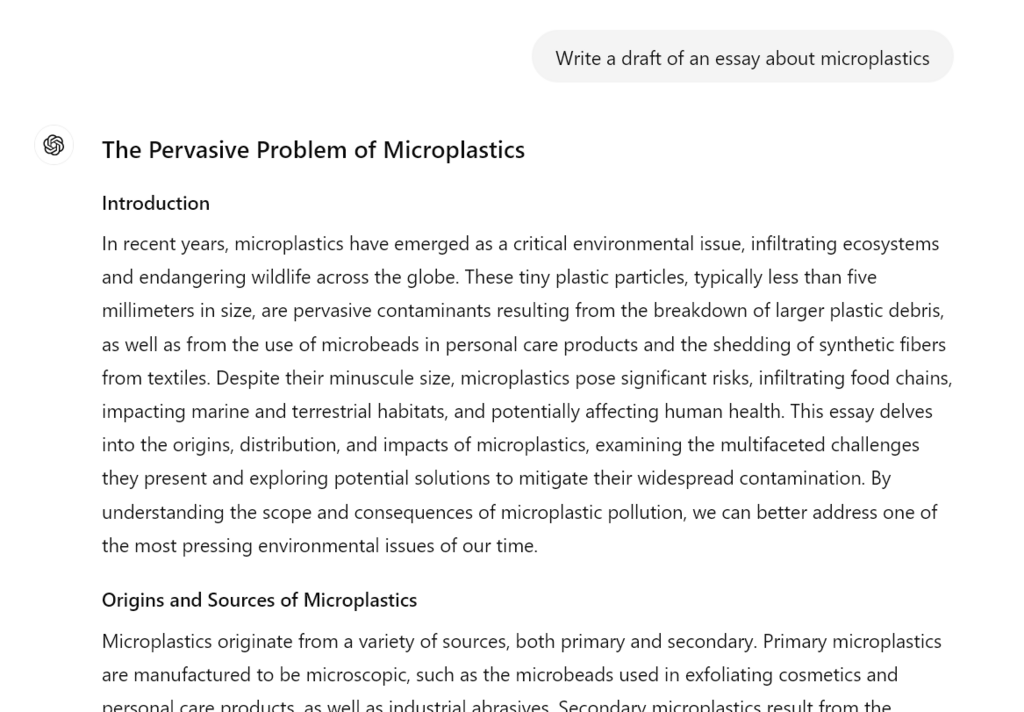
At its core, ChatGPT excels at a few key tasks. You can ask it questions on almost any topic, from historical events to scientific concepts. It can also generate text, like writing an email, a poem, or a short story based on your instructions. Another useful feature is summarization; you can give it a long article or document and ask for the main points.
How Does It Work?
The model's impressive abilities come from its training. ChatGPT was trained on a massive and diverse dataset of text and code pulled from the internet. Imagine reading a significant portion of the books, articles, and websites ever published. By processing all that information, the model learned the relationships between words, grammar, facts, and even styles of writing.
This training allows it to predict the next most likely word in a sentence, and then the next, and so on, until it forms a complete and coherent response. When you type a question, ChatGPT uses the context of your words to generate an answer that is relevant and helpful.
Getting Started
Creating an account is straightforward. First, navigate to the official OpenAI ChatGPT website. You'll see options to either log in or sign up. Click the sign-up button and follow the on-screen instructions, which usually involve providing an email address and creating a password.
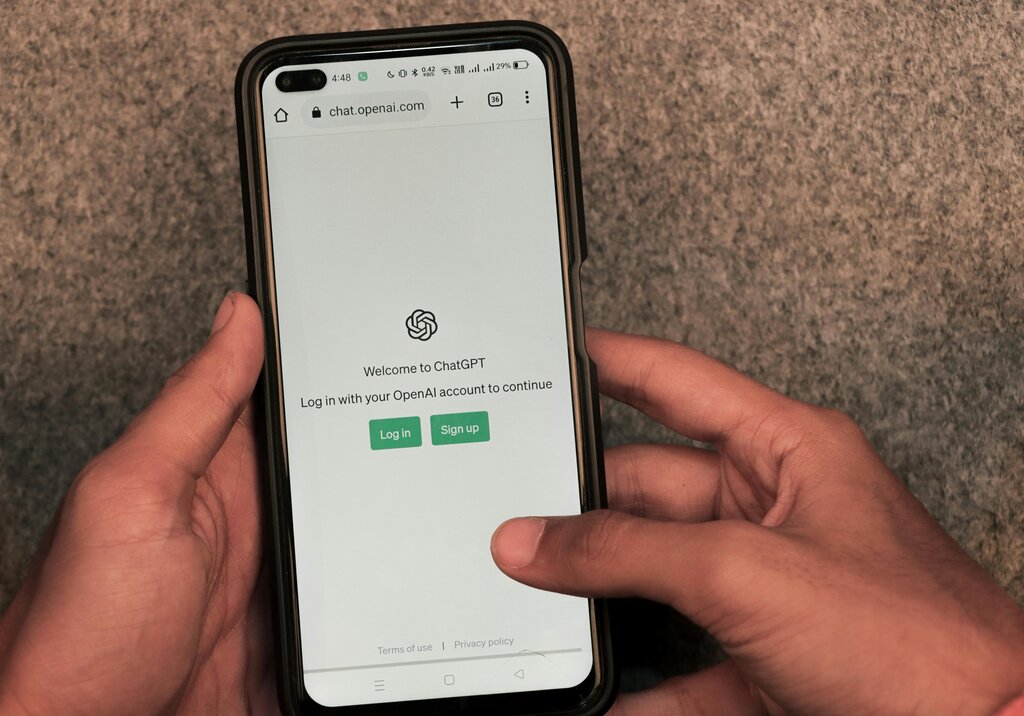
Once you're logged in, you'll see a clean and simple interface. The main area is the chat window, where your conversation appears. At the bottom is the text box where you type your questions or commands, which are often called "prompts."
A sidebar, usually on the left, keeps a history of your previous conversations. This is handy for revisiting past topics or picking up where you left off. You can start a new chat anytime you want to discuss a different topic.
The best way to learn is by doing. Try asking a simple question like, "Explain the water cycle in three sentences," to see how it responds.
Now that you know the basics, let's check your understanding.
What is the fundamental technology that powers ChatGPT?
Which of the following best describes the primary capabilities of ChatGPT?
You're now ready to start exploring what ChatGPT can do.