Mastering C++ Fundamentals
Introduction to C++
What Is C++?
C++ is a powerful, general-purpose programming language. It was created in the early 1980s by Bjarne Stroustrup, who wanted to add features to the popular C language. Think of it as C's enhanced successor, often called "C with Classes."
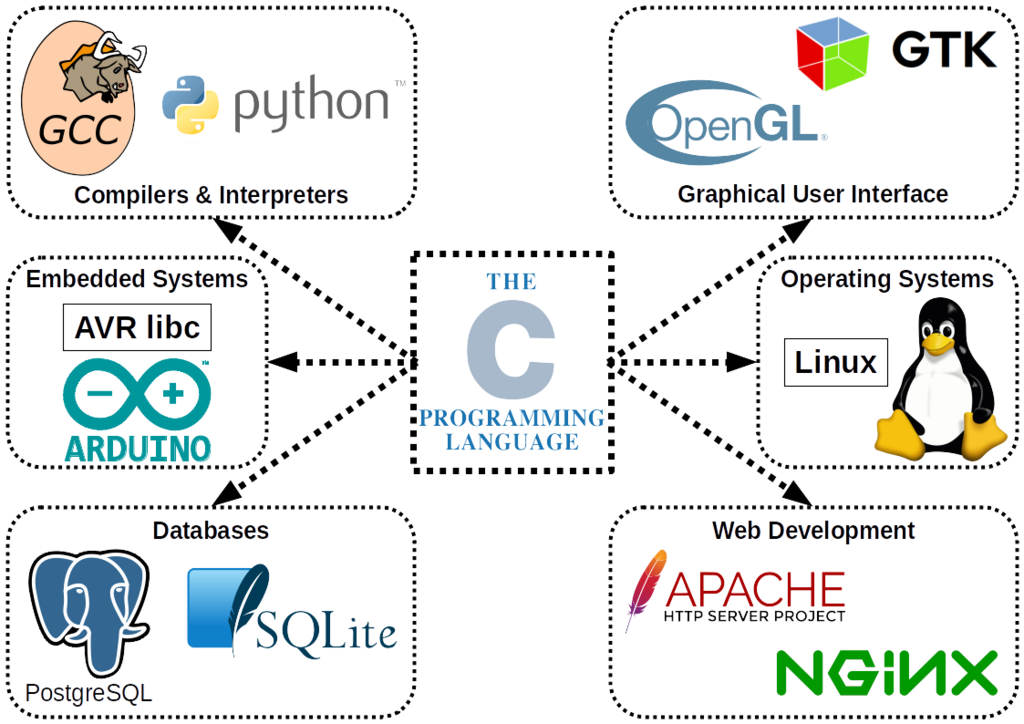
What makes C++ special? It’s known for its speed and efficiency. It gives programmers a high level of control over system resources and memory. This makes it a go-to choice for performance-critical applications like video games, operating systems, financial trading software, and high-performance scientific computing.
C++ is considered a middle-level language. This means it has features of both high-level languages (like Python or Java), which are easier for humans to read, and low-level languages (like Assembly), which are closer to the computer's native language. This combination offers both powerful abstraction and close-to-the-metal control.
Getting Set Up
To start writing C++, you need two basic tools: a text editor to write your code and a compiler to translate it into a language the computer can understand.
A compiler reads your source code (the human-readable instructions you write) and converts it into an executable file, which is machine code that the computer's processor can execute directly.
Source Code (Your .cpp file) → Compiler → Executable Program (Machine Code)
You could install these tools separately, but it's much easier to use an Integrated Development Environment (IDE). An IDE bundles a text editor, a compiler, and other helpful tools (like a debugger) into a single application. Popular IDEs for C++ include Visual Studio (Windows), Xcode (macOS), and Code::Blocks (cross-platform).
For now, the simplest way to start is with an online C++ compiler. It lets you write and run code directly in your web browser without any installation. Websites like OnlineGDB or Replit are great for this.
Anatomy of a C++ Program
Let's look at the classic first program for any language: "Hello, World!". It's a simple program that just prints that phrase to the screen. Despite its simplicity, it shows us the essential structure of a C++ program.
// My first C++ program
#include <iostream>

int main() {
    std::cout << "Hello, World!" << std::endl;
    return 0;
}
Let's break this down line by line:
-
// My first C++ programThis is a comment. The compiler ignores anything on a line that starts with//. Comments are for humans—they help you and others understand what your code is doing. -
#include <iostream>This is a preprocessor directive. It tells the compiler to include theiostreamfile, which is a standard library that handles input and output operations. We need it to usestd::cout. -
int main()This is the main function. Every C++ program must have amainfunction. It's the starting point of your program—execution always begins here. Theintmeans the function will return an integer value. -
{and}The curly braces mark the beginning and end of themainfunction. All the code inside the function goes between these braces. -
`std::cout <<
Compiling and Running
The process of turning your source code into a runnable program involves two steps: compiling and running.
1. Compiling: You feed your source code file (usually with a .cpp extension) to the compiler. The compiler checks for syntax errors. If everything is correct, it produces an executable file.
2. Running: You execute the new file created by the compiler. The computer's operating system loads the program into memory and tells the CPU to start carrying out the instructions, starting from the main function.
If you're using an IDE or an online compiler, this process is usually handled by a single "Run" or "Build & Run" button. It compiles the code and, if successful, immediately runs the resulting program for you.
C++ is often described as an enhanced successor or an extension of which programming language?
What is the primary role of a C++ compiler?