Mastering AWS EC2 Infrastructure
Optimizing Instance Selection
Choosing the Right Engine
You've likely worked with the general-purpose M-family or the burstable T-family instances. They're the workhorses of AWS. But for professional workloads, running efficiently means picking a specialist. Using a general-purpose instance for a memory-intensive task is like hauling lumber with a sports car – it works, but it's inefficient and expensive.
Matching the instance family to your application's needs is the first step in serious architecture design. Does your application perform complex calculations, process large datasets in memory, or require rapid access to huge amounts of disk storage? Each question points to a different family of instances.
| Family Type | Primary Use Case | Example Instances |
|---|---|---|
| Compute Optimized | Batch processing, media transcoding, high-performance web servers, scientific modeling | C7g, C6i, Hpc7g |
| Memory Optimized | In-memory databases (like Redis or Memcached), big data analytics (Hadoop/Spark), real-time data processing | R7g, R8g, X2idn |
| Storage Optimized | NoSQL databases, data warehousing, distributed file systems, search engines | I4g, I4i, Im4gn |
These specialized families deliver better performance for their target workloads because the underlying hardware is tailored for the job. You get more processing power, RAM, or faster storage for your money.
What's Under the Hood
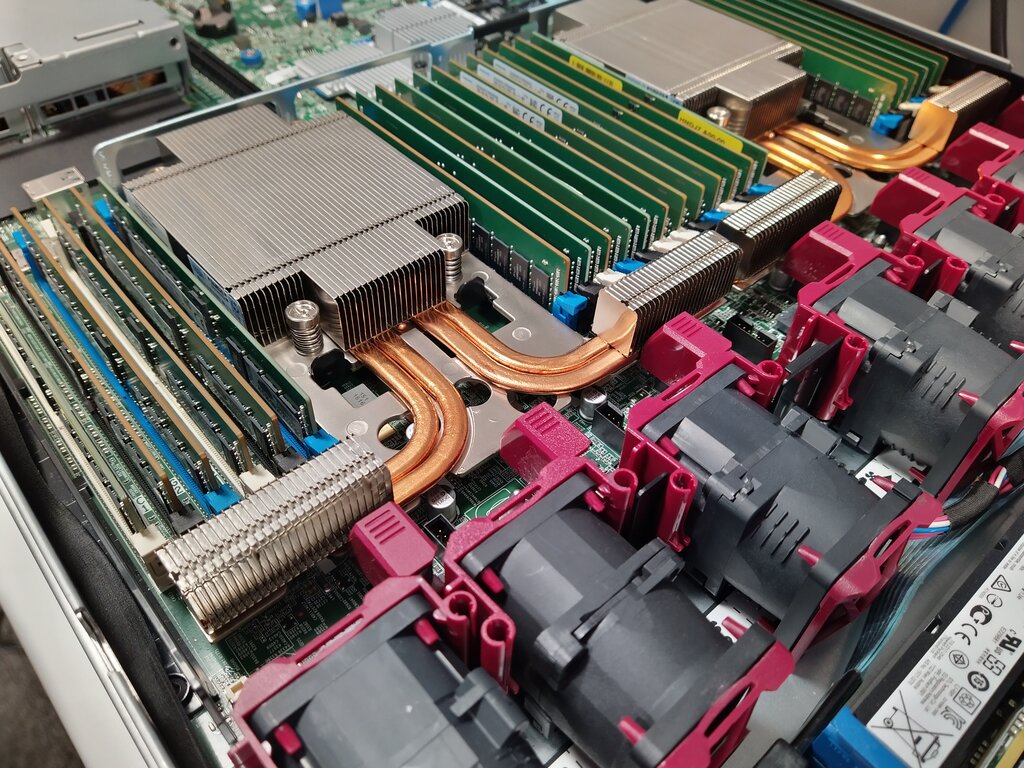
The performance of modern EC2 instances isn't just about raw CPU and RAM. It's also about the underlying virtualization technology. The is a key part of this. It's a combination of dedicated hardware and a lightweight hypervisor that offloads many virtualization, storage, and networking functions from the main CPU.
This means nearly all of the server's compute and memory resources are dedicated to your instance, not shared with the host's operating system. The result is better, more consistent performance and enhanced security, as the management functions are physically isolated from your workload.
Decoding the Lingo
EC2 instance names can look like alphabet soup, but they follow a clear pattern. Understanding this naming convention helps you quickly identify an instance's capabilities.
Let's break down c7gn.2xlarge:
- c: The instance family (Compute Optimized).
- 7: The generation. Higher is newer and usually offers better price-performance.
- g: The processor type.
gfor AWS Graviton (ARM),ifor Intel,afor AMD. - n: Additional capability.
nindicates enhanced networking,dmeans local NVMe instance storage,bis for block storage optimization. - 2xlarge: The instance size, indicating the amount of vCPU, memory, and other resources. Sizes typically range from
nanotometal.
Choosing a newer generation instance is one of the simplest ways to improve performance and lower costs. AWS regularly releases new generations that offer more power for the same or lower price than their predecessors.
Performance Models and Specialization
Not every application needs full CPU power 24/7. For workloads with occasional spikes in activity, like development environments or low-traffic websites, burstable performance instances (T-family) are a cost-effective choice. These instances accumulate when idle and spend them when performance needs to burst above the baseline.
For highly specialized tasks, you need hardware built for the job. Accelerated computing instances provide hardware accelerators or co-processors. The most common types are:
- P and G families: Equipped with NVIDIA GPUs for machine learning and graphics-intensive applications.
- Inf and Trn families: Feature custom AWS chips (Inferentia and Trainium) designed specifically for cost-effective machine learning inference and training.
- F family: Provide Field Programmable Gate Arrays (FPGAs) that you can program for specific hardware accelerations, like genomics research or financial analysis.
Let's review the key instance families and their uses.
Now, test your understanding of how to select the right instance.
What is the primary advantage of using the AWS Nitro System in modern EC2 instances?
An application, such as a low-traffic website or a development server, experiences occasional spikes in CPU usage but is mostly idle. Which instance family is the most cost-effective choice for this workload?
By moving beyond general-purpose instances and decoding the options available, you can build architectures that are not only powerful but also highly cost-effective.