Mastering Autodesk Vault for Design Data Management
Introduction to Autodesk Vault
What is Autodesk Vault?
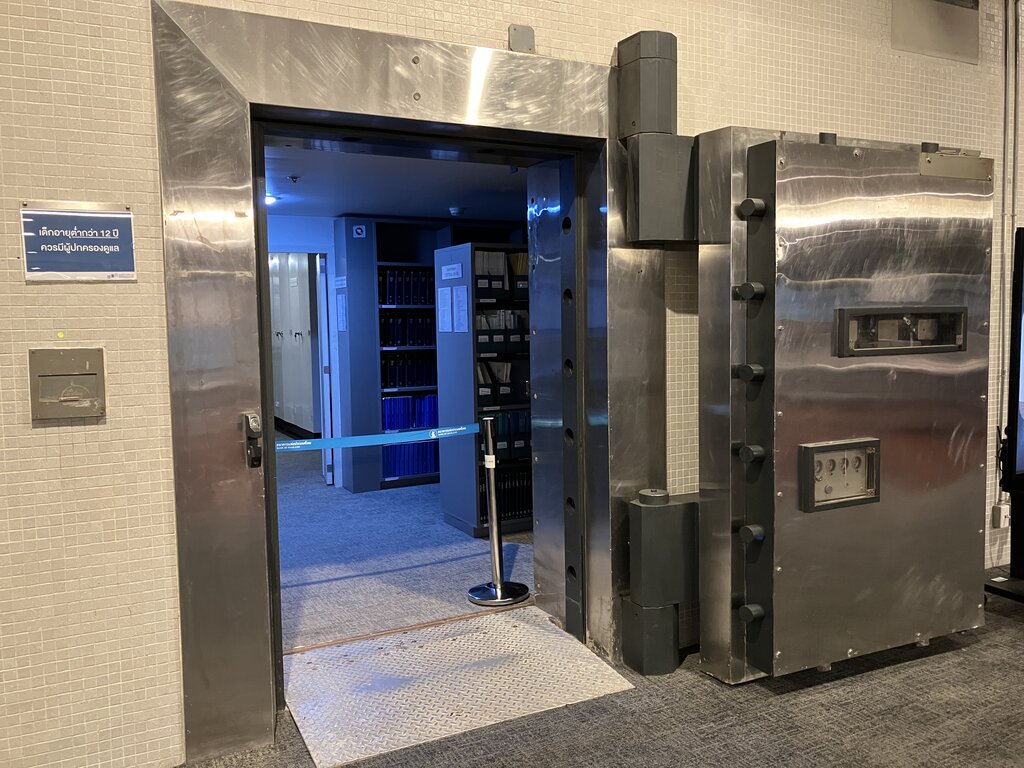
Think of Autodesk Vault as a secure library for your most important digital blueprints and design files. It’s a data management tool built specifically for people who design and build things—engineers, architects, and designers.
Instead of saving files on individual computers or scattered network drives, teams use Vault to keep everything in one central, organized place. This helps everyone track data, from the first sketch to the final documentation, ensuring the whole team works together smoothly.
A Single Source of Truth
The biggest challenge for any design team is knowing which file is the most up-to-date. Is it the one named Final_Design.dwg, Final_Design_v2.dwg, or Final_Design_USE_THIS_ONE.dwg? When files are emailed around or stored in different locations, confusion is inevitable. This can lead to costly mistakes, like manufacturing a part from an outdated design.
Vault solves this by creating a centralized storage system, often called a "single source of truth." All project data lives inside the Vault. Team members connect to this central hub to get the files they need. There's no more guessing, because everyone is pulling from the same, managed source.
Tracking Every Change
Designs evolve. A component might be changed ten times before it's finalized. How do you keep track of that history? Vault manages this with version control. Every time a file is saved back into the Vault, it creates a new version, preserving a complete history of the design. You can always look back at—or even restore—an older version if needed.
To prevent people from accidentally overwriting each other's work, Vault uses a check-in/check-out system. To edit a file, you must first "check it out." This locks the file so that only you can modify it. When you're done, you "check it in," and Vault saves your changes as the new version. This simple process makes team collaboration much safer and more efficient.
Vault automatically tracks who changed what, and when. This history is invaluable for understanding how a design has developed over time.
Working Together, Seamlessly
The real power of Vault comes from its deep integration with other Autodesk software like AutoCAD, Inventor, and Revit. You don't have to leave your design application to use Vault. It works right inside the software you already use every day.
This means you can check files in and out, view version history, and manage your data without breaking your workflow. Because Vault understands the complex relationships between files—like how an assembly in Inventor is made of many part files—it manages all the related data together. If you rename or move a part, Vault automatically updates all the assemblies that use it, preventing broken links and saving hours of frustration.

Now that you have a sense of what Autodesk Vault does, it's time to check your understanding.