Mastering AI Prompt Engineering
Introduction to AI Prompting
Talking to an AI
Interacting with an AI is like having a conversation. You give it an instruction, and it responds. That initial instruction is called a prompt. It’s how you tell the AI what you want it to do, whether that’s answering a question, writing a poem, or summarizing a document.
Prompt
noun
An instruction or query given to an AI model to generate a specific response.
The “brain” you’re talking to is usually a Large Language Model, or LLM. These are complex AI systems trained on enormous amounts of text and data from the internet. This training allows them to understand language, recognize patterns, and generate human-like text in response to your prompts.
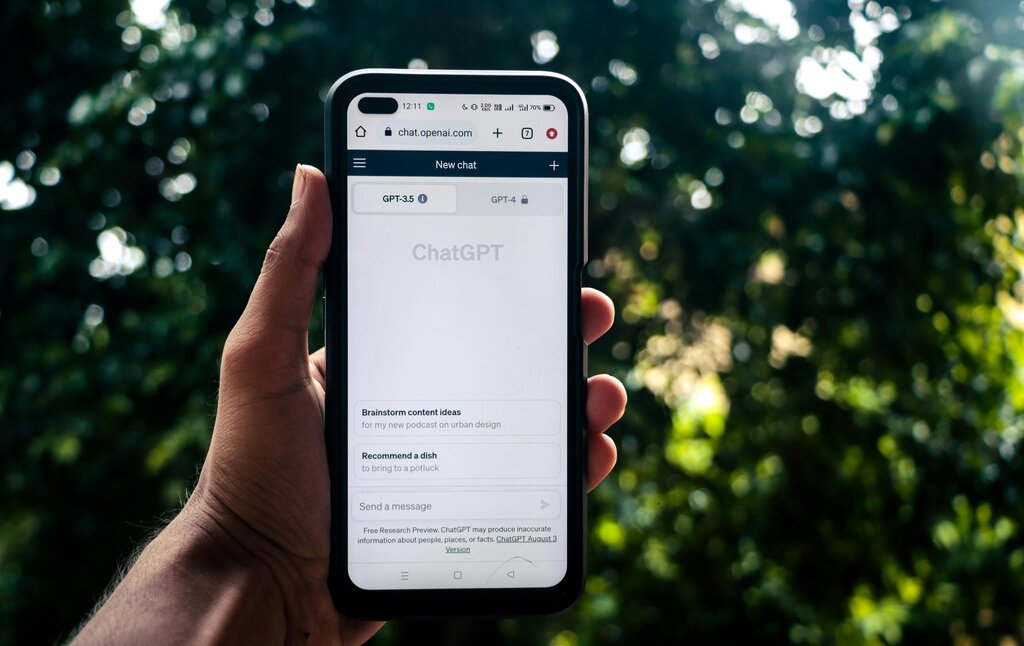
Think of an LLM as an incredibly knowledgeable and skilled assistant that has read nearly everything ever written. However, it's also very literal. It doesn't have personal experiences or intentions. It just follows your instructions based on the patterns it learned during its training. This is why the way you phrase your prompt is so important. A clear, specific prompt gets a clear, specific answer.
Effective AI prompts are all about clarity and context.
The Power of Examples
One of the best ways to improve your prompts is by providing examples. The number of examples you give can be categorized into three main types of prompting.
A zero-shot prompt gives the AI a task without any examples. You’re relying entirely on its existing knowledge to figure out what you want.
Prompt: Translate this sentence to French: I would like a cup of coffee.
In this case, the LLM is already familiar with translation tasks and will likely give you the correct answer: Je voudrais une tasse de café.
A one-shot prompt includes a single example for the AI to follow. This helps guide the model toward the specific format or style you're looking for.
Prompt: English: cat -> Spanish: gato English: cheese -> Spanish:
By providing one example, you’ve shown the AI the exact pattern you want it to replicate. It will understand the task and complete the pattern with queso.
A few-shot prompt provides several examples. This is useful for more complex or nuanced tasks where a single example might not be enough to clarify the pattern.
Prompt: Summarize the emotion in one word.
Sentence: Wow, I can't believe I won the lottery! Emotion: Ecstatic
Sentence: I have so much work to do, I don't know where to start. Emotion: Overwhelmed
Sentence: The puppy cuddled up on my lap and fell asleep. Emotion:
With multiple examples, the AI gets a much better sense of the task's complexity and is more likely to provide a nuanced answer like Content or Peaceful.
| Prompt Type | Number of Examples | Best For |
|---|---|---|
| Zero-shot | 0 | Simple, common tasks |
| One-shot | 1 | Tasks requiring a specific format |
| Few-shot | 2+ | Complex or nuanced tasks |
Context and Limitations
Besides examples, providing context is the most powerful tool you have for writing good prompts. Context is any background information that helps the AI understand your request more fully. If you ask an AI to "write about Apple," it doesn't know if you mean the fruit or the technology company. A better prompt would be, "Write a short paragraph about Apple Inc., focusing on the launch of the first iPhone."
The more context you provide, the less the AI has to guess, leading to more relevant and accurate responses.
It’s also crucial to remember that every AI model has its limitations. An LLM's knowledge is frozen at the point its training data was collected, so it may not know about very recent events. Models can also "hallucinate," or invent facts, if they don't know the answer to a question. They are designed to be helpful and provide a plausible-sounding response, even if it's incorrect. Always be critical of the information you receive and verify important facts from reliable sources.
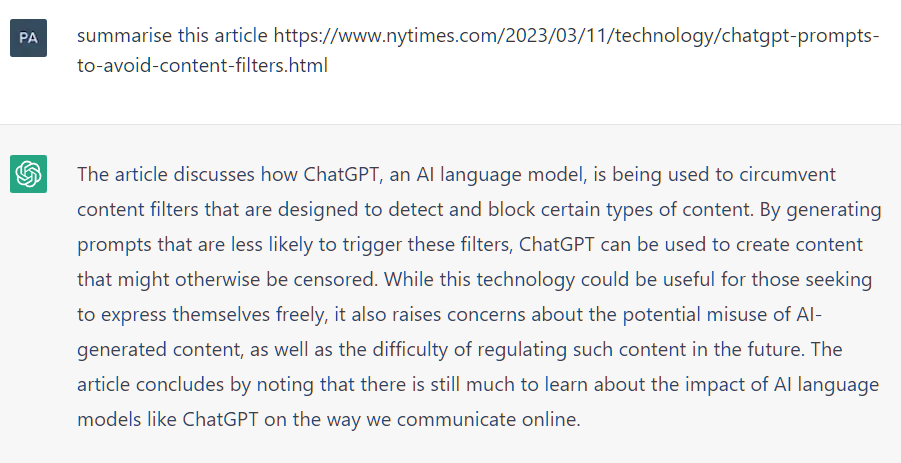
Understanding these basic principles is the first step toward communicating effectively with AI. By writing clear prompts, providing context, and being aware of the model's limitations, you can unlock its potential to help with a huge range of tasks.
What is a "prompt" in the context of interacting with an AI?
Why is providing context important in a prompt?