Master Your Typing Skills
Introduction to Touch Typing
Type Without Looking
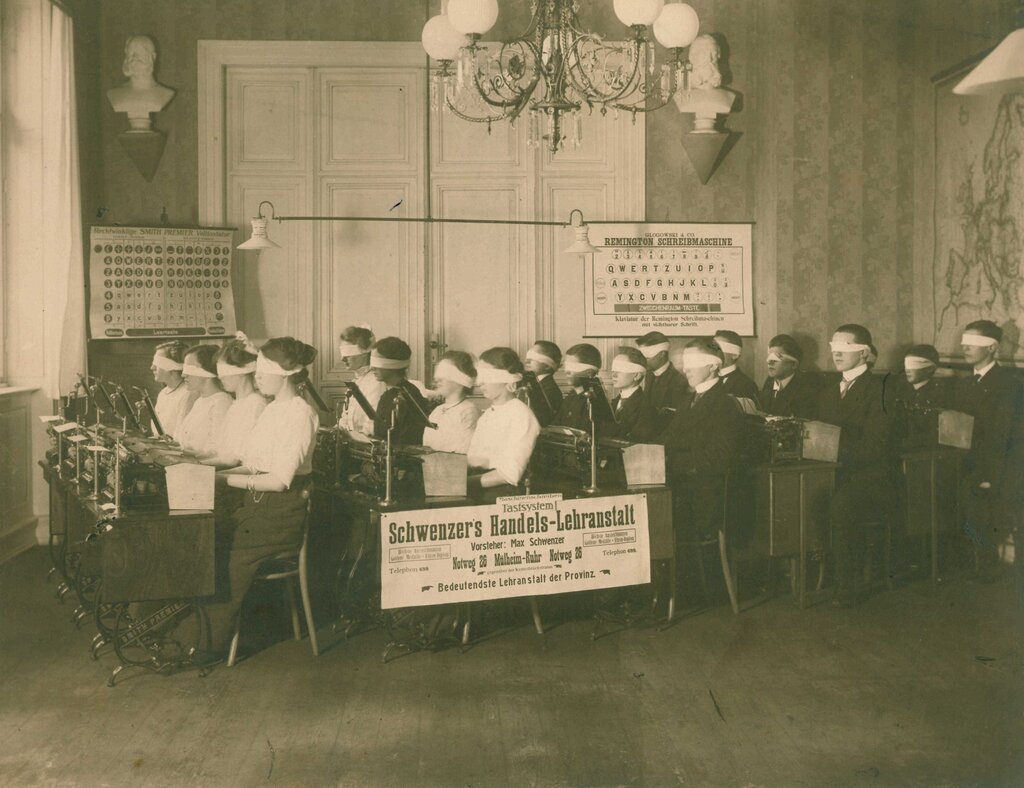
Touch typing is the skill of typing without looking at the keyboard. Instead of hunting for each letter with your eyes, you train your fingers to find them automatically. This frees you up to focus on your screen and the words you're writing, not the keys themselves.
touch typing
noun
The practice of typing without looking at the keyboard, using muscle memory to find the keys.
The two biggest benefits are speed and accuracy. When you don't have to constantly shift your gaze between the screen and your hands, you can type much faster. Your fingers learn the layout of the keyboard like a musician learns the keys of a piano. Fewer glances mean fewer interruptions and, over time, fewer mistakes.

Finding the Home Row
The secret to touch typing starts with a specific location on the keyboard called the home row. This is your command center, the place where your fingers rest before and after each keystroke.
The home row is the foundation of touch typing.
For a standard QWERTY keyboard, the home row keys for your left hand are A, S, D, and F. For your right hand, they are J, K, L, and the semicolon (;). Go ahead and feel for them now. You’ll notice small bumps or ridges on the F and J keys. These are designed to help you find the home row by touch alone, without ever needing to look down.
Your thumbs should rest lightly on the space bar. From this home row position, your fingers can branch out to reach all the other keys on the keyboard and then quickly return.
Building Muscle Memory
Knowing where the home row is isn't enough. The real goal is to build muscle memory. This means your fingers learn to move to the correct keys without conscious thought. It’s the same way you can walk without thinking about every step. You’ve done it so many times that it becomes automatic.
The key to building muscle memory is repetition. Consistent practice trains your brain and fingers to work together seamlessly.
When you're first starting, focus on accuracy, not speed. It’s more important to hit the right key with the right finger than to type quickly. Speed will naturally increase as your accuracy improves and the movements become second nature. Try to set aside a little time each day to practice. Consistency is more effective than one long, infrequent session.
What is the primary goal of touch typing?
On a standard QWERTY keyboard, which keys make up the home row for the left hand?
By understanding these fundamentals—what touch typing is, where the home row is, and the importance of practice—you have the foundation to become a faster, more efficient typist.