Master Your Schedule with Time Blocking
Understanding Time Blocking
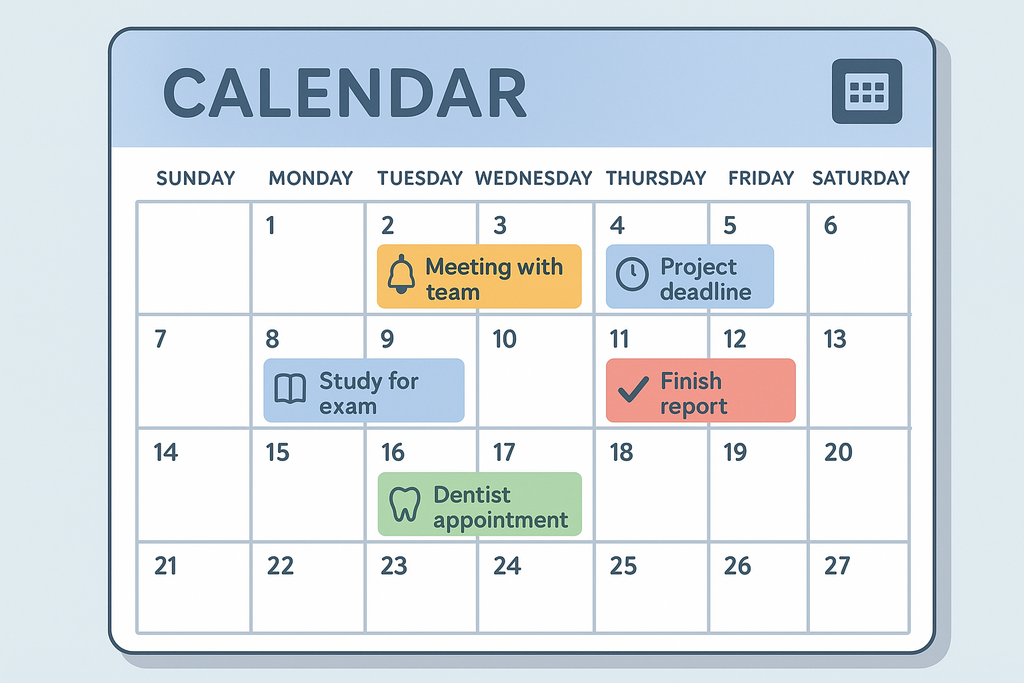
Making Appointments with Your Tasks
Imagine your to-do list is a crowd of people all trying to talk to you at once. It's overwhelming and hard to focus on any single voice. Time blocking is a method for giving each task its own scheduled appointment. Instead of a chaotic list, you have a clear, organized calendar for your day.
Time blocking is a time management method where you divide your day into blocks of time, each dedicated to a specific task or group of tasks.
You decide what you'll work on and for how long, and then you schedule it directly into your calendar. A block might be "Write report draft" from 9 AM to 11 AM, followed by a "Reply to emails" block from 11 AM to 11:30 AM. This isn't a new concept. Figures like Benjamin Franklin famously used detailed daily schedules to structure their time, planning out each part of the day from morning till night.
Why It Works
The main benefit of time blocking is focus. When you know you only have from 9 AM to 11 AM to write your report, you're less likely to get distracted by social media or other tasks. You've made a commitment to do one thing during that time.
This approach fights procrastination by breaking down a daunting workload into manageable chunks. Instead of facing a giant project, you just have to tackle the next two-hour block. It also drastically reduces the mental load of deciding what to do next. Your calendar has already made that decision for you.
Every time you switch between different kinds of tasks—like jumping from writing to answering emails to planning a meeting—your brain pays a small penalty. This is called context switching, and it drains your energy and focus. Time blocking minimizes this by grouping similar tasks or dedicating solid chunks of time to complex work, letting you get into a state of deep focus.
By dedicating blocks of time to specific activities, you protect your focus from distractions and the constant temptation to multitask.
How to Get Started
Getting started with time blocking is simple. You can break it down into four basic steps.
| Step | Action | Tip |
|---|---|---|
| 1. Brain Dump | List everything you need to do. | Don't filter yourself. Write down big projects and small errands. |
| 2. Estimate Time | Assign a realistic time estimate to each task. | It's better to overestimate than underestimate. You can adjust later. |
| 3. Build Your Schedule | Open your calendar and create events for your tasks. | Start with your most important tasks first. These are often called your "big rocks." |
| 4. Add Buffers & Breaks | Schedule short breaks between tasks and leave some empty space for unexpected issues. | A 15-minute buffer can prevent one task's delay from wrecking your whole day. |
Your finished schedule should feel like a roadmap for your day. Remember to be flexible. If a task takes longer than expected, adjust the rest of your day. The goal is structure, not a rigid prison.
Tools for the Job
You don't need fancy software to start time blocking. The best tool is the one you'll actually use.
-
Digital Calendars: Tools like Google Calendar or Outlook Calendar are perfect. They're easy to use, accessible from any device, and allow you to quickly adjust blocks by dragging and dropping.
-
Physical Planners: For those who prefer pen and paper, a simple daily or weekly planner works just as well. The physical act of writing down your schedule can make it feel more concrete.
-
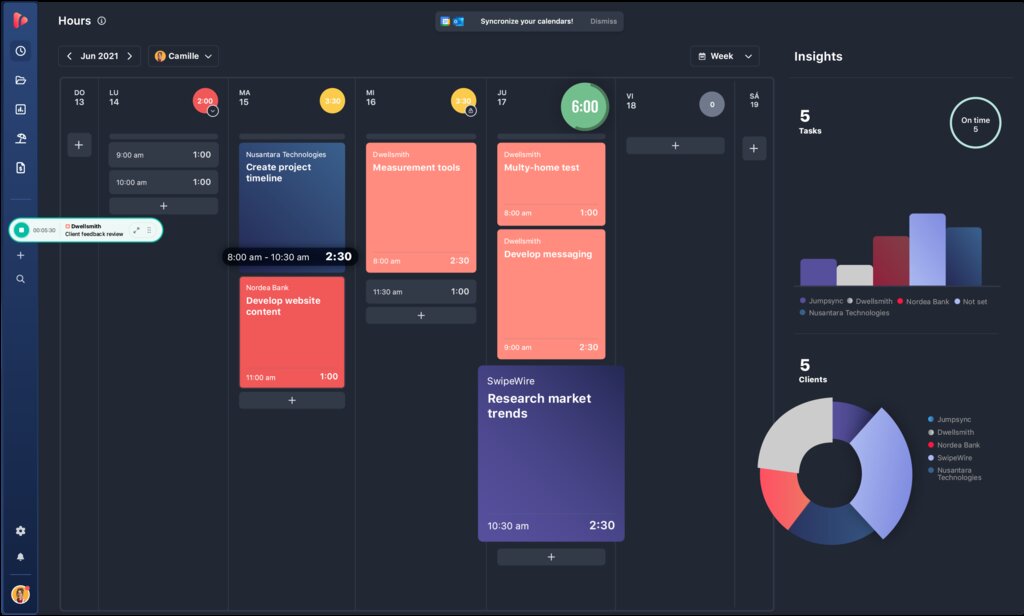
Dedicated Apps: There are many applications designed specifically for time blocking and task management. These often include features like timers, task prioritization, and progress tracking.
Now that you understand the basics of time blocking, let's review what you've learned.
What is the primary benefit of the time blocking method?
The mental penalty your brain pays when you quickly switch between different types of tasks is called ____________.
Time blocking is a straightforward but powerful way to bring intention and focus to your day. By scheduling your tasks, you're not just managing time; you're managing your attention.