Master Your Passwords with a Password Manager
Understanding Password Security
Your First Line of Defense
Think of your password as the key to your digital home. You wouldn't use a flimsy key for your front door, and you shouldn't use a weak password for your online accounts. A strong password is your first and most important barrier against unauthorized access.
Weak passwords, like password123 or your pet's name, are easy for attackers to guess. They use automated software to try millions of combinations in seconds, an attack known as a "brute-force" attack. The more complex your password is—a long mix of uppercase and lowercase letters, numbers, and symbols—the harder it is to crack.
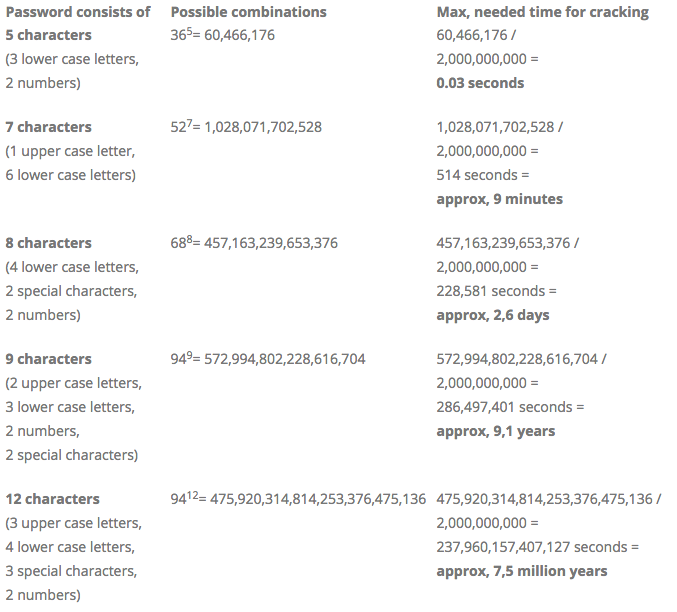
As you can see, adding just a few characters or symbol types can increase the cracking time from seconds to millions of years. This is why length and complexity are so critical.
The Domino Effect
Many people reuse the same password across multiple websites. It's convenient, but it's also incredibly risky. Imagine you use the same password for a small online forum and your email account.
If that forum gets hacked—a common occurrence—the attackers now have your email and your password. Their next step is to try those exact credentials on major services like Google, Apple, or your bank. This is called "credential stuffing." If you've reused your password, they'll get right in.
One breach on a single site can compromise every account that shares the same password.
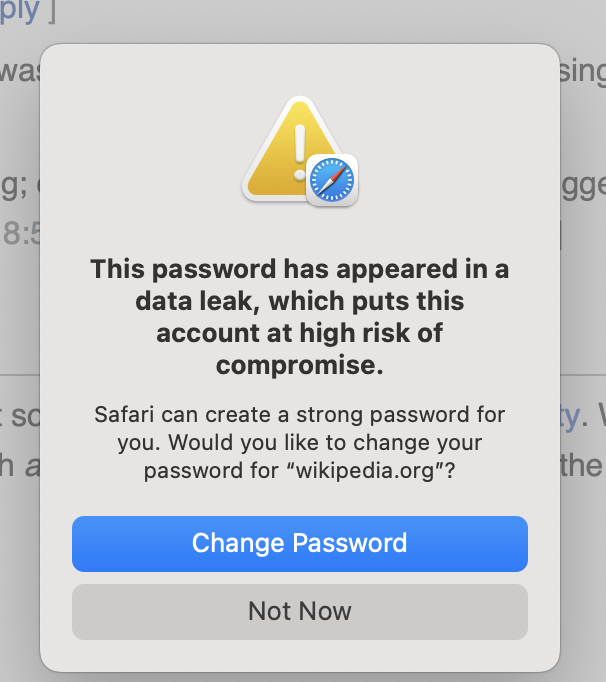
This is why the golden rule of password security is to use a unique password for every single account. But how can anyone possibly remember dozens of complex, unique passwords? That's where a password manager comes in.
A Digital Vault for Your Keys
A password manager is a secure application designed to store and manage all your login credentials. Think of it as a digital vault. You create one strong, memorable "master password" to unlock the vault. Inside, the manager stores all your other passwords for you.
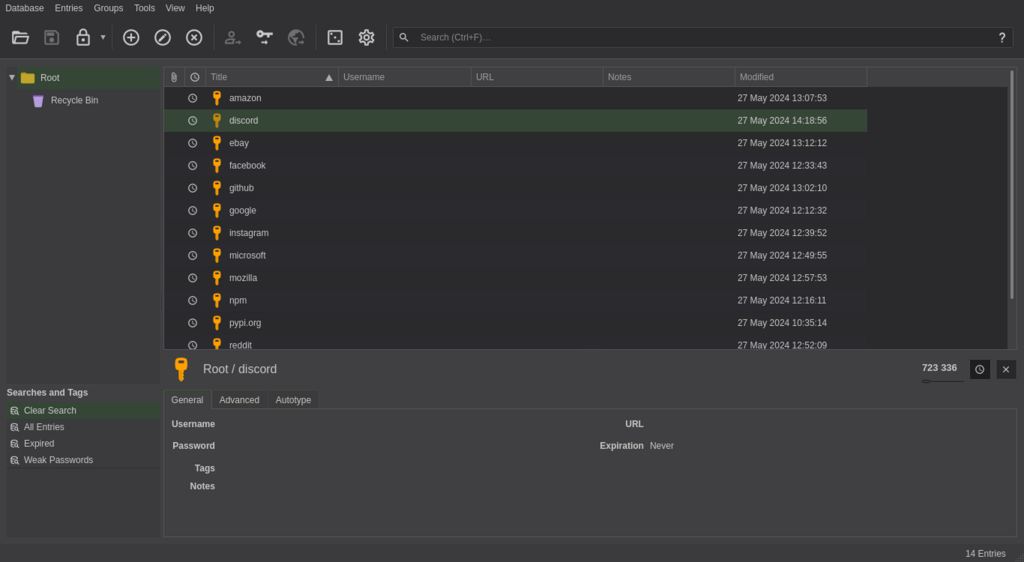
Password managers do three key things:
- Generate: They create long, random, and extremely strong passwords on your behalf.
- Store: They save your credentials in a heavily encrypted database.
- Autofill: They automatically fill in your username and password when you visit a saved website, so you don't have to type them.
Using one solves the problem of having to remember dozens of different passwords. You just need to protect your one master password.
This means you only need to remember one strong ‘master’ password while the manager takes care of the rest, ensuring your passwords are as strong as possible and stored securely.
The Future is Passwordless
While password managers make passwords much safer, the industry is moving toward an even more secure future without passwords at all. The replacement is called a passkey.
A passkey uses your device (like your phone or computer) and a cryptographic key to log you in. You authenticate using the same method you use to unlock your device, such as your fingerprint, face scan, or a PIN. It's faster, easier, and much more secure than a traditional password because there's no secret to steal. A hacker can't trick you into giving up your fingerprint.
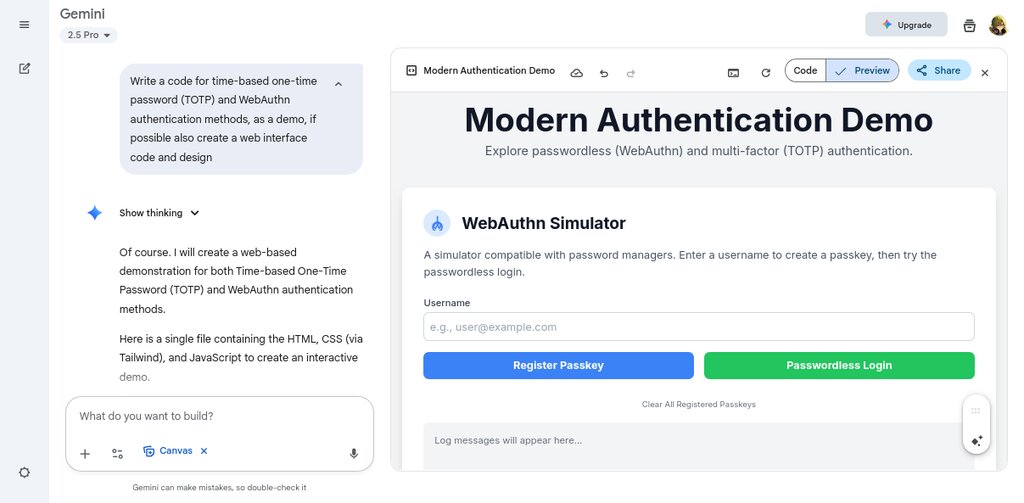
You'll see passkeys become more common over time. For now, the most important step you can take is to stop reusing passwords and start using a password manager. It’s a fundamental change that dramatically boosts your online security.