Master Your Passwords Securely
Understanding Password Security
Your First Line of Defense
Think of a password as the key to a part of your digital life. Your email, bank account, and social media profiles all have locks, and your passwords are the keys. Just as you wouldn't use a flimsy, easily copied key for your house, you shouldn't use a simple password for your online accounts.
A strong password is long and complex. It mixes uppercase and lowercase letters, numbers, and symbols. The longer and more random it is, the harder it becomes for someone else to guess or for a computer to crack. Something like Tr0ub4dor&3 is better than password123, but something like qN#8z!T9p@wV$L2s is far stronger.
The single most important factor is length. A short, complex password is still weaker than a much longer one.
The Danger of Weak Credentials
Weak passwords are a huge risk. Hackers use automated programs that can try billions of password combinations per second. This is called a brute-force attack. A simple, common password can be cracked almost instantly.
Reusing the same password across multiple websites is even more dangerous. If one site has a data breach and your password is leaked, attackers will use that same email and password combination on other popular services, like your email or bank. This is called credential stuffing, and it's a very common way accounts get compromised.
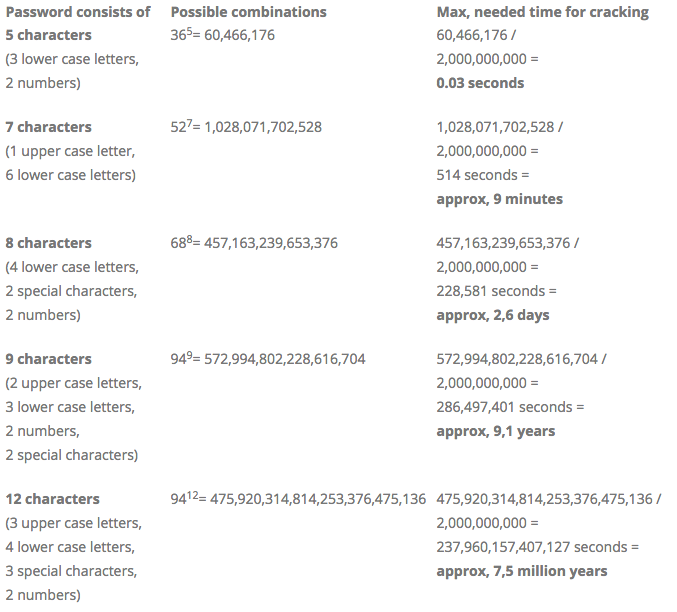
The goal is to make your password so long and random that it would take a computer millions or even billions of years to guess. That’s where the next tool comes in.
A Digital Keychain
It's impossible for most people to remember dozens of unique, complex passwords. That's why password managers exist. A password manager is a secure, encrypted digital vault that stores all your login information.
You only need to remember one strong master password to unlock the vault. The manager does the rest. It can generate long, random passwords for new accounts and automatically fill in your credentials when you log into websites and apps.
A password manager simplifies password use across different sites, helping users create and manage strong and unique passwords to keep them more secure.
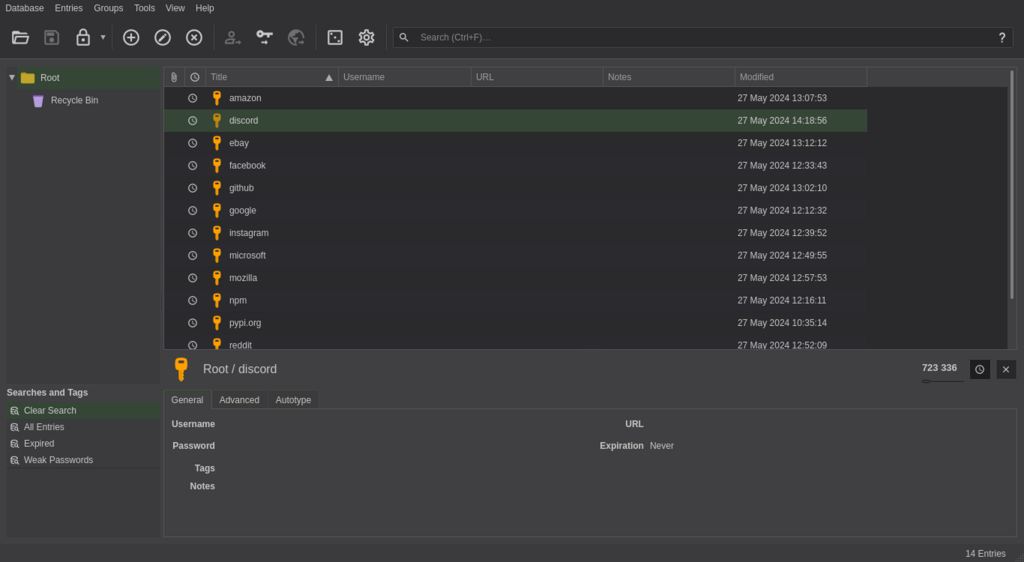
Using a password manager is one of the most effective steps you can take to protect your digital life. It solves the problem of having to create and remember dozens of strong, unique passwords.
The Future is Passwordless
As technology evolves, so does security. The next step beyond traditional passwords is the passkey. A passkey is a new way to sign in that doesn't use a password at all.
Instead, it uses a cryptographic key pair. One key is public and stored on the website's server, and the other is private and stored securely on your device, like your phone or computer. To log in, you simply use your device's built-in authentication, like your fingerprint, face scan, or device PIN. This action proves you have the device and authorizes the login.
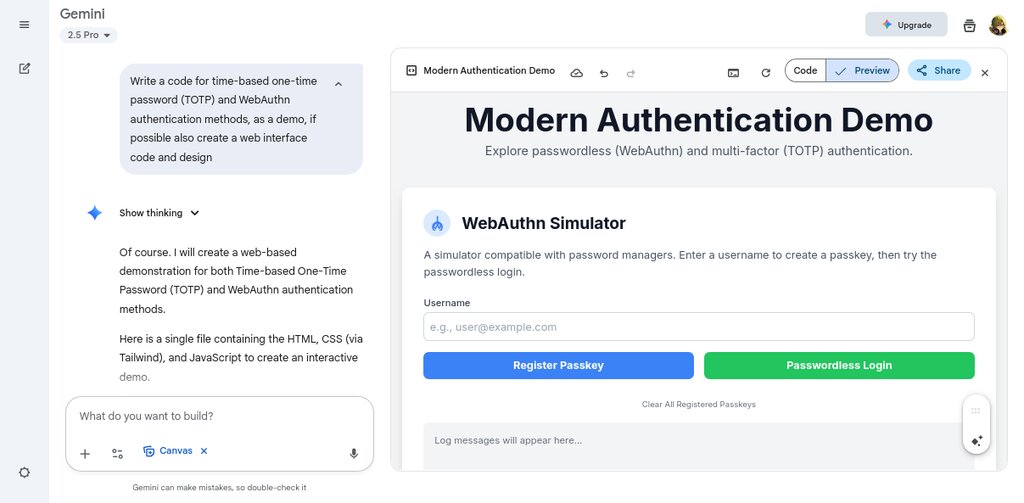
Passkeys are more secure than passwords because the private key never leaves your device, making it resistant to phishing attacks and server-side data breaches. They're also more convenient, replacing the need to type a password with a quick scan or tap.
What is the most important characteristic of a strong password?
The practice of using a stolen password from one website to try and log into other services is known as:
That's a quick look at the fundamentals of securing your accounts. By understanding these concepts, you're already on your way to a safer online experience.