Master Two-Factor Authentication
Introduction to 2FA
More Than Just a Password
Think of your most important online account like a bank vault. Your password is the key. With the right key, anyone can get in. But what if the vault required a second step, like a secret PIN that only you know? That's the basic idea behind two-factor authentication, or 2FA.
2FA is an extra layer of security that goes beyond simply asking for your username and password. It requires you to provide a second piece of information to prove you are who you say you are. This makes it much harder for an unauthorized person to access your accounts, even if they manage to steal your password.
Two-factor authentication (2FA) adds an essential second layer of security by requiring something you know (password) and something you have (typically your phone).
The Three Factors of Authentication
To be effective, 2FA combines two different types of credentials, known as factors. These factors fall into three categories.
| Factor Category | Description | Examples |
|---|---|---|
| Something You Know | Information that only you should know. | Password, PIN, answer to a security question |
| Something You Have | A physical object in your possession. | Your smartphone, a USB security key, a bank card |
| Something You Are | A unique biological trait. | Fingerprint, face scan, voice recognition |
True two-factor authentication always uses a combination of two different categories. For example, using a password (something you know) and a code sent to your phone (something you have) is 2FA. Using two different passwords would not be, as both fall into the 'something you know' category.
Common 2FA Methods
You've likely already encountered 2FA in your daily life. It comes in a few common forms, each with its own way of providing that second factor.
SMS Codes: The service texts a short, temporary code to your phone number. You then enter this code to complete your login. It’s convenient, but it's the least secure method because phone numbers can sometimes be hijacked by scammers.
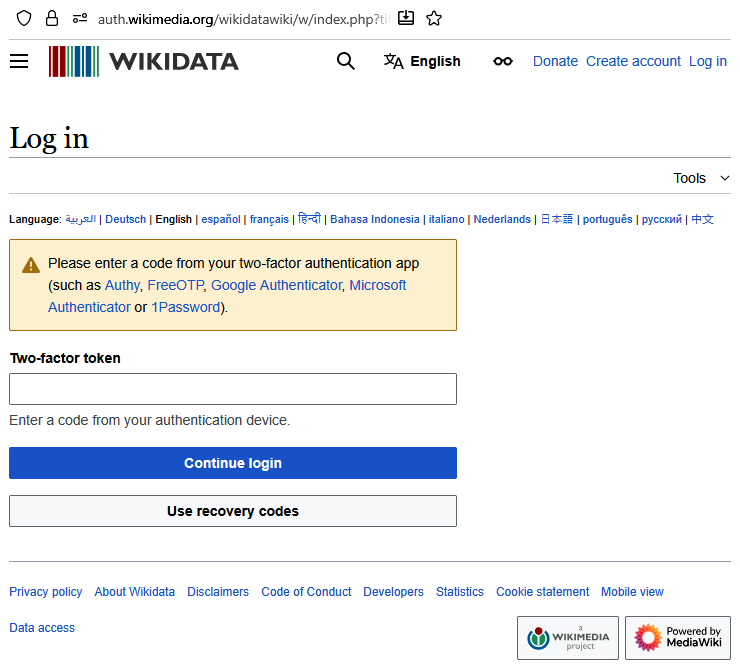
Authenticator Apps: These are apps on your smartphone (like Google Authenticator, Microsoft Authenticator, or Authy) that generate a constantly refreshing six-digit code. You open the app and type in the current code to log in. This is much more secure than SMS because the code is generated directly on your device and isn't sent over the phone network.
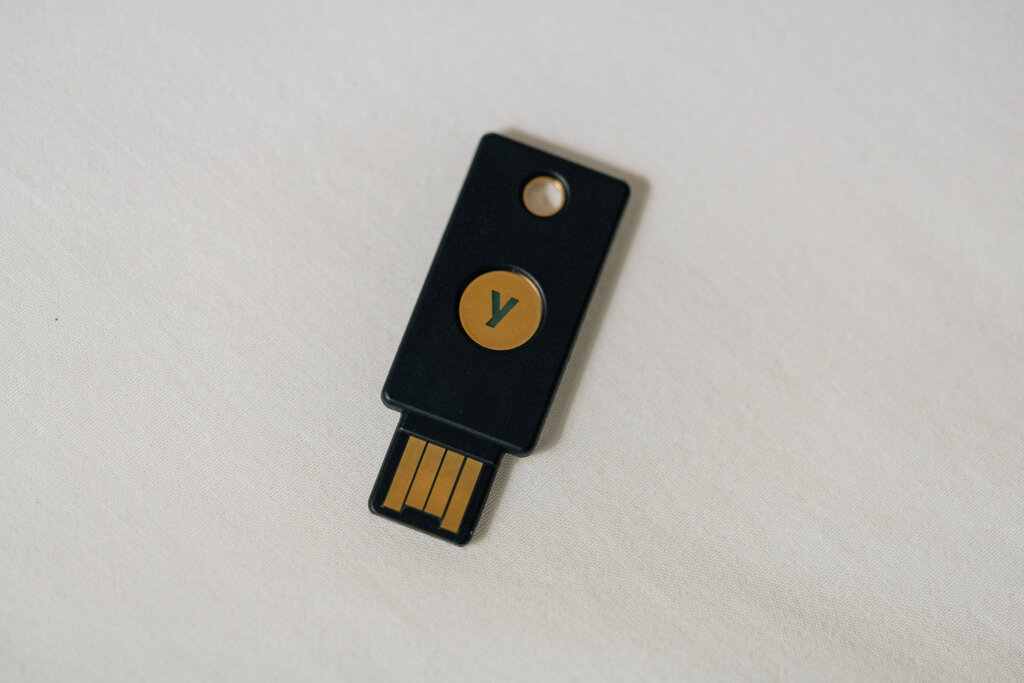
Hardware Tokens: These are small physical devices, often resembling a USB stick, that you use to verify your identity. Some display a code, while others, like a YubiKey, work just by being plugged into your computer and touched. These are considered one of the most secure forms of 2FA because they are separate from your phone and resistant to online hacking attempts.
Regardless of the method, the goal is the same: to add a crucial security step that protects your information. Now, let's test what you've learned.
What is the primary purpose of two-factor authentication (2FA)?
Which of the following scenarios correctly describes a true two-factor authentication setup?