Manual Flash Mastery
Introduction to Flash Photography
The Power of Light
When you hear the word "flash," you probably think of taking pictures in the dark. While that's true, it's only a small part of the story. Flash photography is about controlling light. It allows you to add light where there isn't enough, fill in harsh shadows on a sunny day, or create dramatic, professional-looking effects. Think of your flash not just as a light bulb, but as a brush you can use to paint light onto your subject.
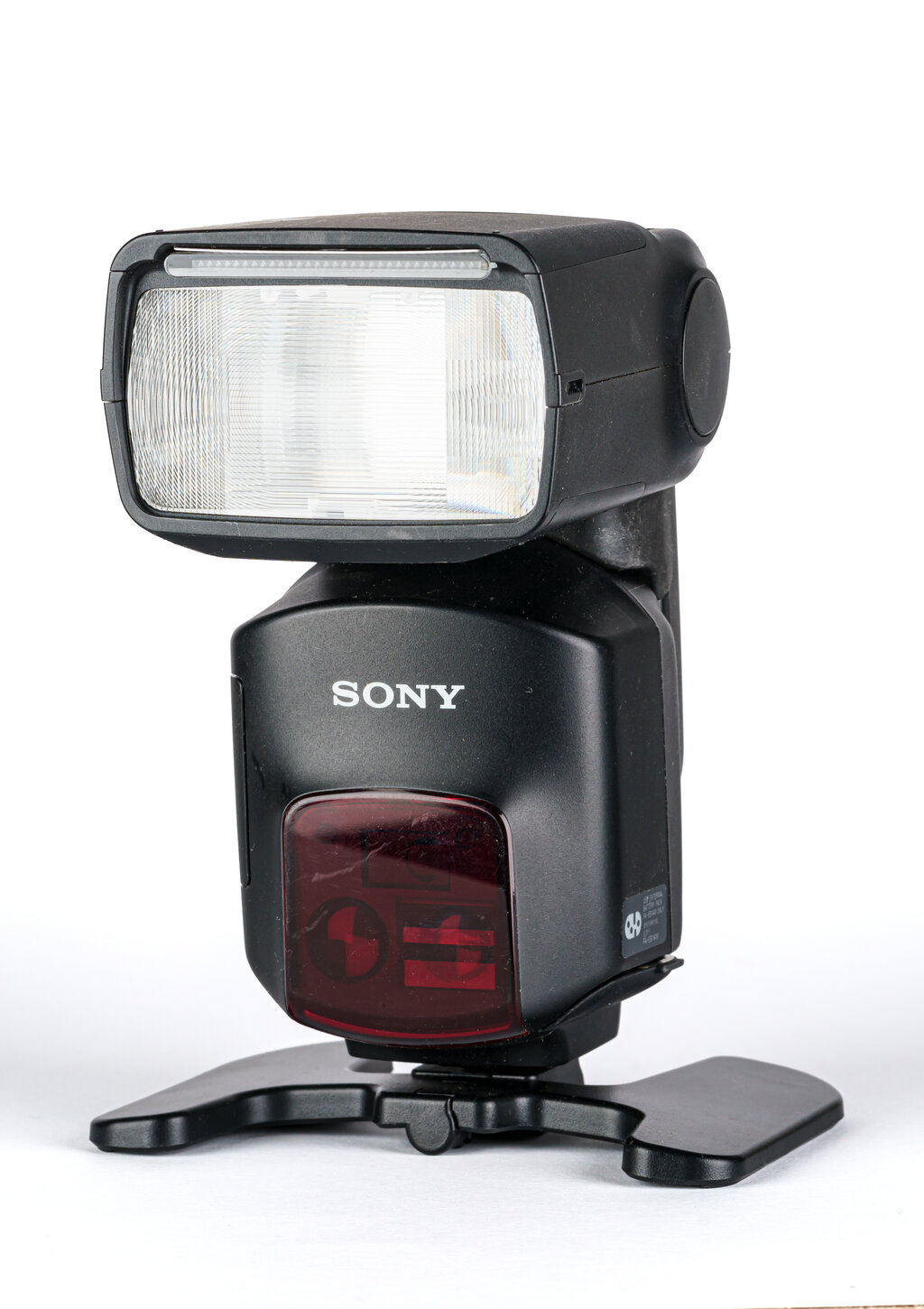
Anatomy of a Flash
Most external flash units share a similar design. Let's break down the main parts you'll be working with.
The Flash Head: This is where the light comes from. On most external flashes, the head can tilt up and down and swivel from side to side. This is a powerful feature that allows you to bounce the light off walls or ceilings for a softer, more natural look instead of firing it directly at your subject.
The Body & Foot: The main body houses the batteries and circuitry. At the bottom is the "hot shoe foot," which slides into the hot shoe mount on top of your camera. This connection lets the camera and flash communicate with each other.
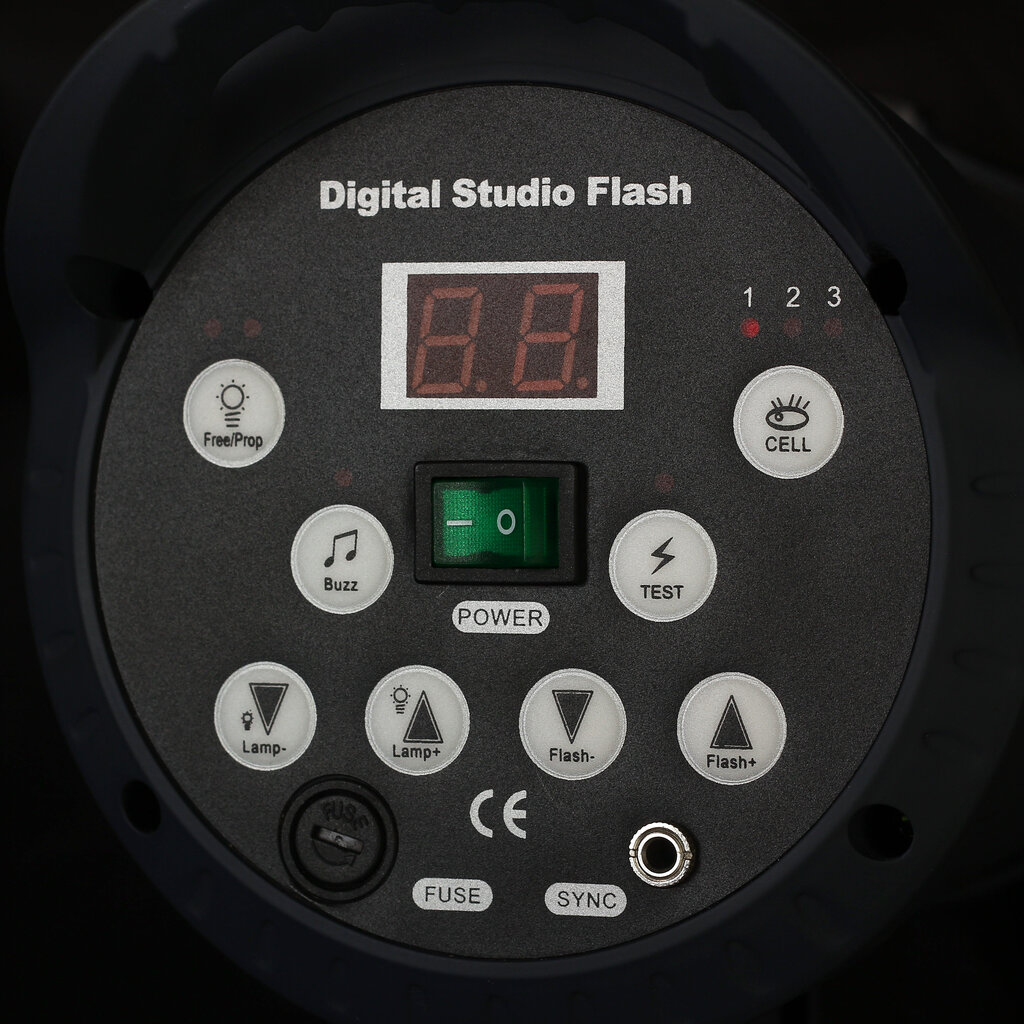
The Control Panel: On the back of the flash, you'll find an LCD screen and a set of buttons. This is your command center for changing settings, like how powerful the flash burst is and what mode it's operating in.
Why Use a Flash?
Using a flash opens up a new world of creative possibilities. It's not just about making dark scenes visible; it's about shaping the light in your photos.
Adding Light: The most obvious use is adding light when there isn't enough. Indoors, at night, or in deep shade, a flash can be the difference between a blurry, grainy photo and a sharp, clean one.
Filling Shadows: Ever take a portrait on a bright, sunny day and notice harsh shadows under the person's eyes and nose? A flash can "fill in" those shadows, creating a more balanced and flattering exposure.
Freezing Motion: The burst of light from a flash is incredibly brief—often lasting only 1/1000th of a second or less. This super-fast pulse of light can freeze fast-moving subjects, like a splashing water droplet or a dancer in mid-air, with perfect clarity.
Creative Control: By taking the flash off your camera, you can place it anywhere you want. This lets you create dramatic side lighting, highlight specific textures, or separate your subject from the background. It gives you the power to create a mood, not just capture a scene.
Controlling light is the key to controlling the final image. A flash is one of your most powerful tools for doing just that.
Understanding Flash Modes
Modern flashes offer different modes that control how they fire. The two most fundamental modes are Manual and TTL. While we'll dive deeper into these later, it's good to know the basic difference.
There are two main ways to expose with flash: by setting it to Manual mode (where available), where you control the power of the flash yourself; and TTL (Through-The-Lens) flash mode, where the camera measures the brightness of the flash being reflected into the lens and automatically adjusts the output.
In Manual mode, you are the pilot. You set the power level, and the flash fires with that exact amount of light every single time. In TTL, or "Through-The-Lens," mode, the camera and flash work together. The flash sends out a quick, low-power pre-flash, the camera measures the light that bounces back, and then it tells the flash exactly how much power to use for the actual photo. It's the flash equivalent of your camera's automatic exposure mode.