Logic Pro Song Structure Mastery
Logic Pro Interface
Getting Around Logic Pro
Opening Logic Pro for the first time can feel like stepping into the cockpit of a spaceship. There are buttons, knobs, and windows everywhere. But don't worry, it's more like a well-organized workshop than a complex machine. Logic Pro has three main areas you'll use constantly: the Arrange window, the Mixer, and the Library. Think of them as your main workbench, your sound control panel, and your tool shed.
The Arrange Window
The Arrange window is your main workspace. It’s where your song comes to life, laid out from left to right like a timeline. Each instrument or audio recording gets its own lane, called a track. These tracks are stacked vertically, so you can see how all the parts of your song fit together over time.
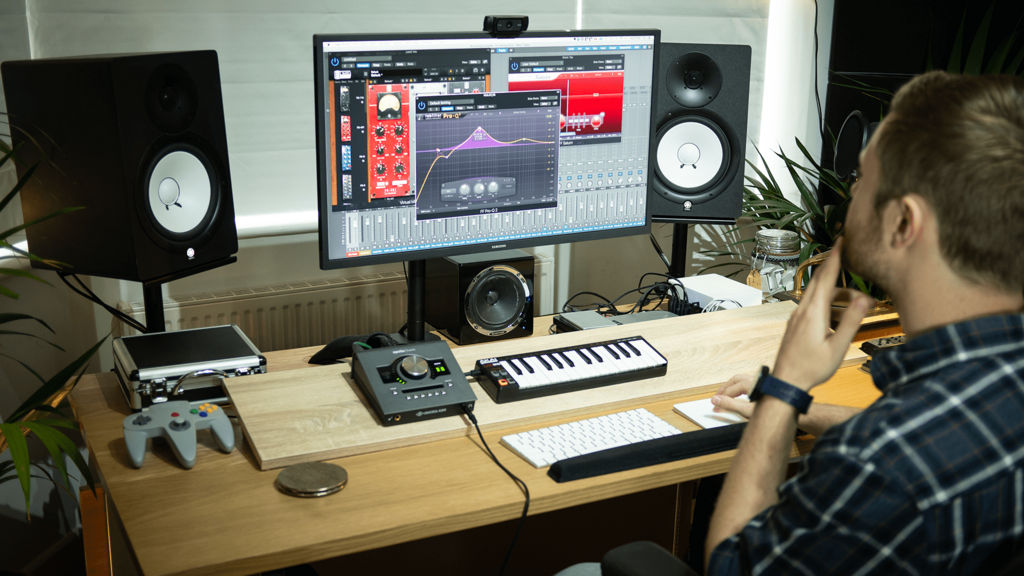
In this window, you’ll work with regions, which are the colored blocks that represent your recordings and musical ideas. You can move them around, trim them, loop them, and piece them together to build your arrangement. The column on the left lists all your tracks, and the ruler at the top shows you the time in bars and beats. This is where you'll spend most of your time composing and editing.
The Mixer
Once you have some musical parts in the Arrange window, you'll need to balance them. That's what the Mixer is for. It's the digital version of a large mixing console you'd find in a professional recording studio. Each track from your Arrange window gets its own channel strip in the Mixer.
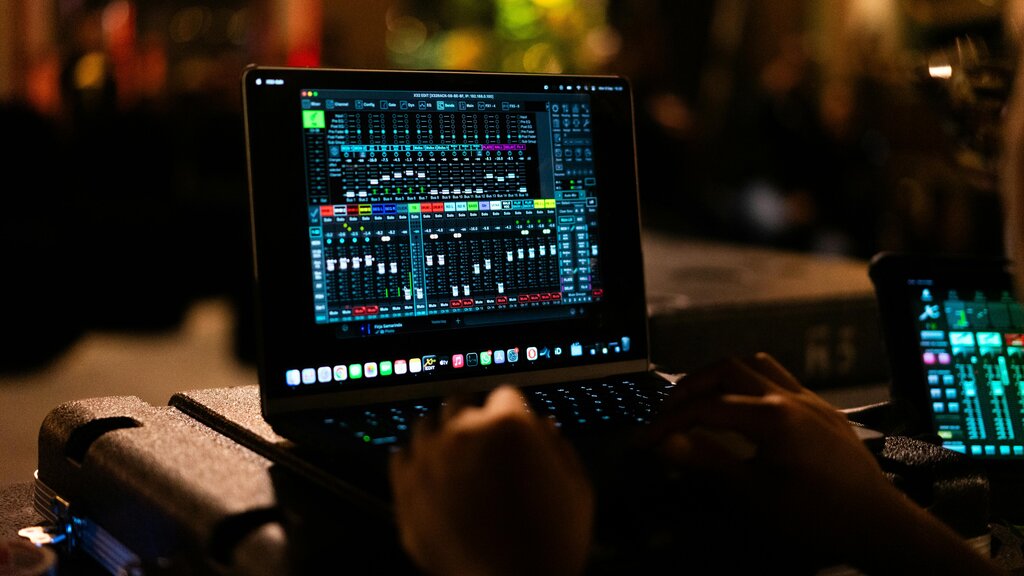
On each channel strip, you have a volume fader to control how loud a track is. You also have a pan knob to place the sound somewhere between the left and right speakers. This is also where you can add effects like reverb to make a vocal sound like it's in a large hall, or compression to even out the volume of a bass guitar. The Mixer is where you shape the overall sound and feel of your track, ensuring every part is heard clearly.
The Library
What if you need a piano, a drum kit, or a synthesizer sound? You'll find them in the Library. This is your built-in collection of instruments, sounds, and presets. It's a huge resource that lets you start creating music right away without needing any external gear.
The Library is context-aware. If you have a piano track selected, it will show you different types of pianos. If you select a drum track, it will show you different drum kits.
When you select a track and open the Library, you can browse through categories to find the perfect sound. Want an electric piano from the 70s? It’s in there. Need a cinematic string section? You can find that too. The Library is the starting point for finding the sonic ingredients for your song.
What is the primary function of the Arrange window in Logic Pro?
If you want to find a 70s-style electric piano sound for a new track, which area should you open first?
Understanding these three areas is the first step to mastering Logic Pro. With the Arrange window for building, the Mixer for balancing, and the Library for sounds, you have everything you need to start producing.