Linux Fundamentals and CompTIA+ Prep
Linux Basics
The Story of Linux
In 1991, a Finnish student named Linus Torvalds started a personal project. He wanted to create a free operating system kernel, the core program that manages a computer's hardware. He wasn't trying to build a global phenomenon; he just wanted something to run on his new PC.
He posted about his project online, sharing the source code for anyone to see, use, and improve. This idea of open collaboration was powerful. Programmers from around the world started contributing. They combined Torvalds' kernel with existing tools from the GNU Project, an effort to create a completely free and open-source Unix-like operating system. The result was a complete, functional OS: GNU/Linux, now commonly known simply as Linux.

This open-source philosophy is what makes Linux so different. Unlike Windows or macOS, no single company owns it. A global community maintains and develops it, making it incredibly stable, secure, and flexible.
What is a Distribution?
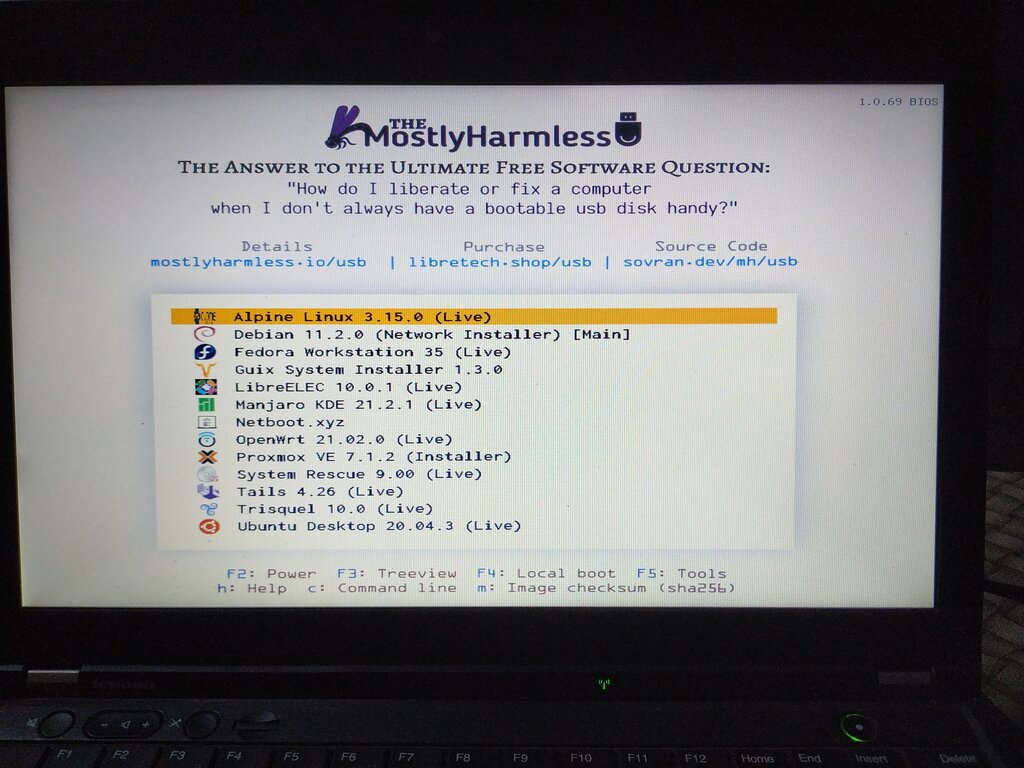
You don't just install "Linux." Instead, you choose a Linux distribution, often called a "distro."
A distro bundles the Linux kernel with other software, like GNU tools, a desktop environment (the graphical interface), and pre-installed applications. Think of the kernel as the engine of a car. It's essential, but you can't drive it on its own. A distro is the complete car: the engine, body, wheels, and seats, all packaged together and ready to go.
Different distros are built for different purposes. Some, like Ubuntu or Mint, are designed to be user-friendly for desktops. Others, like Red Hat Enterprise Linux or Debian, are built for stability and are popular for servers. This variety is a major strength of Linux, offering a tailored experience for any need.
Finding Your Way Around
The Linux filesystem has a different structure than Windows. Instead of multiple drive letters like C: and D:, everything in Linux starts from a single root directory, represented by a forward slash (/).
Every file, folder, and even connected device is located somewhere inside this single, tree-like structure. This is called the Filesystem Hierarchy Standard (FHS), and it creates a consistent and predictable layout across different Linux distributions.
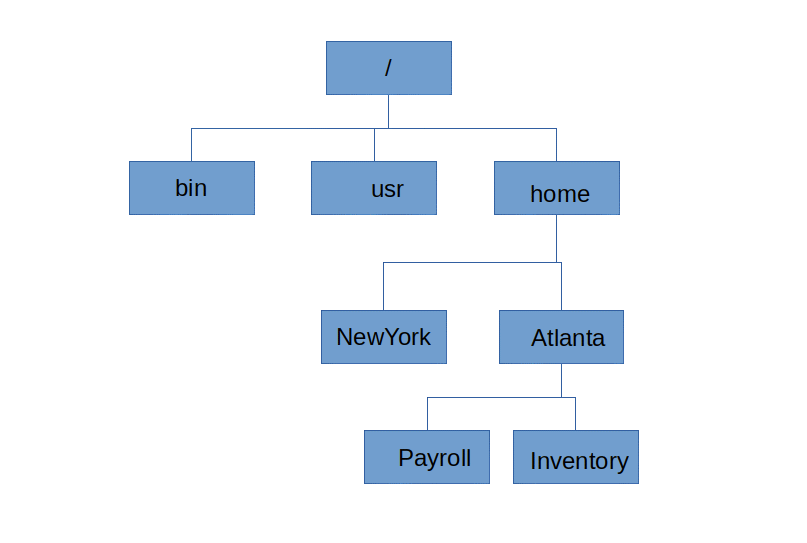
Understanding the purpose of the main directories is key to navigating the system. Here are a few of the most important ones:
| Directory | Purpose |
|---|---|
/ | The root directory; where the entire filesystem begins. |
/bin | Contains essential command programs (binaries) for all users. |
/etc | Holds system-wide configuration files (think settings). |
/home | Contains personal directories for each user. |
/var | Stores variable data, like system logs and temporary files. |
Meet the Command Line
While most Linux distros have a modern graphical user interface (GUI), the true power of Linux is often accessed through the command-line interface (CLI). This is a text-based environment where you type commands to interact with the operating system.
The CLI, also known as the shell or terminal, might seem intimidating at first, but it's an incredibly efficient tool for system administrators and power users. It allows for precise control, automation of repetitive tasks, and management of systems without a graphical desktop, which is common for servers.
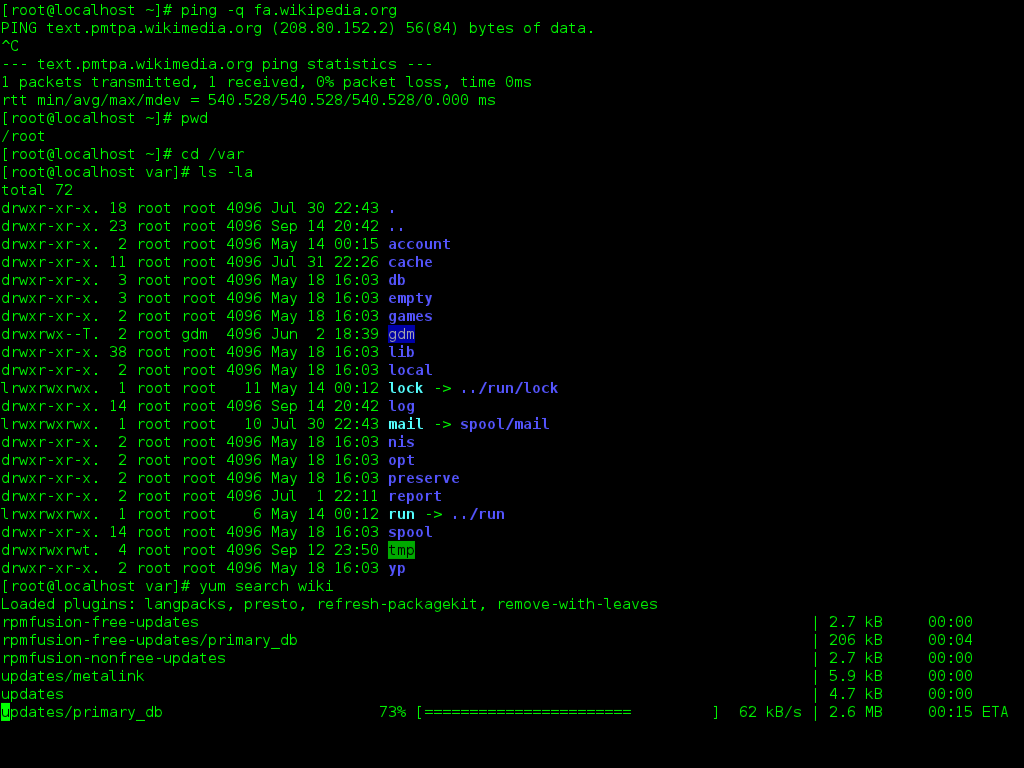
You'll see a prompt, which is the system's way of saying it's ready for your command. For managing and troubleshooting a Linux system, becoming comfortable with the CLI is a crucial skill.
Learning the command line is like learning a new language. It unlocks a more direct and powerful way to communicate with your computer.
Now, let's test your knowledge of these foundational concepts.
Who initiated the development of the Linux kernel in 1991 as a personal project?
A Linux "distro" is best described as:
That covers the essential background of Linux. You now know where it came from, how it's packaged, and the basic layout of its filesystem and primary interface.