Linux Boot Process and BIOS/UEFI
BIOS and UEFI Basics
The Computer's First Breath
When you press the power button on your computer, it doesn't immediately load your operating system. Before Linux, Windows, or macOS can start, a more fundamental piece of software has to wake up all the physical components and make sure they're working correctly. This initial software is called firmware.
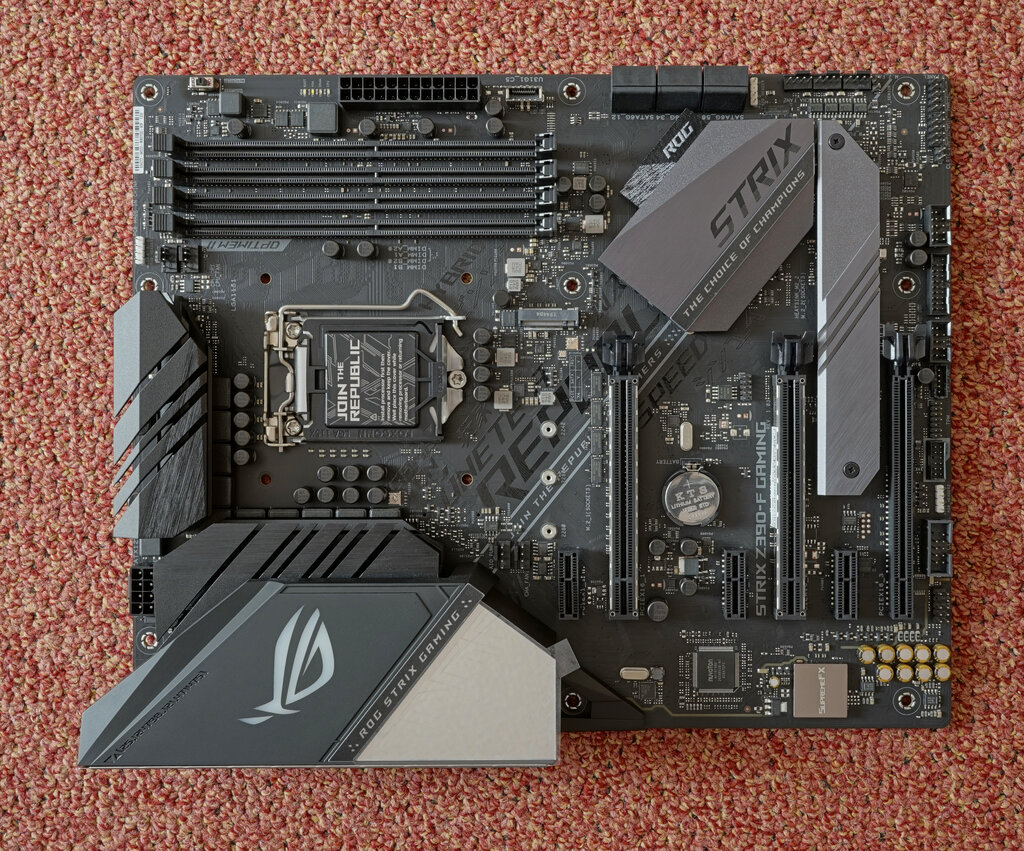
For many years, the standard firmware was the BIOS, which stands for Basic Input/Output System. Think of the BIOS as the initial drill sergeant for your computer's hardware. It's stored on a chip on the motherboard and is the very first program to run when you apply power.
BIOS
noun
Stands for Basic Input/Output System. It's firmware used to perform hardware initialization during the booting process and to provide runtime services for operating systems and programs.
The first job of the BIOS is to run a Power-On Self-Test, or POST. This is a quick diagnostic check to ensure that critical hardware like the CPU, memory (RAM), and storage drives are present and functional. If you've ever seen a flash of text on a black screen right after turning on a computer, you've likely seen the POST in action.
Once the POST is complete and the hardware checks out, the BIOS looks for a bootloader on a storage device (like a hard drive or SSD). The bootloader is a small program that kicks off the process of loading the main operating system. The BIOS hands over control to the bootloader, and its main job is done.
A Modern Successor
The BIOS was created in the 1980s and served computers well for decades. However, its age began to show. It was designed for the 16-bit processors of its time, which limited the amount of memory it could address. It also struggled with very large hard drives, typically over 2 terabytes, due to its reliance on a partitioning scheme called the Master Boot Record (MBR).
To overcome these limitations, a modern replacement was developed: UEFI, the Unified Extensible Firmware Interface. Nearly all computers made in the last decade use UEFI instead of the traditional BIOS.
UEFI
noun
Stands for Unified Extensible Firmware Interface. It is a modern firmware interface that connects a computer's firmware to its operating system, offering advantages over the older BIOS system.
UEFI isn't just an update; it's a complete redesign. It acts like a small, lightweight operating system that sits between your computer's hardware and the main OS. It runs in 32-bit or 64-bit mode, can access far more system resources, and often features a graphical interface that you can navigate with a mouse.
Key Differences
While both BIOS and UEFI initialize hardware and start the boot process, they operate very differently. The transition from BIOS to UEFI brought significant improvements in security, performance, and flexibility. Here’s a direct comparison of their main features.
| Feature | BIOS | UEFI |
|---|---|---|
| Processor Mode | 16-bit | 32-bit or 64-bit |
| Partition Scheme | Master Boot Record (MBR) | GUID Partition Table (GPT) |
| Drive Size Limit | ~2 TB | Effectively unlimited |
| User Interface | Text-based, keyboard only | Graphical, mouse support |
| Security | Minimal | Secure Boot feature |
One of the most important advantages of UEFI is a security feature called Secure Boot. This helps prevent malware from hijacking the boot process by ensuring that only trusted, digitally signed software can be loaded when the computer starts. It's a major step up in protecting your system before the operating system's own security features can even take over.
UEFI also boots much faster than BIOS. It can initialize hardware in parallel and doesn't have to go through the same step-by-step process, getting you to your operating system more quickly.
Because UEFI understands modern partition schemes like GPT (GUID Partition Table), it can boot from drives that are much larger than 2 terabytes. It also supports a higher number of partitions on a single drive, offering more flexibility for complex system setups.
Ready to check your understanding? Let's see what you've learned about your computer's startup process.
What is the primary function of a computer's firmware (like BIOS or UEFI) during startup?
What is the name of the initial diagnostic check that BIOS runs to ensure hardware like the CPU and RAM are functional?
Understanding the role of firmware like BIOS and UEFI is the first step in learning how a computer comes to life. It's the hidden foundation that makes everything else possible.