Linux and Cloud Networking Essentials
Linux Basics
A Quick History
In 1991, a Finnish student named Linus Torvalds started a project. He wanted to create a free and open-source version of the UNIX operating system. He announced his work on the internet, and developers from around the world began to contribute. This project became the Linux kernel.
While the kernel is the core of the system, it's not a full operating system on its own. It was combined with tools from the GNU Project, an earlier effort to create a free UNIX-like system. That's why you'll sometimes see it called GNU/Linux.
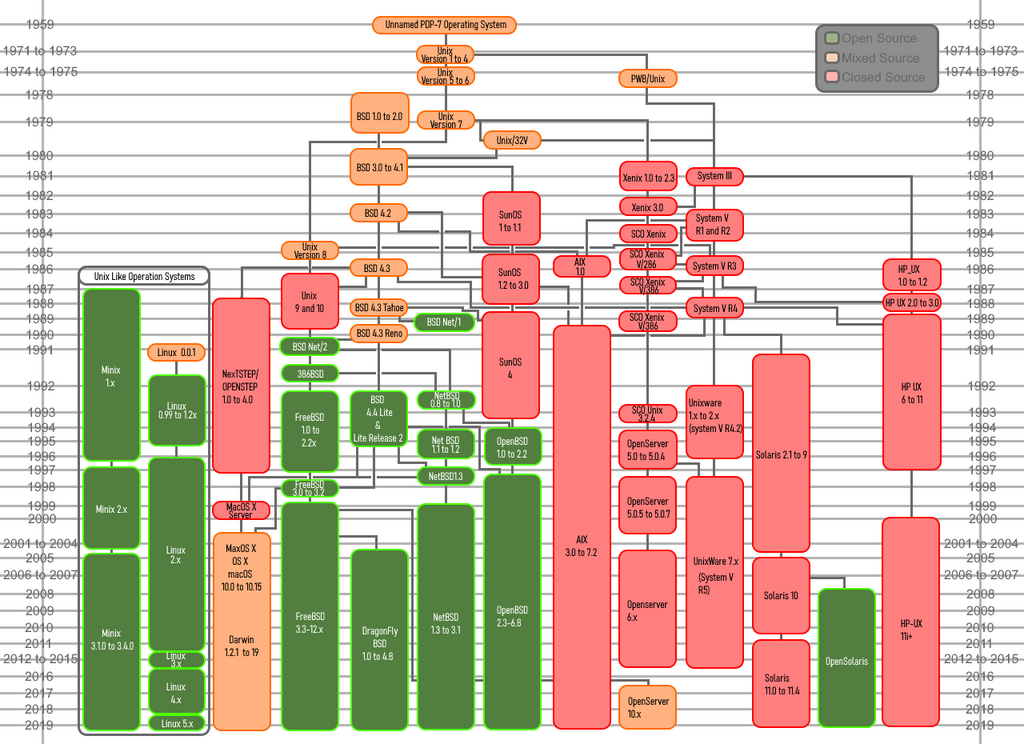
Because of its open-source nature, Linux evolved rapidly. Anyone could view, modify, and distribute the source code. This collaborative model led to a stable, secure, and versatile operating system that now powers everything from smartphones to supercomputers and the vast majority of the internet's servers.
The Kernel at the Core
Every operating system has a kernel, and Linux is no different. Think of the kernel as the central command center for your computer. It's the first program that loads when you turn your computer on, and it's responsible for managing all the essential, low-level tasks.
kernel
noun
The core component of an operating system that manages the system's resources and acts as a central communicator between the hardware and software.
The kernel has four main jobs:
- Memory Management: It keeps track of how much memory is used by which processes, ensuring they don't interfere with each other.
- Process Management: It determines which processes get to use the central processing unit (CPU), when, and for how long.
- Device Drivers: It acts as an interpreter between the hardware (like your keyboard, mouse, or graphics card) and the software, so applications don't need to know the specific details of how each piece of hardware works.
- System Calls and Security: It provides a way for applications to request services from the kernel, and it enforces permissions to make sure programs can't access data or hardware they're not supposed to.
What's a Distribution?
The kernel is just one piece of the puzzle. To have a fully functional operating system, you need other components: system utilities, libraries, and application software. A Linux distribution, often called a "distro," is a complete operating system created from the Linux kernel and a collection of this supporting software.
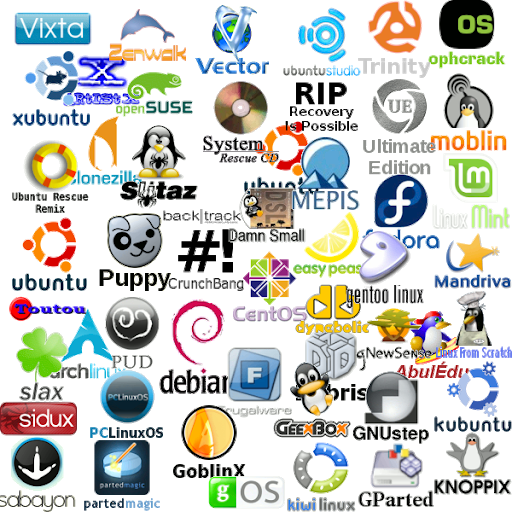
Different distros bundle different software and have different goals. Some are built for stability on servers, while others focus on being user-friendly for desktop computers. This variety is one of Linux's greatest strengths, allowing you to choose an OS that fits your exact needs.
| Distribution | Primary Use Case | Based On |
|---|---|---|
| Ubuntu | Desktop & Beginner Friendly | Debian |
| Debian | Stability, Servers | N/A (Original) |
| Fedora | Cutting-edge Features | N/A (Original) |
| CentOS / RHEL | Enterprise, Servers | Fedora |
The Command Line
One of the most powerful features of Linux is the command-line interface, or CLI. While most desktop users are familiar with a graphical user interface (GUI) with windows and icons, the CLI is a text-based way to interact with your computer. You type commands, and the system responds with text.
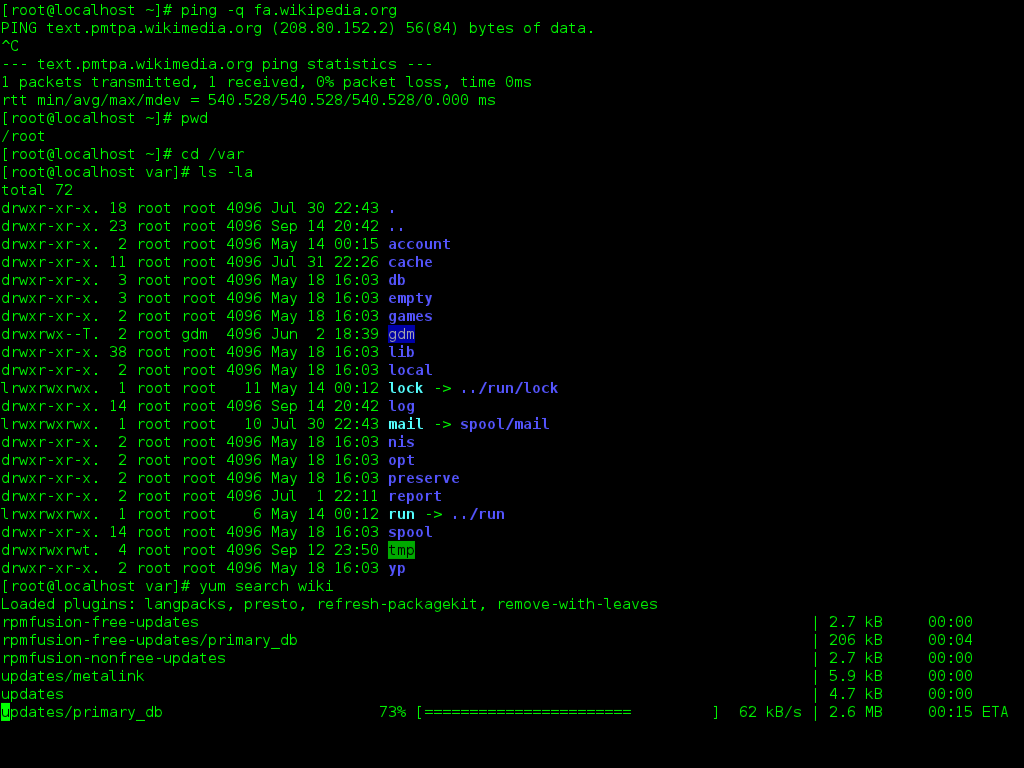
It might seem old-fashioned, but the CLI is incredibly efficient for many tasks. It allows for powerful scripting and automation, and it uses very few system resources. In cloud computing and server management, where you often connect to computers remotely without a display, the CLI isn't just an option—it's a necessity. Learning to use it is a fundamental skill for any Linux user.
The core concept of Linux is getting familiar with the terminal.
Who was the original creator of the Linux kernel?
What is the primary role of an operating system's kernel?
This foundation gives you a map of the Linux world. You know where it came from, how its core works, and how it's packaged for users. Next, we'll start exploring that world with our first commands.