LinkedIn Profile Optimization for Recruiters
Profile Basics
Your Profile Photo
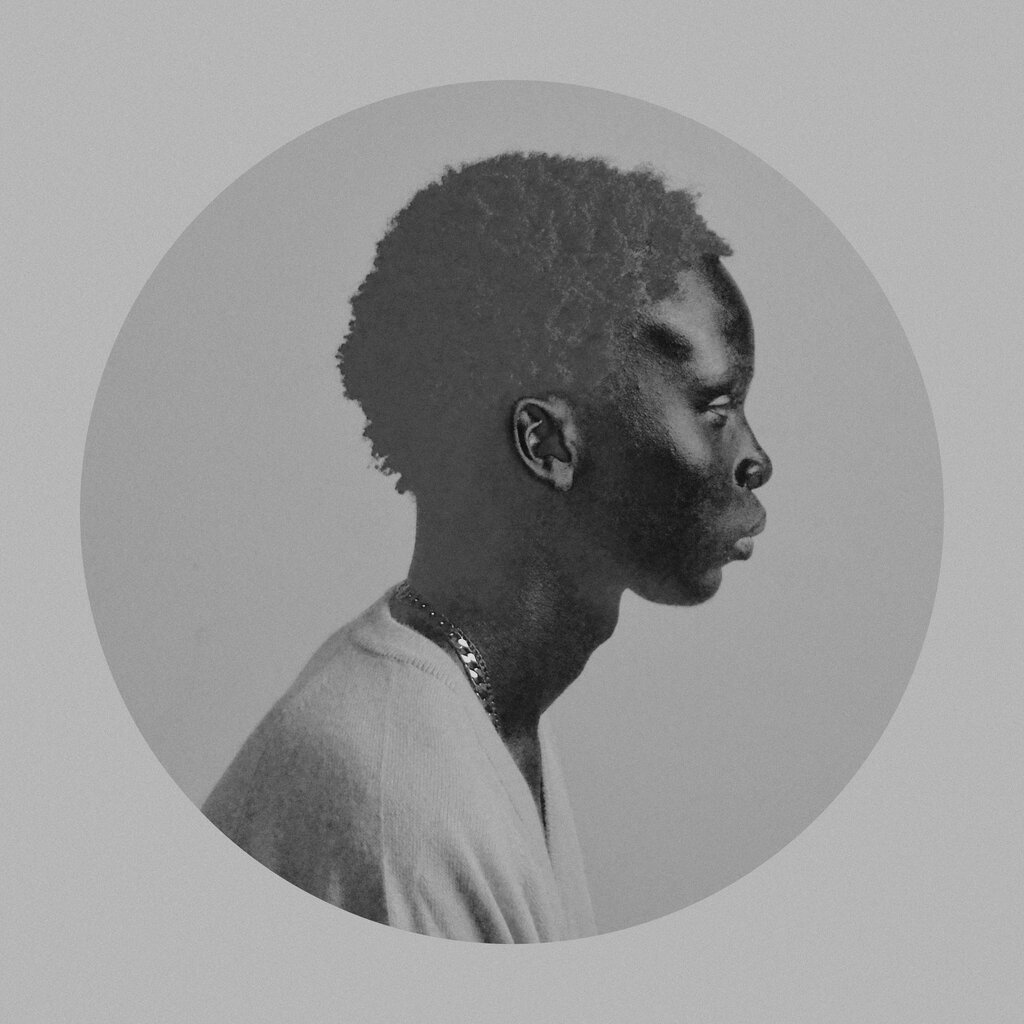
Your profile picture is the first thing people see. It’s your digital handshake. A good photo builds trust and makes you seem more approachable. Without one, your profile can look incomplete or even fake.
People are more likely to respond to a friendly face than just text on a screen, so be sure your LinkedIn profile includes a clear, professional photo – one where you’re smiling and the only person in the frame (no group shots or pets).
So, what makes a photo professional? It doesn't need to be taken by a high-end photographer. Your phone's camera is often good enough. Just follow a few simple rules:
- Frame it right. It should be a headshot, showing your head and shoulders. People want to see your face clearly.
- Keep the background simple. A solid-colored wall or a blurred-out, non-distracting background works best. Avoid busy or unprofessional settings.
- Look approachable. Smile and look directly at the camera. This makes you seem confident and friendly.
- You're the star. Don't use a group photo, a picture with your pet, or a logo. The photo should be of you, and only you.
The Headline
Right below your name is your headline. By default, LinkedIn fills this with your current job title and company, but you can—and should—write your own. This is your personal tagline. It follows you everywhere on the site, from search results to comments you leave on posts.
A great headline does more than state your job. It tells people who you are and what you do. Think of it as a 120-character elevator pitch. A strong headline often includes keywords relevant to your industry, which helps recruiters find you through searches.
Instead of just your title, try a formula like: [Your Role] | [Your Specialization or Value You Provide]
This structure helps you be both clear and compelling. Let's look at how a few small changes can make a big difference.
| Generic Headline | Compelling Headline |
|---|---|
| Software Engineer at Tech Corp | Software Engineer |
| Marketing Manager | Marketing Manager |
| Project Manager | Certified PMP |
Notice how the compelling headlines are more specific. They use keywords like "scalable backend systems," "data-driven content strategy," and "Certified PMP." These are the exact terms a recruiter might search for.
The Summary
If your photo and headline get someone to click on your profile, your summary is what convinces them to stay. This is your chance to tell your professional story in your own words. It's an open space, which can be intimidating, but a simple structure can help.
Your LinkedIn profile is your digital brand,” says Lianne Zhang, a director of talent at Milestone Technologies. “I can't tell you the number of times where we had two equally qualified candidates and the one with the stronger LinkedIn profile got the job.
A good summary, often called the "About" section, should be written in the first person (using "I" and "my"). It feels more personal and direct. Aim for three short paragraphs:
- The Hook: Start with a powerful opening statement. Who are you professionally, and what are you passionate about? What's your mission?
- The Evidence: In the next paragraph, back it up. Briefly mention your key experiences, skills, and major accomplishments. Use numbers and data where possible to quantify your impact.
- The Call to Action: End by telling people what you want them to do next. Are you open to new opportunities? Looking to connect with others in your field? Invite them to reach out.
For example:
I'm a user experience designer who loves solving complex problems with clean, intuitive design. I believe technology should make life easier, and my goal is to create products that people genuinely enjoy using.
Over the past five years, I've led design on three major mobile apps, increasing user retention by an average of 30%. I'm skilled in Figma, user research, and prototyping, and I thrive in collaborative, fast-paced environments.
I'm currently seeking new opportunities and am always open to connecting with fellow designers and product leaders. Feel free to send me a message here on LinkedIn.
This section brings your professional identity to life. It’s where you connect the dots between your past experiences and your future goals, giving recruiters a clear picture of the value you bring.
What is the primary purpose of customizing your LinkedIn headline instead of using the default job title?
Which of the following describes the best type of profile photo?