LinkedIn Profile Optimization for Recruiters
Profile Basics
Your Profile Essentials
Your LinkedIn profile is often the first impression a recruiter or potential collaborator has of you. Think of it as your digital storefront. A few key elements can make the difference between getting noticed and getting passed over. Let's focus on the three most important parts: your photo, your headline, and your 'About' section.
The Perfect Photo
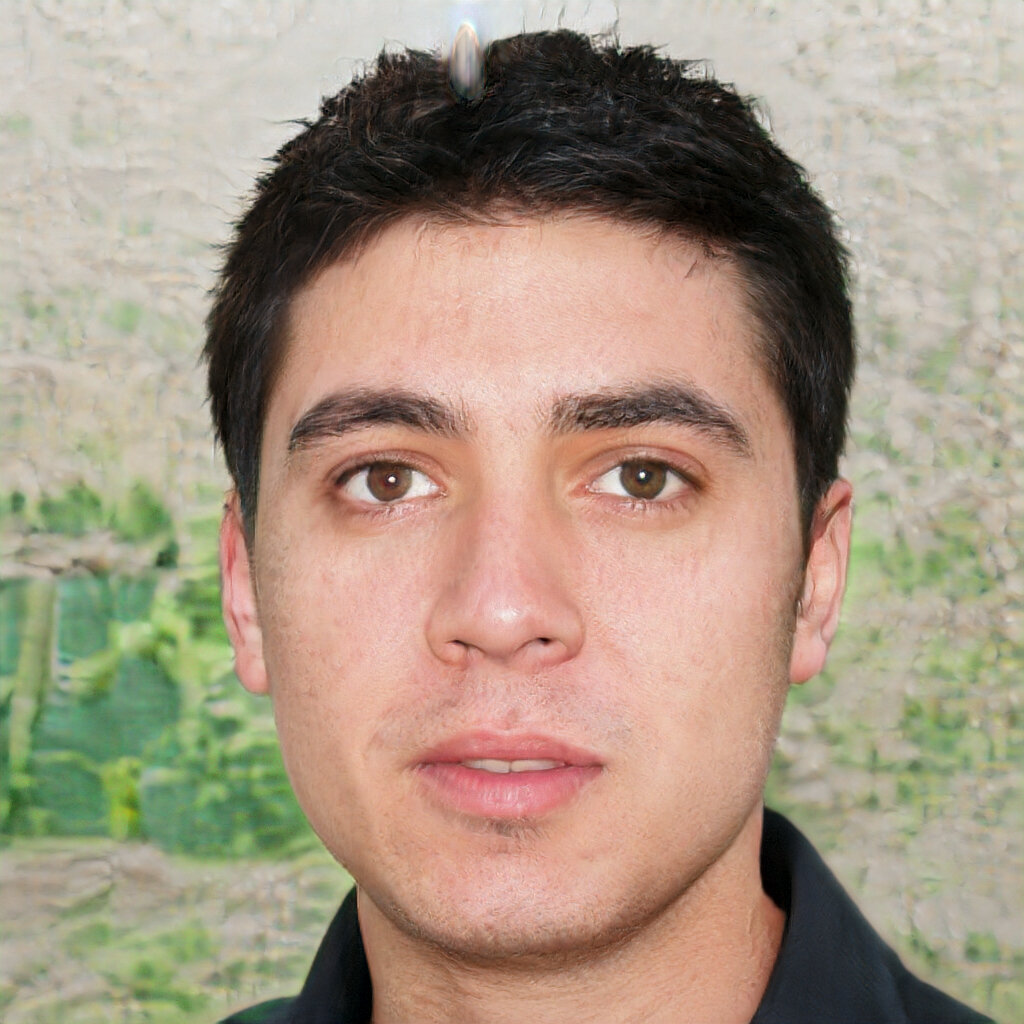
A profile without a picture can seem incomplete or inactive. Adding a professional photo is one of the quickest ways to increase your profile's visibility. It helps people put a face to your name, making your profile more memorable and trustworthy.
People are more likely to respond to a friendly face than just text on a screen, so be sure your LinkedIn profile includes a clear, professional photo – one where you’re smiling and the only person in the frame (no group shots or pets).
So, what makes a good profile photo? It doesn't need to be taken by a professional photographer, but it should be clear and professional.
- Frame it right: Your face should take up about 60% of the frame. A headshot from the shoulders up is ideal.
- Keep it simple: Use a clean, uncluttered background. A solid-colored wall or a subtly blurred outdoor setting works well.
- Dress the part: Wear what you would for a job interview in your field.
- Look approachable: A warm, genuine smile goes a long way. Make eye contact with the camera to create a connection.
Craft Your Headline
Your headline is the short description that appears right under your name. It follows you all over LinkedIn, appearing in search results and next to your comments. It's your professional tagline, and it needs to be more than just your job title.
Think of your headline as a mini elevator pitch. It should quickly tell people who you are, what you do, and what value you bring.
A strong headline often includes your role, your area of expertise, and a hint of your unique value. A simple formula you can adapt is:
[Your Role] | [Your Speciality or Key Skill] | [What You Help People/Companies Achieve]
This structure is far more compelling than the default "Software Engineer at Tech Corp."
| Headline Example | Why It Works |
|---|---|
| Marketing Manager at Innovate Inc. | Basic, but not descriptive. |
| Marketing Manager | SEO & Content Strategy |
| Financial Analyst | Just a title. |
| Financial Analyst Specializing in M&A | Turning Complex Data into Actionable Growth Strategies |
Tell Your Story
The 'About' section is your chance to expand on your headline and tell your professional story. Don't just list your skills or rehash your resume. This is where you can show some personality and connect with the reader on a human level. It's your opportunity to weave your experience, skills, and aspirations into a compelling narrative.
Write in the first person. Using "I" and "me" makes your summary more personal and engaging than a formal, third-person biography.
A good 'About' section should be easy to read and structured logically. Try this approach:
- The Hook: Start with a strong opening sentence that summarizes your professional identity or mission.
- The Experience: Briefly describe your key areas of experience and expertise. Mention 2-3 significant accomplishments.
- The Passion: Share what you're passionate about in your work. What problems do you love to solve?
- The Future: Briefly state your career goals or what you're looking for next.
Keep it concise—a few short paragraphs are perfect. You can also use bullet points to list key skills or specialties to make the section scannable for busy recruiters.
Let's check your understanding of these core profile elements.
For an ideal LinkedIn profile photo, your face should take up approximately how much of the frame?
Which of the following is the most effective and descriptive LinkedIn headline?
With a strong photo, headline, and summary, your LinkedIn profile will be well-equipped to make a great first impression.