LinkedIn Profile Optimization for Recruiters
Profile Photo and Headline
Your First Impression
Your LinkedIn profile picture is your digital handshake. It’s often the very first thing a recruiter, potential client, or future colleague will see. A good photo builds trust and makes you seem approachable, while a bad one can be an instant turn-off.
The goal is a professional headshot where your face is clearly visible. This doesn’t mean you need to hire a professional photographer. A simple photo taken with a smartphone can work perfectly, as long as it's high-quality and you pay attention to a few key details.
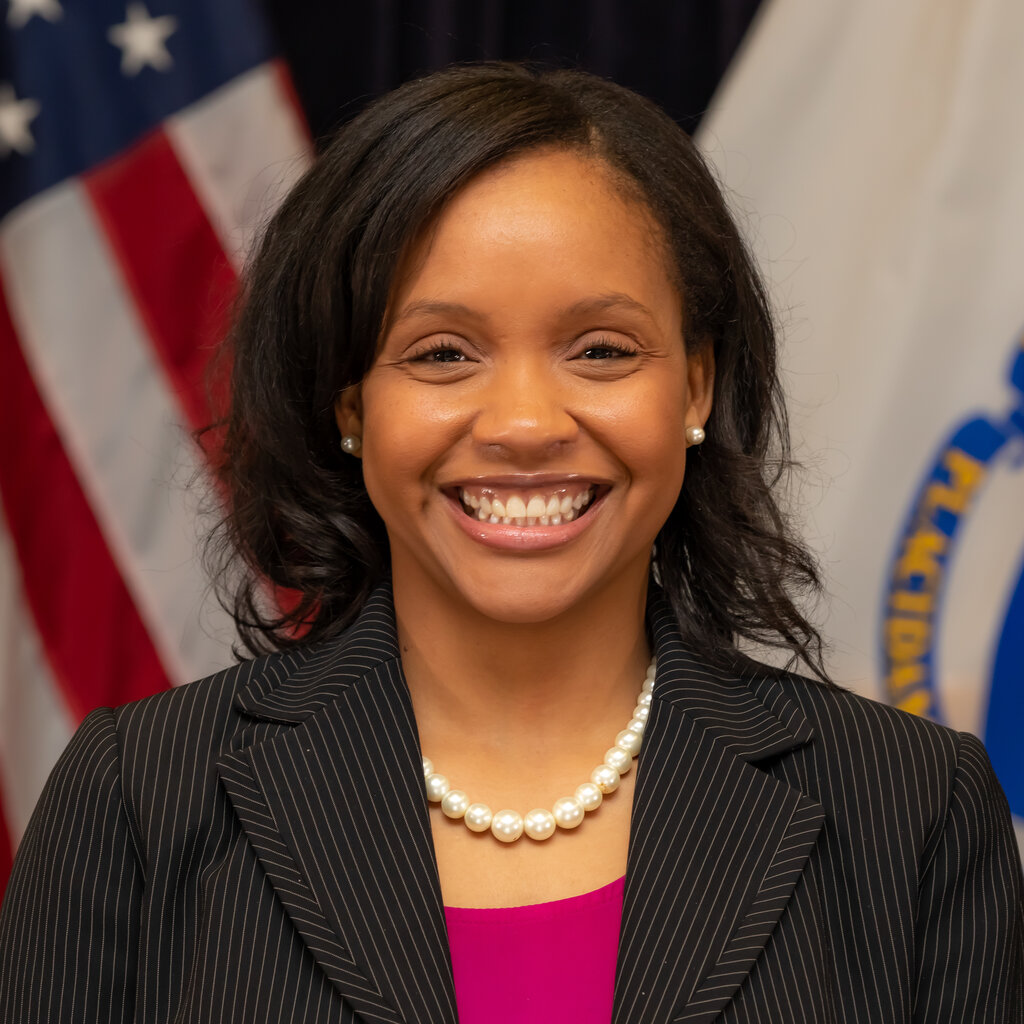
Photo Do's:
- Use a recent, high-resolution photo.
- Dress as you would for an interview in your industry.
- Have a simple, uncluttered background.
- Smile and look at the camera.
Photo Don'ts:
- Use a group photo or a cropped picture from a party.
- Have a distracting or unprofessional background.
- Use a selfie taken at a low angle.
- Hide your face with sunglasses or a hat.
Craft a Headline That Works for You
Your headline is the short description right under your name. By default, LinkedIn uses your current job title, but you can—and should—customize it. This is your chance to tell people exactly who you are and what you do in 220 characters or less.
The headline is the most searched part of LinkedIn.
A strong headline goes beyond your job title. It highlights your key skills, your industry, and the value you bring. Think of it as your professional tagline. A simple but effective formula is to combine your role with your main areas of expertise.
| Before | After |
|---|---|
| Marketing Manager at ABC Corp | Digital Marketing Manager |
| Student | Computer Science Student |
| Project Manager | Certified PMP |
Notice how the "After" examples are much more descriptive. They use specific keywords that recruiters might search for, giving them a much clearer picture of the person's skills and professional focus.
Find and Use Your Keywords
Keywords are the terms that describe your skills, industry, and qualifications. Recruiters use these terms to search for candidates. Sprinkling the right keywords throughout your profile—especially in your headline—is one of the most effective ways to get discovered.
The more keywords you include in your profile, the better chance you have at being approached by a recruiter looking to hire someone in that related field.
How do you find the right keywords? Start by looking at job descriptions for roles you want. What skills or software are mentioned repeatedly? Check out the profiles of people who have the kind of job you're aiming for. What words do they use in their headlines and summaries?
Make a list of these terms and work them into your headline naturally. This small step can make a huge difference in how often your profile appears in search results.
What is the most important characteristic of a professional LinkedIn profile picture?
By default, LinkedIn populates your headline with your current job title. You should customize it.
Getting your photo and headline right sets a strong foundation for the rest of your profile.