LinkedIn Profile Optimization for Recruiters
Profile Basics
Your Digital First Impression
Your LinkedIn profile is your professional storefront. It's often the first place a recruiter, potential collaborator, or future boss will look to learn about you. Before they even scroll down to your experience, they see three key things: your photo, your name, and your headline. Getting these right is crucial for making a strong first impression.
Your LinkedIn profile is your digital brand,” says Lianne Zhang, a director of talent at Milestone Technologies. “I can't tell you the number of times where we had two equally qualified candidates and the one with the stronger LinkedIn profile got the job.
The Perfect Profile Photo
A profile without a picture can look incomplete or inactive. Adding a professional photo makes your profile more engaging and helps you appear more approachable. It puts a face to your name and builds a sense of trust right away.
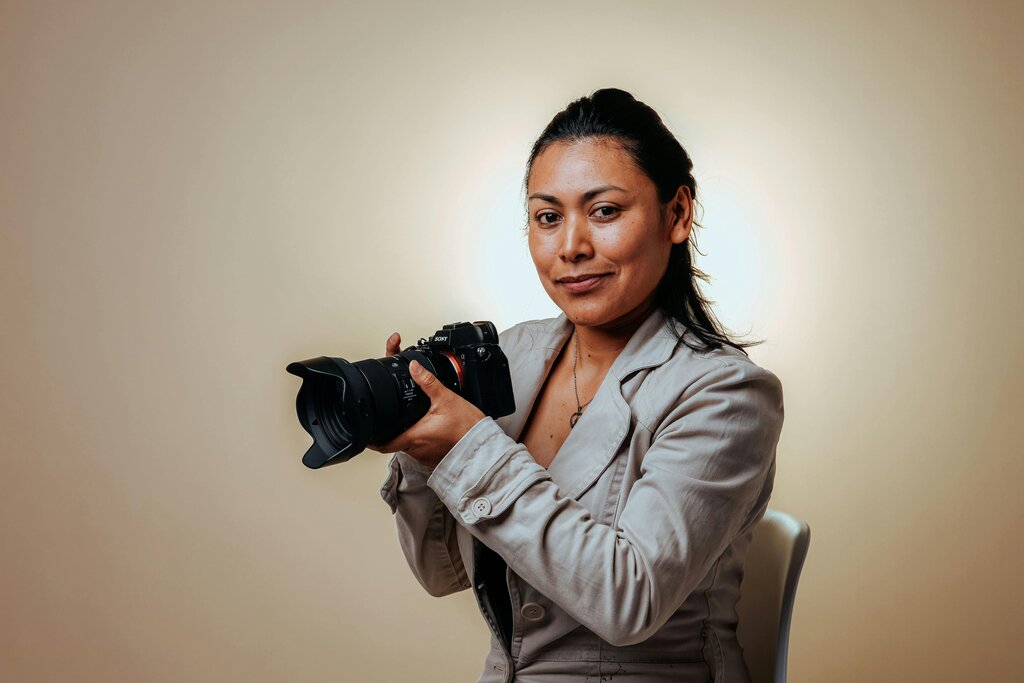
What makes a great profile photo? It doesn't need to be taken by a professional photographer, but it should follow a few simple rules:
- Use a high-quality headshot. Your face should take up about 60% of the frame.
- You're the only one in it. Avoid group photos, pets, or family members.
- Dress professionally. Wear what you would wear to work or an interview in your field.
- Keep the background simple. A neutral, uncluttered background keeps the focus on you.
- Smile! A warm, genuine smile makes you seem friendly and confident.
Craft a Compelling Headline
Your headline appears right under your name and is one of the most visible parts of your profile. By default, LinkedIn uses your current job title and company, but you can—and should—customize it. Think of it as your professional tagline. It’s a short, powerful phrase that tells people who you are and what you do.
A strong headline goes beyond just a job title. It can include your industry, key skills, or what you're passionate about.
Let's look at an example. Instead of a simple headline like "Software Engineer at Tech Corp," you could write something more descriptive:
"Software Engineer specializing in Mobile App Development | Swift & Kotlin | Building User-Friendly Experiences"
This revised headline is much more informative. It tells recruiters your specialization, lists key technical skills, and hints at your professional values. It gives a much fuller picture of your expertise in just a few words.
Tell Your Story in the 'About' Section
If your headline is the tagline, your 'About' section is the short story. This is your chance to expand on your headline and give people a deeper sense of your professional journey, motivations, and goals. It’s a space to show your personality and communicate what makes you unique.
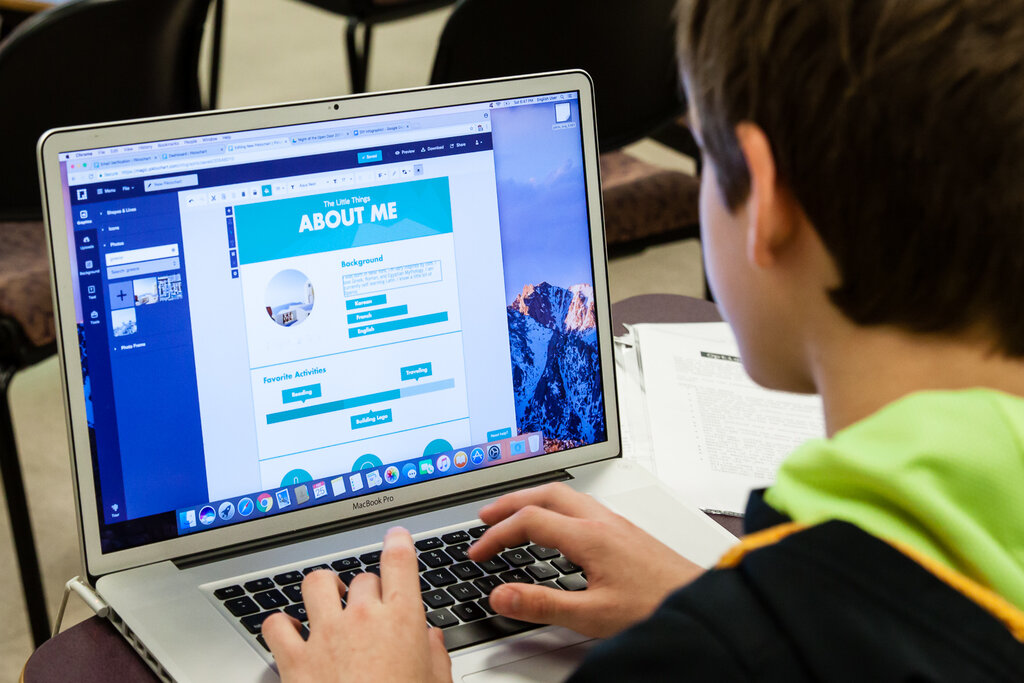
A good 'About' section should be written in the first person and be easy to read. You can structure it in a few short paragraphs:
- Start with a strong opening. Briefly introduce yourself, your current role, and what you're passionate about professionally.
- Highlight key experiences and skills. Mention a few of your proudest accomplishments or core skills. Connect them to the value you bring.
- Show your human side. What drives you? Are you a problem-solver, a creative thinker, a team builder? Let people know what you care about.
- End with your aspirations. Briefly mention what you're looking for, whether it's new opportunities, collaborations, or connections in a specific field.
Don't just list your skills—weave them into a narrative. Tell the story of your career so far and where you want to go next.
With a great photo, a sharp headline, and a compelling summary, you've built a solid foundation for your professional brand on LinkedIn.