LinkedIn Profile Optimization for Recruiters
Profile Basics
Your Professional Handshake
Your profile picture is the first thing anyone sees on LinkedIn. It’s your digital first impression, and it matters more than you might think. Profiles with a professional photo get significantly more views and connection requests. This isn't about being photogenic; it's about appearing credible and approachable.
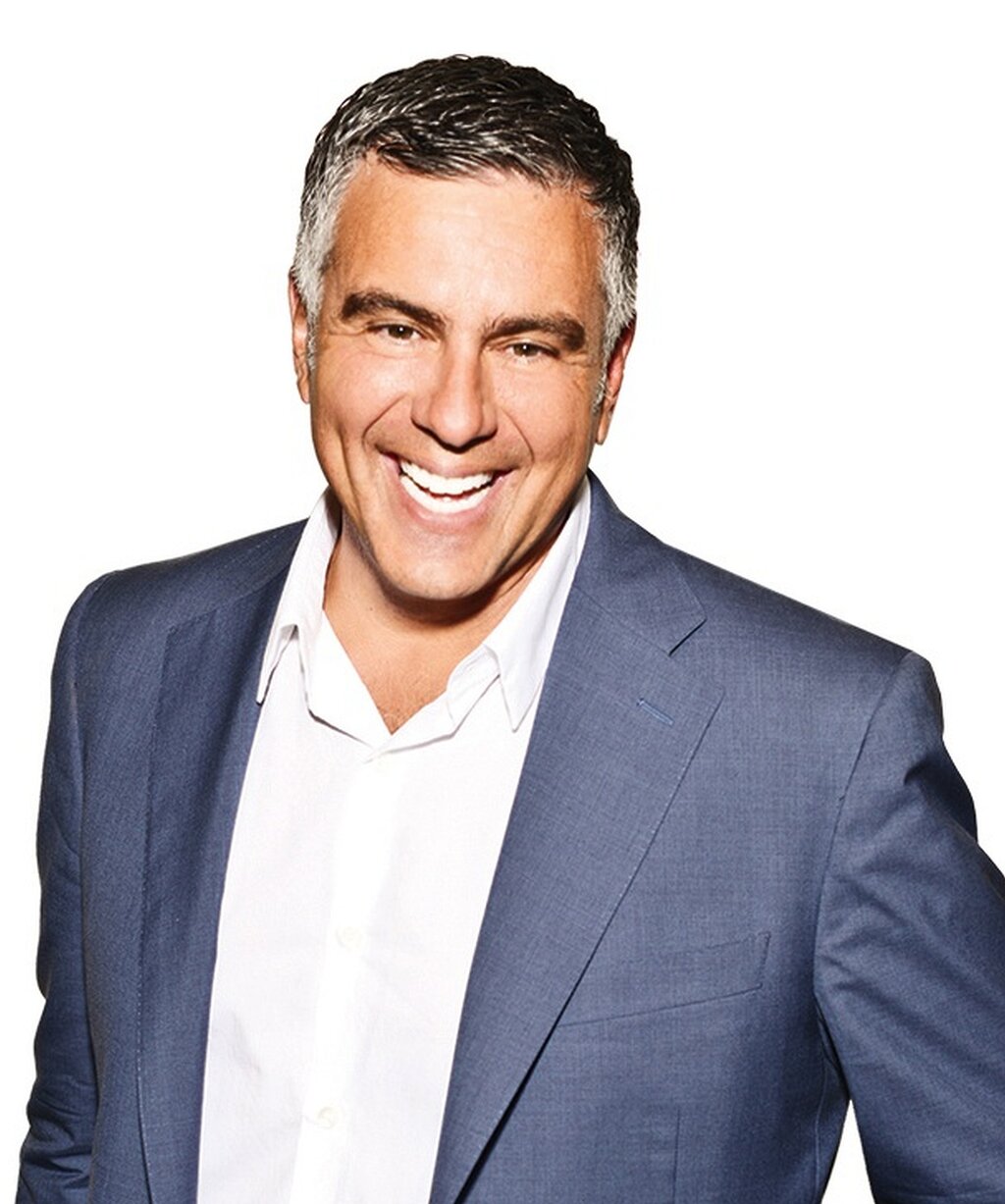
So, what makes a photo “professional?” It should be a high-resolution headshot where your face is clearly visible. You should be the only person in the picture. Dress as you would for work in your industry, and aim for a simple, non-distracting background. A friendly, confident expression goes a long way. This small detail builds trust before anyone even reads a word about your experience.
People are more likely to respond to a friendly face than just text on a screen, so be sure your LinkedIn profile includes a clear, professional photo – one where you’re smiling and the only person in the frame (no group shots or pets).
The Headline That Hooks
Right below your name is your headline. This isn't just a spot for your job title. Think of it as a 220-character billboard that follows you all over LinkedIn. It appears in search results, next to your comments, and in connection requests. A great headline grabs attention and tells people exactly what you're about in a single glance.
Instead of just writing “Marketing Manager at Company X,” pack it with value. What do you do? Who do you help? What makes you unique? Use keywords that recruiters in your field would search for. This makes you more discoverable.
A simple formula for a strong headline is: [Your Role] | [Your Specialization or Key Skills] | [What You Accomplish]
For example: “Software Engineer | Python & Machine Learning Enthusiast | Building Scalable AI Solutions” tells a much richer story than just “Software Engineer.”
Tell Your Story
The “About” section is your chance to expand on your headline and give a narrative to your career. This is where you connect the dots between your experiences and show some personality. It shouldn’t be a dry list of responsibilities. Instead, write in the first person (“I” statements) to create a direct connection with the reader.
Start with a powerful opening sentence that summarizes your professional identity. Then, briefly touch on your key areas of expertise, your biggest accomplishments, and what you’re passionate about professionally. You can even mention your career goals or what you’re looking for in your next role. Keep paragraphs short and use bullet points for readability if you’re listing specific skills or achievements.
Your LinkedIn profile is your digital brand,” says Lianne Zhang, a director of talent at Milestone Technologies. “I can't tell you the number of times where we had two equally qualified candidates and the one with the stronger LinkedIn profile got the job.
Think of it as your professional story, told by you. A compelling summary makes recruiters want to keep scrolling to learn more.
Time to check your understanding of these core profile elements.
What is the primary purpose of a LinkedIn headline?
True or False: The 'About' section on your LinkedIn profile should be written in the third person, like a formal biography.
With a strong photo, headline, and summary, you've built the foundation of a powerful LinkedIn profile.