LinkedIn Profile Optimization
Introduction to LinkedIn
What Is LinkedIn?
Think of LinkedIn as a massive, ongoing professional conference. It's a social network, but instead of sharing vacation photos, you share your career achievements and professional insights. It's the world's largest platform for connecting with colleagues, finding jobs, and building your professional reputation.
Unlike a static paper resume, your LinkedIn profile is a living document. It's where you can showcase your skills, experience, and career goals to a global audience of professionals, including recruiters and hiring managers at companies you admire.
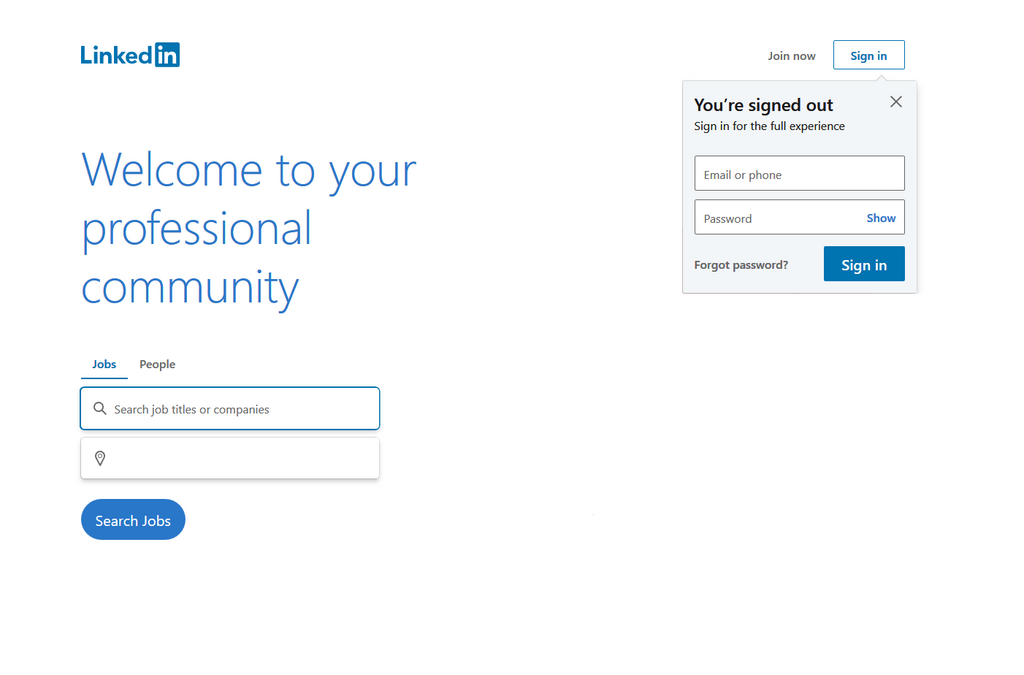
A well-curated LinkedIn profile can act as a dynamic resume, showcasing your skills, experiences and professional aspirations to potential employers.
Why Bother With a Profile?
You might wonder if it's worth the effort. The simple answer is yes. Recruiters are constantly searching LinkedIn for qualified candidates. When they look for someone with your skills, a strong profile ensures you show up in their search results.
They don't just look at your job titles. They scan your profile for specific keywords related to skills, software, and industry experience. Having a complete and thoughtful profile makes you visible to opportunities you might not even know exist. It's like having a personal billboard that works for you 24/7.

Beyond job hunting, LinkedIn is a powerful tool for learning and networking. You can follow industry leaders, join groups focused on your interests, and stay updated on the latest trends in your field. It's a place to connect with former colleagues, classmates, and new contacts who can help you along your career path.
A Quick Tour
When you first log in, the layout can seem busy. Let's break down the main areas you'll use most often.
Here’s what each section is for:
- Home: This is your news feed. It shows posts from your connections, companies you follow, and content LinkedIn's algorithm thinks you'll find interesting.
- My Network: Here you can see and manage your professional connections. You'll also find invitations to connect from other people and suggestions for new people to add.
- Jobs: The job-hunting hub. You can search for open roles, set up alerts for specific types of jobs, and see positions where you might be a good fit.
- Messaging: This is your professional inbox for private conversations with your connections.
- Me (Your Profile): This dropdown takes you to your own profile page, where you can view and edit your information. This is what others see when they look you up.
Now that you know the basics, you're ready to start building a profile that works for you.
What is the primary purpose of LinkedIn as a social network?
True or False: A LinkedIn profile is a static document, much like a paper resume, that you create once and rarely update.